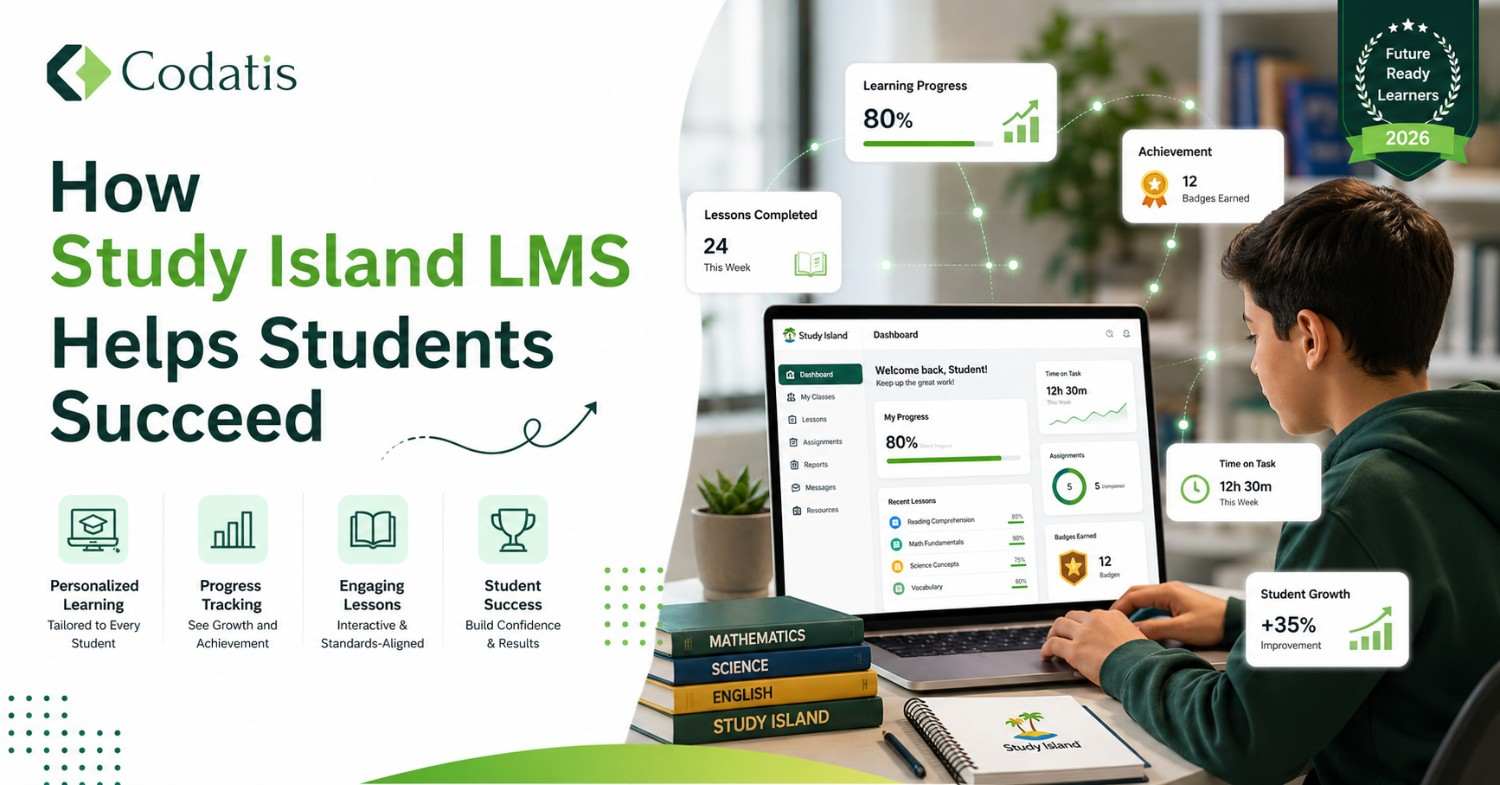
Instructors usually find it difficult to keep track of which students have understood the lesson and which are lagging because every student has a different learning pace. This is why modern classrooms need data-driven tools that can help make the learning experience engaging. Study Island is an LMS software that tackles this challenge by balancing strict state standards with interactive practices that make the learning process engaging.
What is Study Island Software?
Study Island LMS Software is a web-based K-12 learning and assessment platform that helps students master state-specific academic standards. It allows students to get instant feedback and rewards by practicing their main subjects. Study.Island also enables teachers to find out the learning gaps and helps them give students the exact support they need.
Who Can Use Study Island?
It is a versatile platform that can be used by multiple parties to support fun learning. There are different groups of users within the school who can use this software. These include:
- Teachers can assign learning content, track student progress, and identify any possible gaps through Study Island.
-
- Students can use it to practice subjects and take quizzes to earn rewards.
- Administrators use district-wide reports to monitor students’ academic performance.
- Parents or guardians can click on study island/login and enter relevant details to find out about their child’s progress through grades or other available information.
Features Of Learning Island
This platform provides an opportunity for students to make their learning experience a lot more exciting and engaging than traditional methods. It achieves this purpose through its tools and features. Study Island LLC offers the following features that make it a great option for teachers and students:
| Feature | What It Does | Classroom Benefit |
| Diagnostic Cross-Mapping | It integrates with NWEA MAP and Star Assessments to automatically read test scores and create a personalized learning path for the student | It identifies and provides a custom path to the student to help them make up for their weak areas. |
| Automated Remediation | The skill levels are automatically lowered if a student struggles. | It fixes skill gaps without having to wait for the teacher. |
| Group Sessions | Allows multiple people, including students and teachers, to collaborate and discuss any topic in detail to gain different insights. | This feature of the app Study Island helps boost engagement during test review seasons. |
| Sensei Teacher Dashboard | App. studyisland displays color-coded mastery cards. | It spots struggling students in specific topics in just a few seconds. |
| The Teacher Toolkit | Stores pre-made lesson plans and videos | This saves prep time with instant teaching materials. |
Student Engagement And Motivation
The moment a Study Island student login is done, they are in for something creative. This platform is designed in such a way that it succeeds in retaining the attention of the students through rewards and other incentives that become a source of motivation for them. Some examples are listed as follows:
The Blue Ribbon Reward System
The blue ribbon is as popular as the Study Island logo itself because it is considered to be a milestone. It gives students a clear goal to strive for, like they will get the ribbon if they get at least 70% in the course. Ribbons appear on the student dashboard next to mastered topics, which builds a sense of progress.
Practice Mode vs. Game Mode
After Study Island sign-in, students are given a chance to choose how they want to answer their assigned questions. The Practice Mode focuses on learning through features like text-to-speech tools and digital scratchpads. On the other hand, students can also get game breaks in the game mode to make studying enjoyable.
How To Use Study Island In The Classroom
StudyIsland.com allows users to make their data useful by giving clear analytics that can help in making the right decisions that support learning. It can be used in the following ways for maximum benefit:
The 3-Step Learning Loop
Teachers use a structured cycle to ensure students learn the material before practicing independently. The Study Island login for teachers enables them to first give directions through textual or visual methods on Study Island. Then, they can conduct a live group session to encourage participation, use visual cues like flashcards, and clear any confusion. Study Island login for students to let them learn at their pace to earn their rewards.
Bell Ringers and Exit Tickets
Study Island app gives teachers a chance to make the start and end of the lesson fun. They can add an interesting question or trivia in the beginning that can serve as a warm-up to motivate the students to start their day with vigour. Similarly, in the last few minutes, teachers can send a short quiz on student devices using Checkpoint Mode. The teacher sees a live screen as the student solves it to evaluate who understood the lesson and who still needs help.
Study Island Login To Parent Portal To Use It At Home
Study Island home login option for students and parents provides an opportunity to learn beyond the bounds of time and space. It ensures that the process of learning is facilitated even if the students are not physically present in the school at the moment.
Parents can sign in to the studyisland.com login portal at home to view the reports of their children to get a better idea of how they are performing in core subjects like maths and science. This enables them to contribute to their child’s learning by helping them understand a topic by identifying their strengths and weaknesses.
Study Island Cost
Study Island login is not free. It varies with the size of the school and the licensing type that is chosen by you. The number of subjects also influences the pricing. The common subscription models for schools include:
- Per-Student Cost starts at $5.50 per student for a single subject each year.
- Multi-Subject Bundles range from $11 to $22+ per student annually for all core subjects.
- Classroom Packages: $299 per year for up to 25 students in one subject.
- District Discounts: Large schools get lower prices per seat.
There are different plans for home and personal use. The monthly plans are about $10 to $15 per month for one child. The family plans range from $16 to $25 per month for multiple children. If you buy Study Island software with a teacher training course, you will have to pay additionally.
Conclusion
Study Island LMS software stands out among online learning platforms because of its state-by-state standards alignment without making the learning process boring. Its diverse features encourage exciting learning through its reward-based formats. Teachers and parents can use it for tracking student progress and analytics to find out the strengths and weaknesses of the students. You can read Study Island reviews to compare it with its alternatives to make the best choice for your
FAQS
Can I get Study Island Software for home-based use?
Parents can purchase a private Study Island home subscription to use the program. The platform offers both single-student and family monthly plans that cover multiple children
Is Study Island Software Free?
No. It is a subscription-based service. For schools, the pricing starts around $5.00 to $5.50 per student per subject. Home plans range from $10 to $25 per month. Edmentum occasionally offers a 10-day free trial for home users to test the platform before committing to a plan
Can Study Island be used on mobile phones?
Yes. The cloud-based software can be used on mobile phones. Study Island has a web application, and it also offers a mobile app for both iOS and Android devices.
Does Study Island LMS support multiple languages?
Study Island primarily supports the English language. The learning management systems integrated with it may use browser-based translation tools, but the actual question banks are written and delivered in English only.
Can teachers create their own custom tests?
The software has a built-in Test Builder tool that is accessible from the teacher dashboard. Instructors can title a new assessment and choose from a bank of over 600,000 unique questions to build custom quizzes.