Have you ever tried comparing corporate LMS software? Then you already know how it goes. You open four to five tabs, skim through specifications and features, and might have booked a couple of demos. Now, everything sounds the same. AI-powered learning, mobile access, API support, and compliance; all the checkboxes get ticked, making it hard to tell which one is actually good to go.
What really separates these tools isn’t features, definitely. It lies in what it is, what it’s for, and what its purposes are. The most intriguing thing is to know where it starts lacking once you optimize them in your workflow.
This is exactly what we have tried to break down in the following LMS platforms. It not only tells about the promises and framework but also includes how they fit in different cases. You can learn more about LMS and its categories; firstly, let’s start with the corporate one:
What Is Corporate LMS?
Aiming to drive better business outcomes, this is the most common goal of learning management solution. Its core value lies in training and tracking internal employees and external customers. These software solutions include deep integration with software products like Salesforce and Workday.
Simply put, it helps companies with training, onboarding, and performance tracking of their employees. The software also ensures that employees are learning the skills required to make their work better.
How Does A Corporate LMS Work?
We can ask better questions and gain understanding in demos if we already have know-how about what happens under the hood. This is how it goes:
- Content Creation: Admin or HR adds content like videos, PDFs, API packages, and various modules in the form of courses. AI course builders are also integrated to provide quality learning material for employees. This plays a crucial role in employee upskilling and development.
- Course Assignment: A corporate LMS enables management to assign tasks, set rules, and automate reminders. Some platforms trigger assignments based on changes that occur in an employee’s position or onboarding.
- Learning Delivery: A good solution makes this stage engaging and fruitful. At this point, learners can access courses and take quizzes. This helps users earn certificates on their available devices.
- User Management: Learners can be added either individually or through a CSV file. Later on, they will be assigned to groups based on their roles and department.
- Tracking and Reporting: The system keeps track of every quiz completed, time spent per module, and certification status. Modern learning systems come up with intuitive dashboards to monitor training ROI and skills-gap insights.
- Iteration: This data is effectively used to fill skill gaps, improve content, and report on the effectiveness of training to stakeholders. This is where most platforms underdeliver compared to what they promise in demos.
Top 10 LMS Software For Corporate Training in 2026
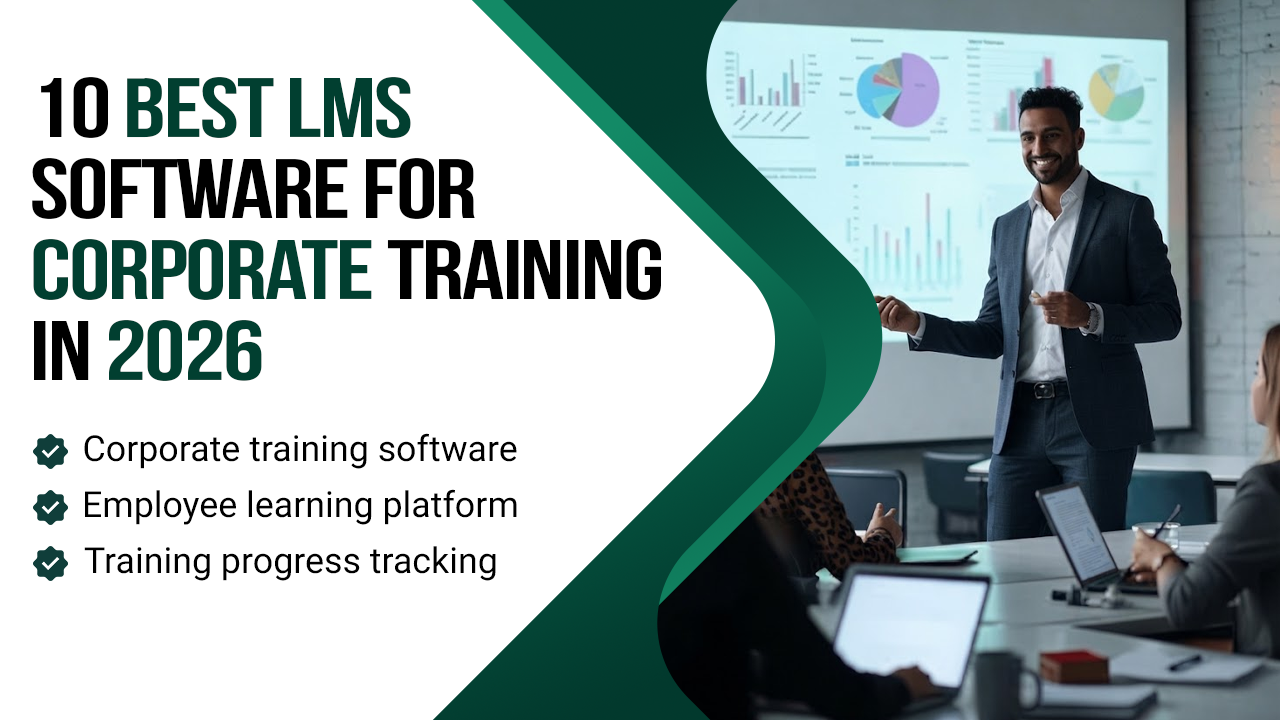
Corporate training demands more than uploading courses or evaluating quiz scores. The workforce in 2026 expects a flexible upskilling path that can be accessed anywhere, anytime. Modern LMS solutions are also powered by AI and deep integration options to offer a seamless workflow, actionable insights, and make training both engaging and efficient. The top-ranked LMS used for corporate training are as follows:
-
Absorb LMS
It is best suited for complex and engaging training needs. If you are a business with multiple departments and varied content types with lots of moving pieces, Absorb LMS is a good option to kneel down. It has a very unique feature: an “observational checklist” that you rarely find in any other learning solution.
The software is best utilized in healthcare, retail, and logistics because it has a structured workflow if you gotta find someone to perform a particular task. Another exceptional feature is its 24/7 in-house support.
-
360 Learning LMS
Companies investing in peer upskilling and rapid knowledge transfer are trying to make the most of this learning solution. It works the opposite way; unlike other LMS software, it allows subject matter experts to create and upload courses. The solution also holds them accountable through peer feedback and relevance scoring.
It is one of the easiest platforms to try before you buy 360 Learning LMS. It offers a 30-day trial with zero annual lock-in on the entry plan/ month. The solution has a built-in skills and job library to excel and upskill.
-
Docebo
This corporate LMS is designed to deal with complex frameworks. In simple words, if you are an organization running in multiple regions with different compliance requirements, Docebo is a strong choice. The solution has depth and a serious AI Layer called Harmony; it bills on the basis of active users, making it more affordable. The only place where this system lags is limited interface customization and the inability for admins to add a proxy in a learner’s account. This is a real operational gap at the enterprise level.
-
SAP Litmos
This software is renowned for its simplicity and speed. The greatest strength of SAP Litmos lies in seamless integration with its large pre-built course library in almost every format. This makes it a good choice for enterprises, as they can launch courses anytime without waiting for content to be created first. The solution’s pricing is quote-based and also comes in the form of packages and bundles to meet the unique requirements of every company. The platform is quite handy because of its content library, but it doesn’t have such strong AI integrations like its competitors.
-
Tovuti
This software is good if you want more than courses and learning performance management from your LMS. The solution has a social infrastructure to support the culture development of continuous learning. To manage things efficiently, Tovuti features granular user group controls for access and reporting.
The red flag of this software is its complex backend, whereas in the demo it’s different. Many admins and Tovuti reviews stated that a steep learning curve is required to utilize this software. The pricing model of this solution is subscription-based. Companies aiming for an interactive learning structure for employee upskilling find Tovuti a good solution.
-
Moodle Workplace
Moodle is widely known for its flexibility and is a well-known LMS with an open-source framework. It can be downloaded easily but requires technical expertise to host, install, and get started. With thousands of plugins, users can easily mold it into almost anything. This has made Moodle a top choice for academics and non-profit organizations that want full control over their learning environment.
Its workplace model connects directly with HR systems through certified integrations. Moodle Workplace is only available through certified partners.
-
LearnUpon
It is a strong pick for organizations whose focus is not primarily on employee training only. Its multi-portal functionality is best for creating distinct, branded learning environments for virtual sales teams and international channel partners alike. LearnUpon is globally praised for its unbeatable 24/7 customer support, growth, and scalability.
The Pricing tier depends on the number of users and unlocked features. It serves best for customer onboarding, employee upskilling, blended learning,g and certification management. The only lack of this platform is that it has no built-in authoring tool.
-
Seismic Learning
This solution is not like other learning platforms. Its core purpose is to keep the sales rep sharp and productive. This makes it best for sales-heavy companies and a caution for everything else. AI integration helps in recommending personalized training to reps based on their role, duties, and experience. A senior AE and a new SDR have different needs; Seismic actually reflects that.
The issues of this platform include limited advanced assessment compared to other LMS software. Also, it has version control glitches during mid-training. Its blended multi-delivery makes it an outstanding choice for sales departments.
-
Rippling
The platform is a strong fit for HR departments who are exhausted with the fact “I have to remember to assign a training and then chase people to complete it.” This is the same problem that this software eliminates. Rippling has an automated structure of assignment triggering based on employee events. When a new hire is onboarded, there is no manual setup required for task assignment and sending reminders.
This platform updates completion and tracks performance in the same system as benefits and payroll. But if you require skill-gap analysis, agile learning, or in-depth trade-offs, the software is not built that way.
-
Talent LMS
For hybrid work settings, speed and ease of use are crucial. Talent LMS is good at it. It is an intuitive platform that offers blended learning, instructor-led sessions via Zoom or MS Teams integration. This platform is a reliable solution for SMBs looking for a central hub of all their training activities.
The pricing tier is also very transparent, starting off free with 5 users. Talent LMS has overwhelming feedback on its flexibility and customer service, making it shine globally. But enterprises with complex procedures find it a bit restrictive and less useful compared to SMBs.
If you think any of these are helpful to scale your organization, contact us for pricing quotes and detailed guidance.
Conclusion
The honest truth is no single platform checks all boxes for every category. The best corporate training platform for your organization is the one that solves your unique needs and caters to your business type.
Start with a free trial or demo on your hardest use case to find out whether it fits or not. We hope this helps you in your lookout for a perfect platform. But if you find it daunting, our experts are here to help you. Contact us. Early adoption positions organizations to upskill faster, engage learners, and future-proof their training initiatives.
FAQs
How is a corporate LMS different from a general LMS?
A general LMS is structured around academic needs and self-directed learning. A corporate LMS is developed for admins to reduce their workload and plays a crucial role in employee training and development. It is used to deal with compliance audits and ROI measurement, not for academic progress tracking.
What features should a corporate LMS have?
In the basic features, it must have course management, training assignments, assessment, user administration, learning paths, completion tracking, and certification management.
What is the ROI of implementing a corporate LMS?
ROI comes through reduced manual work, fewer compliance violations, faster onboarding, automated admin work, and improved employee retention linked directly to learning investment. For businesses with a high turnover rate, admin time savings and retention differences alone justify the cost within a year.
What’s the difference between SCORM and xAPI, do I need both?
SCORM is a standard for course uploading and completion tracking in your LMS. xAPI goes deeper by tracking learning that happens outside learning management software, including physical training and on-the-job performance. SCORM is sufficient if the training is solely course-based. To connect learning with real data, xAPI is required. Modern corporate LMSs support both.