Overview
Sevocity is a cloud-based, ONC-certified EHR built from the ground up for independent practices. It gives every provider their own templates, terminology, and documentation flow without forcing anyone to work around a one-size-fits-all setup. One thing worth knowing is that advanced modules like AI ambient documentation and telehealth are add-ons, not part of the base package, which means the full feature set comes at an extra cost.Sevocity Software Specifications
What is Sevocity?
Sevocity software is an integrated EHR and practice management platform created for independent healthcare practices seeking connected clinical and administrative workflows.
The system combines electronic health records, scheduling, billing, eligibility verification, and revenue cycle management.
This system also supports smoother coordination between the front office and clinical teams.
Sevocity Integrations
Third-party apps and tools integrations are supported by this EMR software solution, which includes:
What is Sevocity Premier Best for?
Sevocity EHR works best for medical practices that want automated scheduling, streamlined claims management, and stronger patient engagement tools. The platform supports real-time eligibility checks, electronic remittances, online payments, telehealth visits, appointment reminders, and patient portal access.
Healthcare teams can also monitor revenue performance through reporting dashboards while using integrated prescribing and billing features.
Who Is Sevocity EMR For?
This system is leveraged by:
- Internal Medicine
- OB/Gyn
- Pediatrics
- Mental Health & Psychiatry
- Cardiology
- Dermatology
- Endocrinology
- Gastroenterology
- Nephrology
- Neurology
- Otolaryngology
- Pulmonology
- Urology
How To Use the Sevocity Download?
Add your credentials for a unique Sevocity login and then follow these steps:
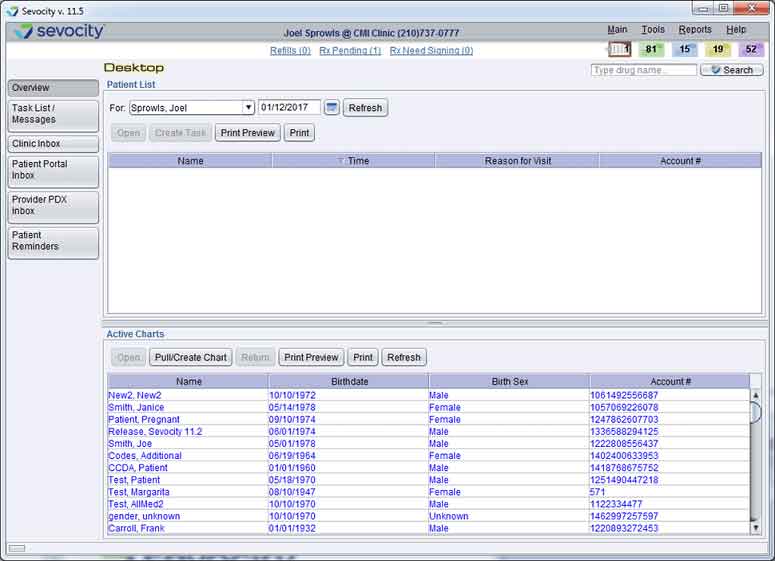
- Navigate to the dashboard
- Set up providers and office locations
- Add patient records and insurance details
- Schedule visits through automated calendars
- Verify eligibility during patient check-in
- Document encounters inside the EHR workflow
- Send prescriptions using integrated ePrescribe tools
- Launch telehealth appointments when required
- Submit clean claims through the clearinghouse
- Track remittances and payment posting
- Send reminders and online forms to patients
- Review revenue cycle reports and claim status
Book a free Sevocity demo for more details.
How Much Does Sevocity Cost?
Sevocity pricing is not published with a fixed public rate card because pricing depends on the number of providers, selected modules, and interface requirements specific to each practice. Based on information from the official website:
- Sevocity EHR (Standalone): Priced /provider/month
- Sevocity Premier (EHR + Practice Management): Priced/provider/month
- Add-On Modules (priced separately):
Connect with us for detailed estimates and a custom quote.
Why Choose EHR Sevocity?
Your clinic benefits from a scalable system that grows seamlessly as you add more providers or locations without additional maintenance burdens. It holds full ONC Health IT, ONC ACB certification, and helps you maintain strict HIPAA compliance, providing a stable, certified environment that simplifies your MIPS reporting and keeps your practice audit-ready. It also serves as a dedicated partner that includes free, live training and US-based customer support, ensuring your team stays productive while the software adapts to your unique clinical flow.
Contact our client assistance team to have all your doubts cleared. You can also watch a free demo and read unbiased Sevocity reviews.

Sevocity Features
Sevocity’s ambient AI documentation, powered by Suki, listens to the conversation during the patient encounter and builds a structured clinical note on its own. By the time the appointment wraps up, the note is ready for one-click review. It works inside your existing custom templates without changing your documentation flow.
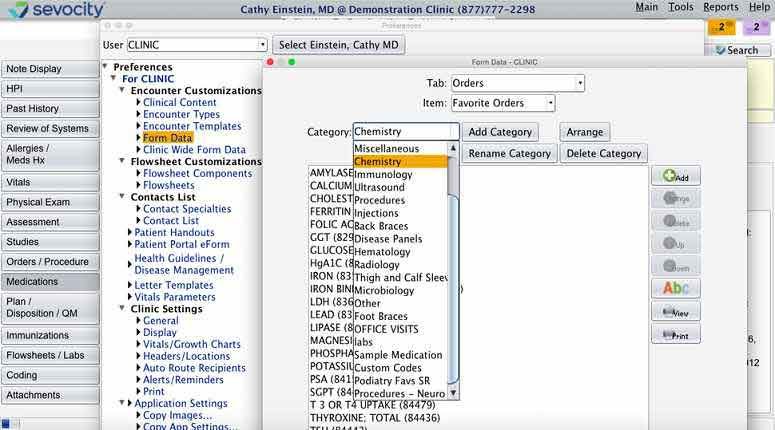
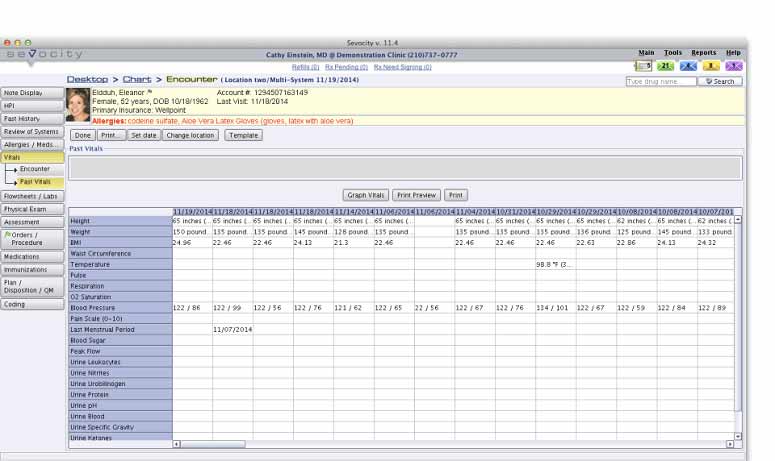
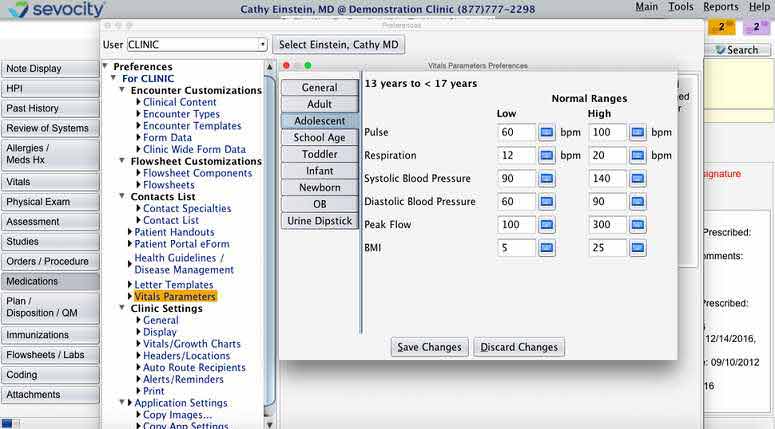
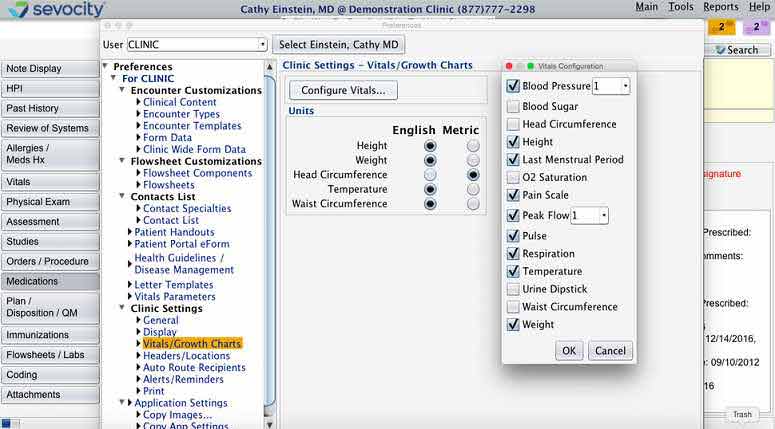
Each provider gets their own note structures, flowsheet layouts, order sets, and preferred terminology, all configured independently so one provider’s changes never spill over into someone else’s setup. Templates are built for your specialty from the start and can be modified further at any time.
The Sevocity patient portal lets people view released lab results, complete intake forms before they arrive, and message the practice securely. Appointment reminders, recall notifications, and online payment options are all part of the same system. For practices conducting video visits, it integrates telehealth directly into the encounter so providers can chart in the same note.
Sevocity PM login connects scheduling to real-time eligibility verification, so insurance issues get flagged before checkout rather than discovered after. Patient self-scheduling flows directly into the system without manual entry. Recall reminders, automated appointment confirmations, registration eForms, patient responsibility estimation, and a time clock are all built in.
When the clinical note is signed, the charge is created automatically. No re-entry, no delay. Claims run through the Etactics clearinghouse with pre-submission scrubbing to catch errors before they reach the payer. ERA payments auto-post, so billers spend time on exceptions. Denial management tracks root causes by payer and code. A/R aging, collection rates, and revenue reporting are all visible in one dashboard.
See The Software In Action Watch Free Demo!
Top Recommended Software
Sevocity Pros and Cons
Sevocity Reviews
My software review
Pros
The platform has been a dependable part of our daily operations. It handles core tasks smoothly and keeps everything organized without adding complexity.
Cons
Limited advanced customization options.
An excellent System
Pros
The software offers a good mix of features that support our workflow and improve efficiency. It covers most of our needs, though there are occasional areas where improvements could enhance usability. Still, it delivers solid value for the price.
Cons
Occasional lag in updates or syncing.
Frequently Asked Questions (FAQs)
Certainly not, Sevocity software does not have a free plan available.
Yes, Sevocity EMR is cloud-based.
English is the language that Sevocity EHR supports.
Sevocity PM allows buyers to get answers through phone support, chat assistance, an online form, and a resource library. You can also get details about Sevocity pricing.
Sevocity practice management supports mobile prescribing, giving providers remote access to ePrescribing functionality. Users access the platform through a single Sevocity login regardless of device.
Yes, Sevocity supports the FHIR R4 API as part of its ONC 2015 Edition certification.
Yes, the EHR Sevocity download supports access on mobile devices, with mobile prescribing functionality available for providers on the go.
Sevocity PM does not advertise a free trial but does offer a free personalized demo tailored to your specialty, which you can request directly on the official website.