Overview
Eclipse EHR combines digital charting with billing procedures and schedule handling to support everyday functions at healthcare locations, specifically chiropractic practices. You gain entry through a no-contract cloud version reachable on phones, tablets, or computers, regardless of system, or a dedicated program for Windows-based setups. One consideration involves longer wait times for compiling overviews when your database contains extensive past entries.
Eclipse EHR Software Specifications
What Is Eclipse EHR?
Eclipse Chiropractic is a healthcare software solution designed to manage patient records, clinical workflows, and practice operations. EclipseEHR helps providers document visits, handle prescriptions, and organize scheduling with ease. It keeps patient information structured and accessible, supporting accurate care services. Eclipse EHR improves efficiency by reducing manual tasks and bringing essential tools together, allowing healthcare teams to focus on delivering consistent and well-managed patient services.
What Is Chiropractic Eclipse Software Best for?
Eclipse practice management software helps teams maintain clear records, track activities, handle claims, integrate SOAP notes, and manage financial processes without confusion. It offers a reliable environment where information flows smoothly between functions, improving coordination. Trusted across numerous sites for more than three decades, this option handles everything from solo providers to busy multi-location teams processing substantial income flows quite effectively.
Eclipse EHR Integrations
Third-party apps and tools integrations are supported by this EMR software solution, which includes:
- Alveo
- Infinedi
- NCMIC
- OpenEdge
- DataHEALTH
- Hour:Mine
- Solutionreach
- OffiSign-In
- Waystar
Who Can Use Eclipse Chiro Software?
This system can be leveraged by all scales of operations of the following healthcare sectors and medical personnel:
- Chiropractors
- Physical Therapists
- Acupuncturists
- Medical Clinics
- Group Practices
- Cardiology
- Family Practice
- Orthopedic and Sports Medicine
- Plastic and Reconstructive Surgery
- Integrative Health Providers
- Massage Therapists
How Much Does Eclipse EHR Cost?
Eclipse EHR Cloud delivers straightforward monthly costs with no upfront fees or long-term agreements. You pay only for what your team actually needs and scale easily as your practice grows. Connect with the sales team for in-depth data about the Eclipse EHR pricing.
How To Use Eclipse EHR Solutions?
Add your staff credentials for an Eclipse EHR login to the cloud portal and explore the interface. After that, follow the given instructions:
- Set up your office locations and provider profiles through the main configuration menu.
- Create your daily schedule by dragging and dropping appointments onto the interactive calendar.
- Register new patients and gather their history using the digital intake and mobile check-in tools.
- Open a patient’s chart to start a SOAP note using pre-built templates customized to your specialty.
- Use the “One-Write” data system to pull history and previous findings into your current notes.
- Add diagnostic codes and treatment details that automatically sync with your billing ledger.
- Verify insurance coverage and submit electronic claims directly through the integrated clearinghouse.
- Send automated appointment reminders to patients via text or email to reduce missed visits.
- Review real-time practice reports to track your revenue and monitor clinic performance.
- Access and sign documentation remotely from any device with an internet connection.
To clear any doubts regarding the usage of this system, schedule a free Eclipse EHR demo and have all your uncertainties resolved.
Is Eclipse EMR Software The Right Choice?
Eclipse EMR is a robust practice management platform designed specifically for chiropractic, physical therapy, and multi-disciplinary clinics. This system provides a high-performance practice management solution specifically built for chiropractic, physical therapy, and medical offices. Your clinic gains a certified system that scales from a single provider to dozens of locations effortlessly. It is fully HIPAA-compliant and ONC-certified, ensuring all patient data stays secure and private. The software simplifies complex billing and documentation, helping your practice remain profitable and organized.
You can connect with our client assistance team to have all your software queries answered with better comprehension rates. You can also watch a free demo and read the unbiased Eclipse medical practice management software reviews for third-party perspectives.
Eclipse EHR Features
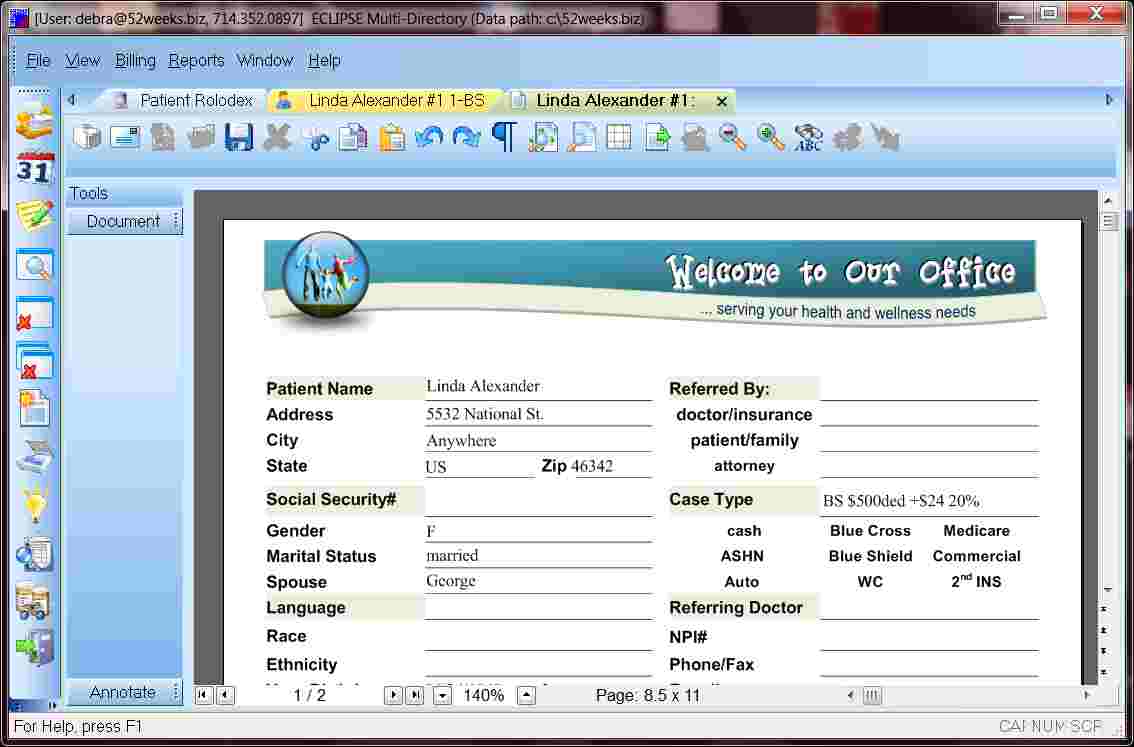
Eclipse service software allows users to create customized forms that match their workflow and specialty needs. It helps capture the right information without unnecessary steps, making data entry faster and more relevant. It supports flexibility by adapting to different practice styles while keeping records organized and easy to access.
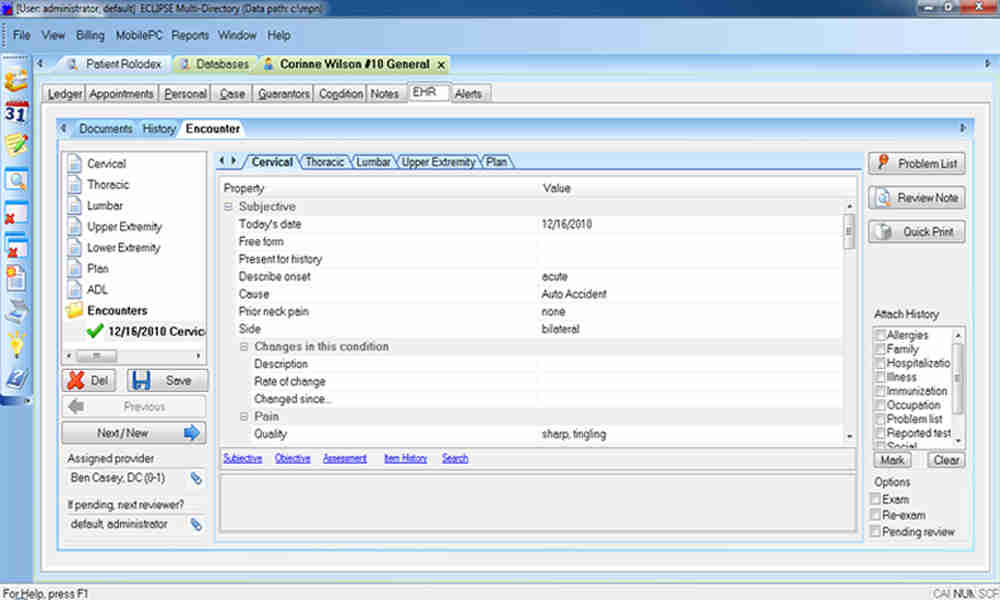
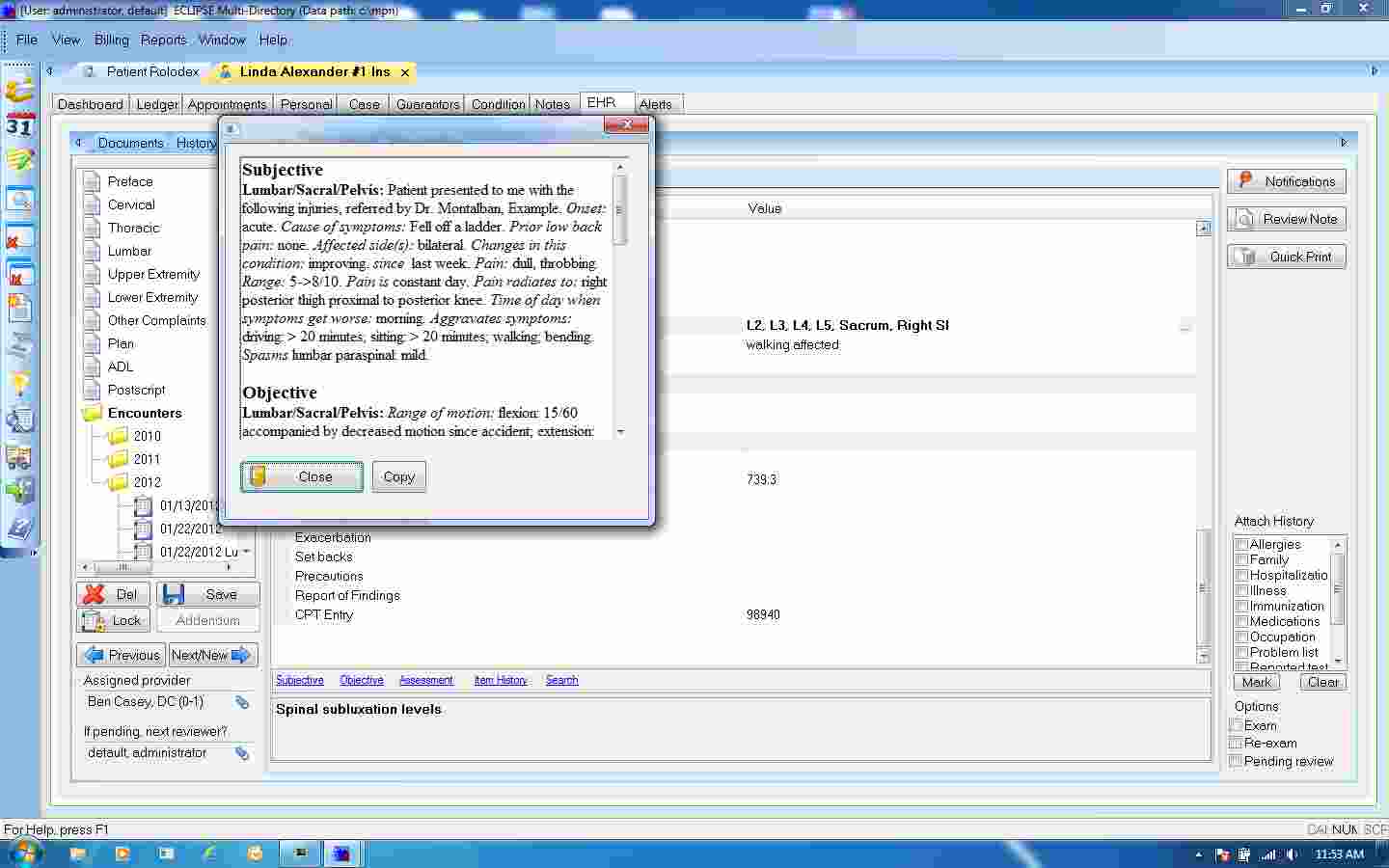
Eclipse service management software offers structured clinical documentation tools that help providers record patient visits with clarity. It keeps notes consistent and easy to review, improving communication across the care team. It helps reduce time spent on manual paperwork while maintaining accurate patient histories.
Eclipse chiropractic software includes electronic prescribing that allows providers to send medications directly from the system. Eclipse patient tracking system improves safety by reducing manual errors and keeps prescription records linked to patient profiles for better monitoring and follow-up.
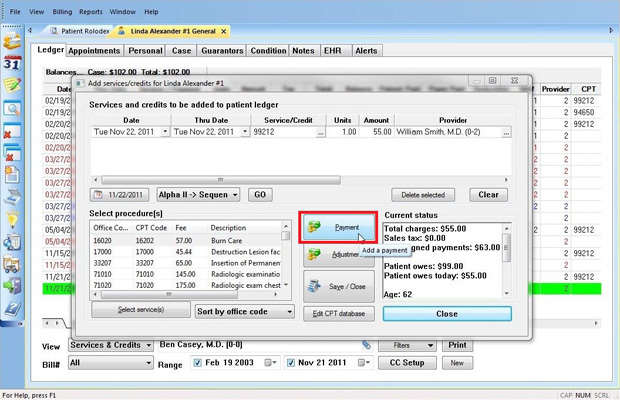
Eclipse Billing software provides billing and claims management features that simplify charge capture and submission. It helps reduce errors and supports faster reimbursements by organizing financial workflows with centralization. It ensures better control over revenue and payment tracking.
Eclipse EHR login includes scheduling tools that help manage appointments with ease. It keeps calendars organized, reduces missed visits, and improves patient flow. It allows staff to coordinate bookings while maintaining a smooth daily schedule.
See The Software In Action Watch Free Demo!
Top Recommended Software






Eclipse EHR Pros and Cons
Pros
Certified system handles massive patient volume easily Documentation saves time by pulling old notes forward Integrated billing stops mistakes before they happen Flexible setup works on cloud or local servers Specialized features fit chiropractic and therapy needs In-house software training support is offered for the usersECLIPSE EHR Reviews
Frequently Asked Questions
Certainly not, the Eclipse EHR software does not have a free plan available, as it is a professional-grade clinical platform.
Yes, Eclipse EMR is cloud-based, though it also offers a local server installation for practices that prefer on-site data management.
English is the language that Eclipse EHR Cloud supports for its clinical documentation and interface.
Chiropractic Eclipse software allows buyers to get answers through phone support, chat assistance, and email. You can also get details about the Eclipse EHR pricing.
There is an Eclipse EHR mobile app that provides remote access for managing patient records and scheduling. Users can access the functionalities of this software platform through a single Eclipse EHR login.
Yes, the Eclipse EHR API is available for connecting with external healthcare systems.
According to Eclipse EHR practice management software reviews, this health records and billing software supports iOS and Android handheld devices, with a requirement for an Eclipse EHR login to access the interface.
No, there is no free trial of the Eclipse practice management system, but you can request a comprehensive demo to see the software in action.
Indeed, the apps this tool integrates with are various clearinghouses, diagnostic tools, EMRs, and credit card processors like Waystar and Fortis.