Overview

If you are eager to simplify the intricacies of your practice, then choose CubHub, which has been developed for that sole purpose. This powerful platform manages your clinical operations and administrative workflow professionally. Practitioners can now prioritize patient care first when workflow aspects such as documentation, scheduling, and billing are optimized.

CubHub Specifications

Patient Portal
Mobile Access
User Login
Activity Calendar

What is CubHub EMR?

Cub Hub is an intuitive cloud-based EMR that is designed for therapists and pediatric homes. This software is a cost-effective and time-saving solution that is loaded with features such as integrated workflows, a mobile app, mobile documentation, progress monitoring, automated finances, and optimized scheduling.

What are CubHub Software’s Best Capabilities?

The most prominent capability of this platform is the Cub Hub app, which can transform practice management. Therapist providers can document all patient interactions in real-time and access those documents as per their convenience.

With CubHub charting for nurses, families can visualize the calendar and notes, eliminating instances of miscommunication automatically.

CubHub Integrations

Third-party app integration data has not yet been disclosed on the official website.

CubHub Pricing

You can get in contact with the sales team for a custom CubHub cost quote. The final price depends on factors such as practice requirements, user volume, and feature preferences.

What is CubHub EMR Software For?

This platform caters to the needs of pediatric departments, including physical, behavioral, speech, and occupational therapy. This platform is suitable for hospitals, small clinics, and private practices related to the following industries:

  • Medicaid-focused agencies
  • Pediatric nursing
  • Nursing services
  • Pediatric home care industry
  • Home care
  • Preferred home health care
  • Caregiver services
  • Pediatric therapy

How Does CubHub Software Perform?

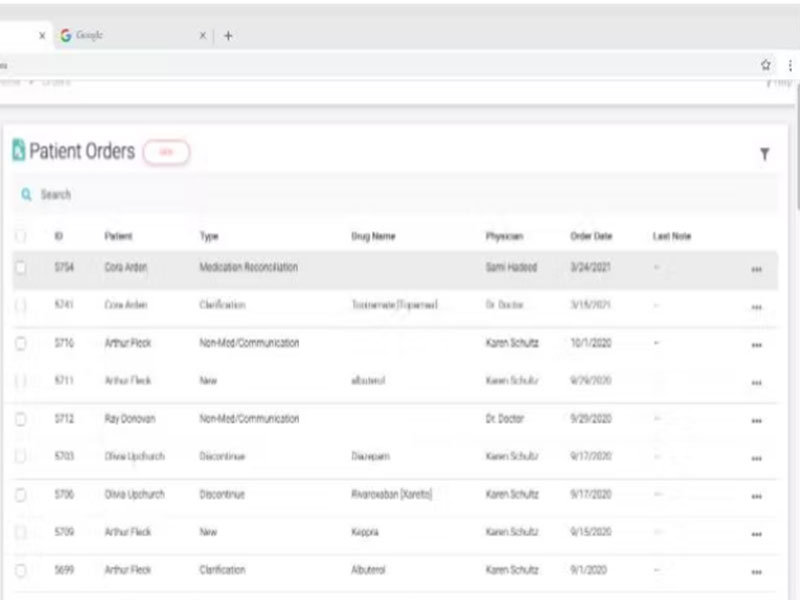
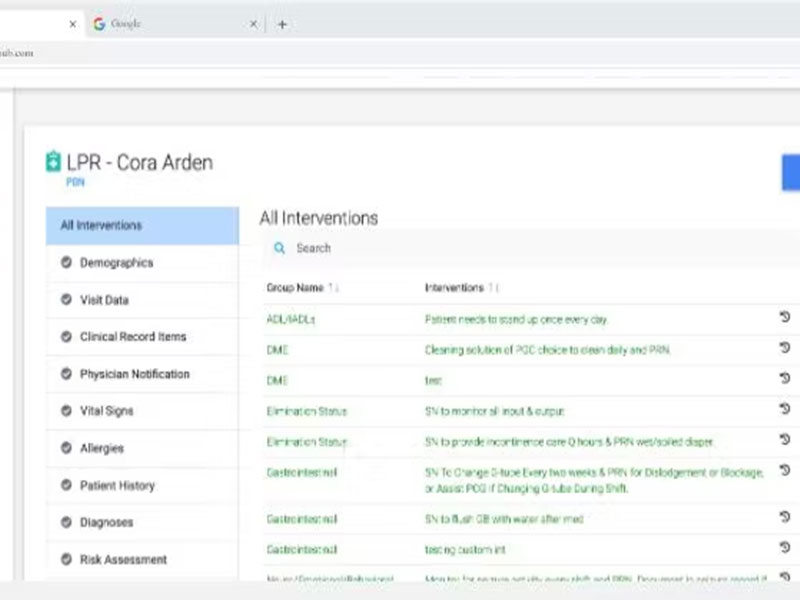
After installation, add your unique credentials for an authorized CubHub login, then navigate to the dashboard and explore the displayed options. Practitioners can add patient identification indicators at an individual level and document their medical data for informed decision making. This documentation is accessible with the relevant data, which includes patient session notes, diagnosis, lab reports, care plans, prescriptions, and progress reports. Practitioners can also book appointments through the integrated workflow and automate alerts to reduce missed appointments. Moreover, this EMR provides features for outcomes tracking and financial stability.

If you want more information, then schedule a free Cub Hub demo.

Is EMR CubHub The Right Software Choice?

This software is the professional your healthcare practice has been missing out on. This user-friendly tool streamlined your clinical operations and administrative workflow through time efficiency. CubHub charting for nurses keeps the practice aware of success rates, patient satisfaction rates, and current patient conditions through monitoring capabilities. Practitioners can perform documentation with a single Cub Hub login, ensuring that the patient’s progress is tracked without any gaps for optimal clinical outcomes with quality care services.

If you are interested in purchasing this intuitive platform, then contact our customer assistance team. They will guide you about the suitability of this EMR for your practice requirements. You can also read unbiased reviews and a complimentary CubHub demo.


CubHub Features

This EMR centralizes all the practice’s financial operations with precision. With robust automation, Payroll, payment collection, billing, claims management, A/R, and other finance data are managed. These automations eliminate overhead expense, manual efforts, and administrative overhead. These functionalities speed up the payment process, leading to streamlined productivity through a single CubHub login.

Medical personnel can use their own handheld devices to perform real-time documentation. CubHub charting for nurses enables precise, HIPAA-compliant, and secure data collection. Nurses are always equipped with relevant and accurate patient medical data, leaving no instances of miscommunication. Furthermore, this platform also provides offline CubHub app usage with synchronization.

These features eliminate inaccuracies, security concerns, and manual efforts through robust automations. This mobile is loaded with utilization and authorization monitoring capabilities, which is important to ensure that all medical personnel are aware of the practice operations and there is no room for privacy breaches. Practitioners can automate scheduling, billing, and charting with precision. Moreover, this module also contains a customer relationship management aspect to enhance patient experience.

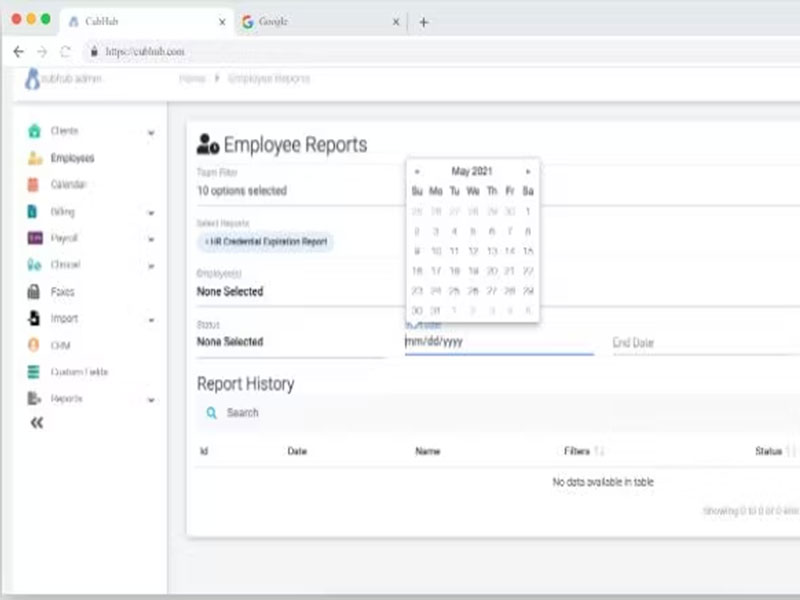
Automated scheduling and reminders can significantly reduce administrative stress for practitioners. These modules provide an activity calendar display that ensures quick and accelerated scheduling, ensuring customer satisfaction. Credential reminders aspects are also present in this module, streamlining employee experience with the practice’s HR management. Coordination tools also enable active informational exchange and patient-provider collaboration.

See The Software In Action Watch Free Demo!

    CubHub Reviews

    Overall Rating

    4.6

    5 Review(s)

    Rating Distribution

    5

    (3)

    4

    (2)

    3

    (0)

    2

    (0)

    1

    (0)

    Share your experience
    Craig

    Medical practice

    Ease of use
    10
    Value for money
    10
    Customer Support
    10
    Functionality
    8

    Fitting for Pediatric Home Health

    Pros

    As one of the first offices to implement CubHub, we’ve seen amazing results. The paperless EMR has saved us hours on documentation and organization, letting us focus on clinical training, staffing, and client service. The app also provides transparency, making it easy to track when staff clock in and out and access clinical notes.

    Cons

    The transition from a home health care background to a software-focused company has been challenging for the team.

    Cory

    Hospital & health care

    Ease of use
    9
    Value for money
    9
    Customer Support
    9
    Functionality
    9

    Comprehensive system

    Pros

    CubHub made our switch to a paperless system easy, even for our older employees. The app is user-friendly and offers great visibility into field activities.

    Cons

    There were some issues during the initial implementation, but I’ve noticed improvements over time, and it’s much better now.

    John

    Medical practice

    Ease of use
    10
    Value for money
    10
    Customer Support
    10
    Functionality
    10

    My CubHub review

    Pros

    The team is incredibly responsive and knowledgeable about the industry. It brings everything together in one place, scheduling, HR, compliance, clinical charting, QA, and billing. It’s especially helpful for managing complex care and rehabilitation services.

    Cons

    The data analytics and reporting could use some improvement, but we’ve already seen progress in this area based on our experience.

    Frequently Asked Questions (FAQs)

    A: Certainly not, this EMR does not have a free plan available.

    A: Yes, the practice management solution is cloud-based.

    A: English is the language that this platform supports.

    A: CubHub practice management allows buyers to get answers through phone support and email. You can also get details about the CubHub pricing.

    A: There is a Cub Hub app that provides remote convenience of documentation and scheduling. Users can access the functionalities of this software platform through the CubHub sign in.

    A: No, the CubHub pediatric software API is unavailable.

    A: Certainly, iOS and Android handheld devices are supported by this pediatric therapy management software, with a requirement for a CubHub login to access the dashboard, according to CubHub reviews.

    A: Yes, there is a CubHub free trial option, but you can also request a free CubHub demo.

    A: Third-party app integration data has not yet been disclosed on the official website.