Telehealth
Patients can receive remote care services at the convenience of their location with video conferencing and secure data exchange, after a single Atlas MD login.


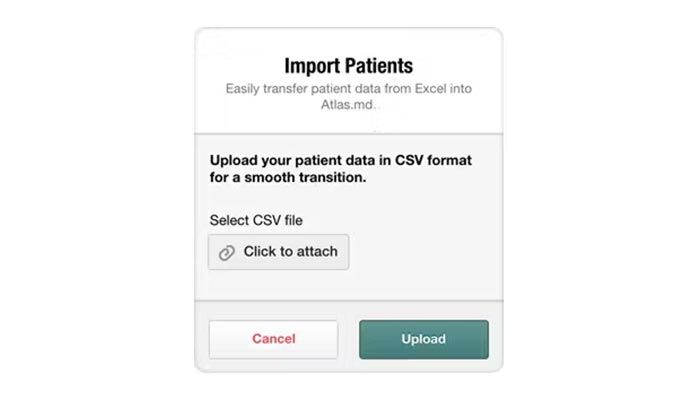
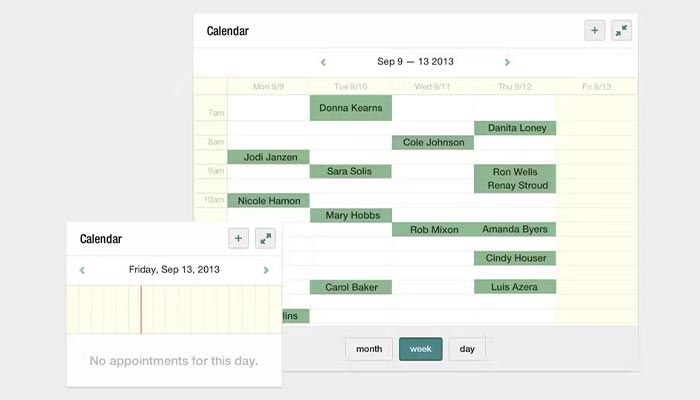
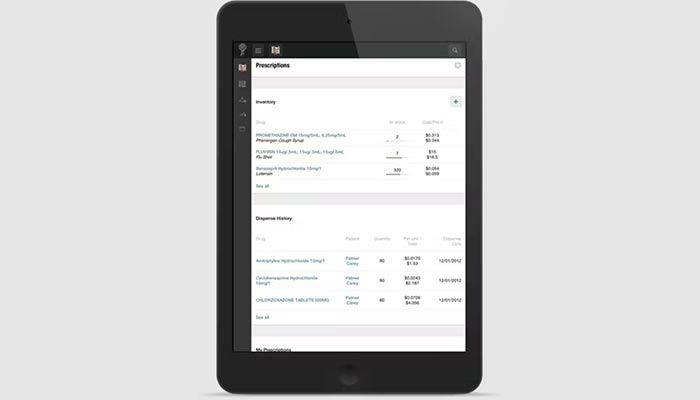
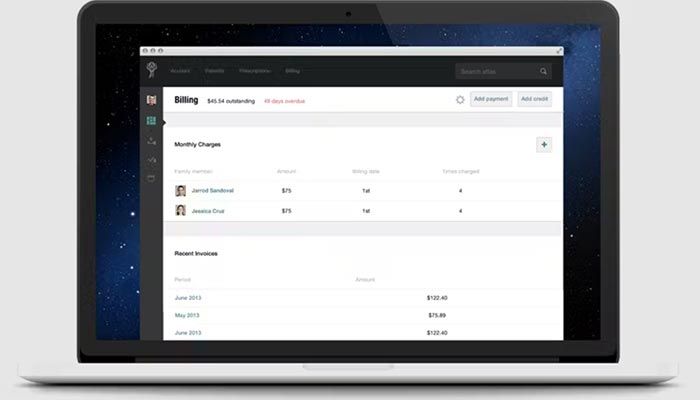
Explore what Atlas MD offers — from day-to-day workflows to advanced capabilities.
Patients can receive remote care services at the convenience of their location with video conferencing and secure data exchange, after a single Atlas MD login.
Clinicians can conveniently send medication lists to the integrated pharmacies without human errors.
Clinical charting has been made easier with audio transcriptions of patient-to-provider consultation sessions, text records, note summarization, and SOAP note generation.
Patients can interact with their healthcare providers through video chats, emails, health devices, texts, eFax integrations, etc. Patients can receive automated alerts and self-schedule appointments through messages or through Atlas.MD patient App.
This feature keeps the revenue streams smooth, especially with the care subscription model with additional expenses. Patients can pay conveniently through online methods and receive invoices.
Atlas EMR is a top-notch cloud-based practice management system that provides:
Third-party apps and tools integrations are supported by this EMR software solution, which includes:
AtlasMD is best for AI administrative management capabilities, which include:
This system can be leveraged by:
Add your credentials for a unique Atlas MD login, and explore the interface. You can follow these steps for more feasibility:
Schedule a free Atlas MD demo for more details.
There is a single Atlas MD pricing plan that begins at $300 per month. There is also a free trial option, and you can also connect with us for a custom quote according to your practice requirements.
Note: The pricing can change over time.
You can choose this system according to these offerings:
For more information, connect with our software support system. You can also watch a free demo and read unbiased Atlas MD reviews.
The platform has been a dependable part of our daily operations. It handles core tasks smoothly and keeps everything organized without adding complexity.
Limited advanced customization options.
The software offers a good mix of features that support our workflow and improve efficiency. It covers most of our needs, though there are occasional areas where improvements could enhance usability. Still, it delivers solid value for the price.
Occasional lag in updates or syncing.
Certainly not, the Atlas MD software does not have a free plan available.
Yes, AtlasMD is cloud-based.
English is the language that AtlasMD supports.
Atlas EHR allows buyers to get answers through the online user forums, help center, calls, and email. You can also get details about the Atlas MD pricing.
There is an Atlas MD mobile app that provides remote access for patient engagement. Users can access the functionalities of this software platform through a single Atlas MD login.
Yes, the Atlas MD Wichita API is available.
According to Atlas MD reviews, this software supports iOS and Android handheld devices, with a requirement for an Atlas MD login to access the dashboard.
Yes, there is an Atlas MD free trial option for 30 days, and you can also request a free demo.
Tell us a little about how your practice runs, and a specialist will come back with concrete numbers, a quick read on whether Atlas MD genuinely fits, and a couple of closely-matched options worth weighing up. Straight answers, no sales pressure.
Takes under a minute — we never share your details.
By providing your phone number to Codatis, you consent to receive SMS communications related to your inquiries, service updates, and direct communication with your assigned representative.
Message and data rates may apply in accordance with your mobile service provider.
Codatis does not send unsolicited promotional messages. For more information, please refer to our Privacy Policy below or visit the link provided.
Codatis respects your privacy. No mobile information will be shared with third parties or affiliates for marketing or promotional purposes.
Text messaging opt-in data, consent, and related information will not be shared with any third parties under any circumstances.