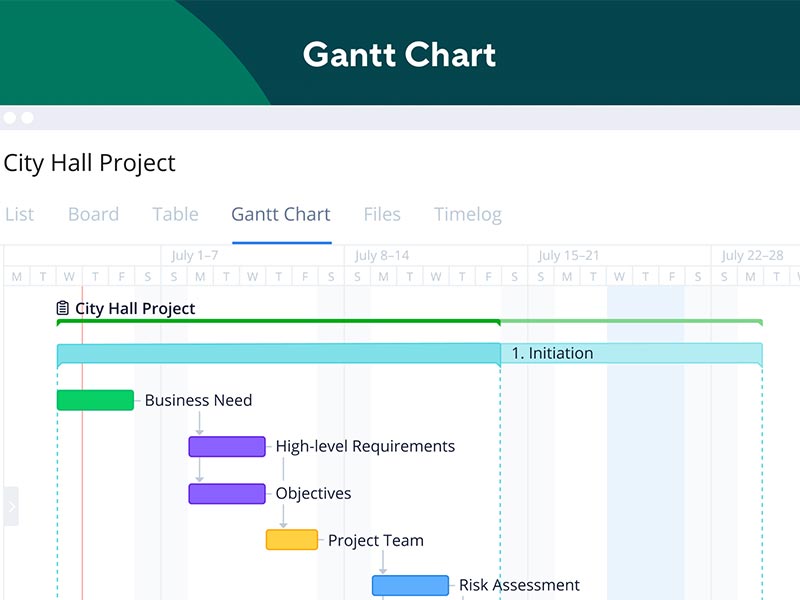
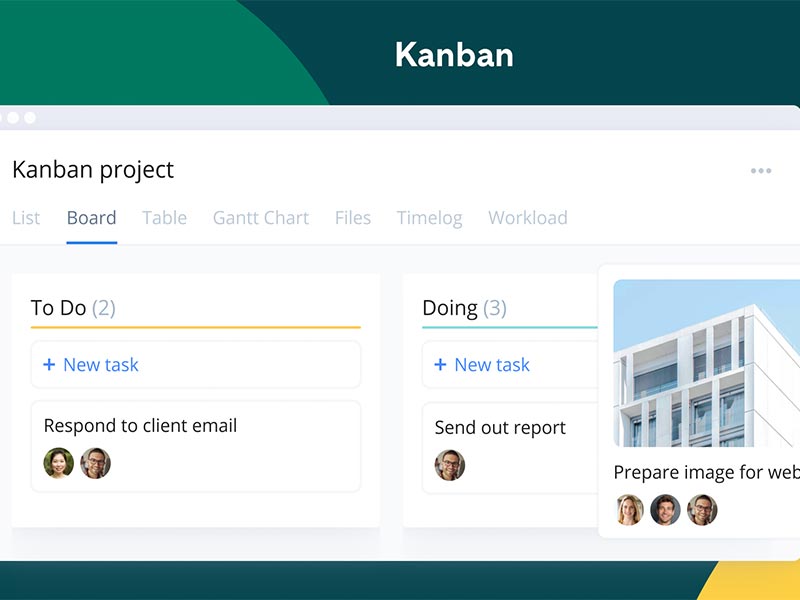
This is an intuitive cloud-based software product that allows better monitoring of the project operations and provides a simplified means of task management. Wrike Project Management is a centralized hub that enables increased coordination among team members and managers. This software solution allows staff members to be aware of allotted duties, which increases alignment and optimizes project procedures. Its smart interface provides robust functionalities like scheduling that enable better cohesion with the operations. Time monitoring is also a core aspect of this solution that empowers team members with real-time data on task completion. Most workflow intricacies are managed by reporting tools.
Wrike PMO Purpose
The primary purpose of project management Wrike is to eliminate the need for manual efforts that involve a lot of human error and consume time. This platform is perfect for modern businesses, and it grows with your business, so there’s no requirement for you to get more software to match growing intricacies in your project operations. Users can create outcome-oriented campaign strategies that can be executed perfectly. All the campaign results and feedback are reported back to capture all the necessary information needed for the project management. Users can leverage modifiable forms and robust collaboration tools that keep the team synchronized.
How Much Does Wrike Cost?
Startups or small businesses can leverage the provided Wrike free. It can be adopted with all the basic functionalities. There is also the standard Wrike pricing that is around $10/user/month.
Furthermore, certain Wrike pricing plans are curated to be opted for by large businesses and SMBs that include:
- Wrike Business Pricing: $24.80/month/user (5-200)
- Wrike price for Teams: $9.80/month/user (up to 15 )
- Free or no Wrike cost: can be the best option for businesses comprised of small teams, i.e, 5 users.
Certain Wrike plans are billed every year, which include:
- Business plans
- Professional plans
There are other packages offered by the vendors, which include:
- Enterprise-level Wrike pricing that includes a significant user volume and staff members. Large businesses usually need scalable and secure software platforms, which makes Wrike enterprise cost the perfect option with all the needed features.
- Advanced Wrike pricing, like the pinnacle plan, addresses the requirements of the team members who are involved in workflow intricacies.
Users can also get the additional deals whose costs can be added to their chosen plan, which includes:
- Wrike Lock
- Wrike Integrate
- Wrike Marketing Insights
- Wrike two-Way Sync
Wrike free plan features include the core managerial aspects. You can also get the Wrike pricing that matches your organization and user requirements by contacting our sales team. Get tailored Wrike costs that match your business’s needs and budget capacity.
Wrike PM Tool integrations
Many third-party apps and tools integrations are supported by this PM software solution through Wrike Integrate, which includes:
- Tableau
- Slack
- Salesforce Wrike Integration
- Jira software
- Adobe Creative Cloud
You can also watch a Wrike tutorial by booking a demo. It provides you with all the details needed to understand the integration capabilities of this software platform in a business database.
Wrike Users
All scales of operations can leverage the features of Wrike in diverse business sectors. The diverse business settings and industries that can utilize this software platform include:
- Information technology
- Education
- Product development
- Creative
- Finance
- Professional services
- Healthcare
- Marketing
- Retail
- Project management
- Manufacturing
- Operations
Rike Software Application
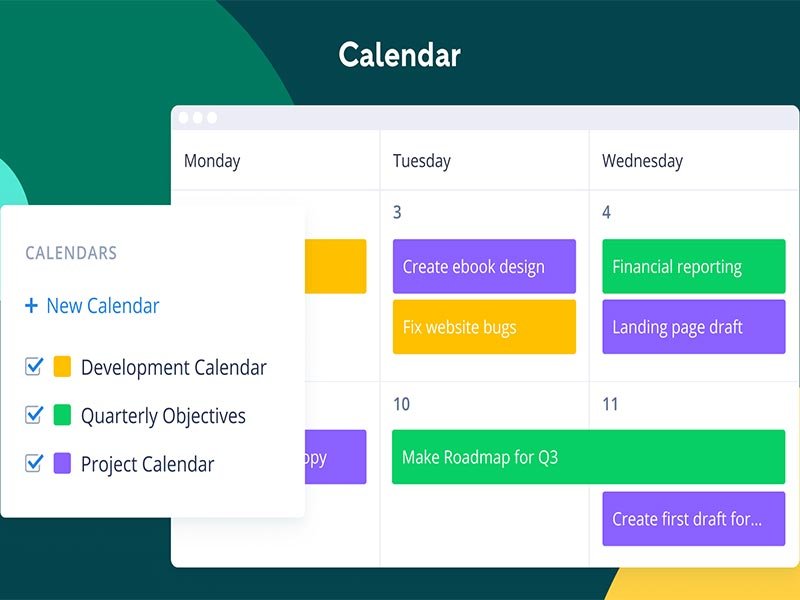
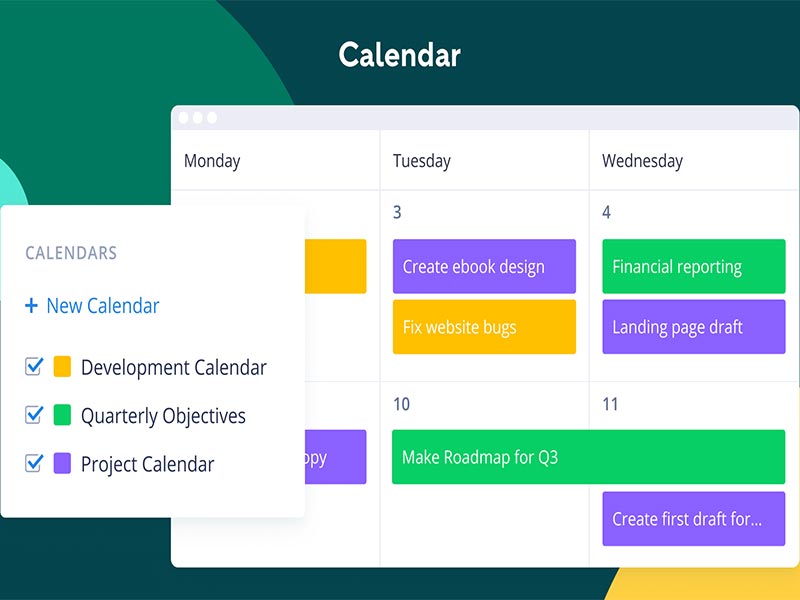
After installation, add your unique credentials for an authorized login, then navigate to the intuitive dashboard. You can add different project files and add the components, files, content, etc, to those individual files and provide access to those files to different staff members. Managers can also allot tasks to different team members with all the necessary details in a comprehensive calendar arrangement, like employee name, task details, venue, and deadline. You can modify the project workflow and provide access to collaborators by simply adding their emails to the relevant stages of the project. This software provides a smart dashboard that can be modified for better data accessibility and progress report visualization. Users can leverage different aspects and additional features for enhanced project management capabilities. The analytical reporting tool is the most appreciated functionality because it enables managers to take outcome-oriented decisions about the improvements in the operations of all the running projects in the business.
For a deeper understanding of the application and performance of this software platform, book a complimentary Wrike demo. Through this, you can access all the details that are needed to make a long-term purchase decision.
Is Wrike Project Management Software the Best Choice?
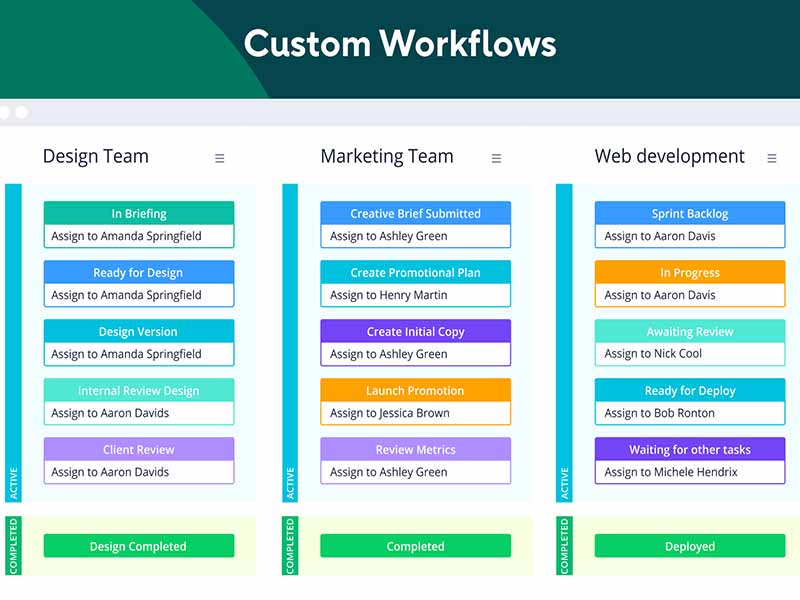
There are no alternatives to Wrike in the PM software market. This smart cloud-based software enables project managers to leverage the modifiable dashboards to create a workflow that is suitable for the staff members. Furthermore, the whole force can be synchronized when it comes to the unique processes and project-related functions. This solution enables enhanced coordination among the leaders and the team, so all the operational issues can be addressed promptly. The Wrike pricing is also suitable for most business types, and it scales with your business, eliminating the need to incorporate more software into your business database. If you have gotten the free plan, you can always upgrade it to match your procedural productivity.
You can get in contact with our customer assistance team to get more details about the usability of theis software platform with your project operations or read the unbiased Wrike software reviews.