

Overview
It supports employee time monitoring, schedule management and the connection of attendance data directly to your payroll. It's in the cloud and works on any device you want. You can observe real time clock- ins with GPS and geofencing, which is good for remote teams. The solution improves accuracy, eliminates manual work and assists in meeting compliance for the rapidly expanding company. This profile explains how the workforce operations-based WebClock, citytime webclock and related webclock payors are chosen by many small to mid-sized teams as a reliable HR system or personnel management package.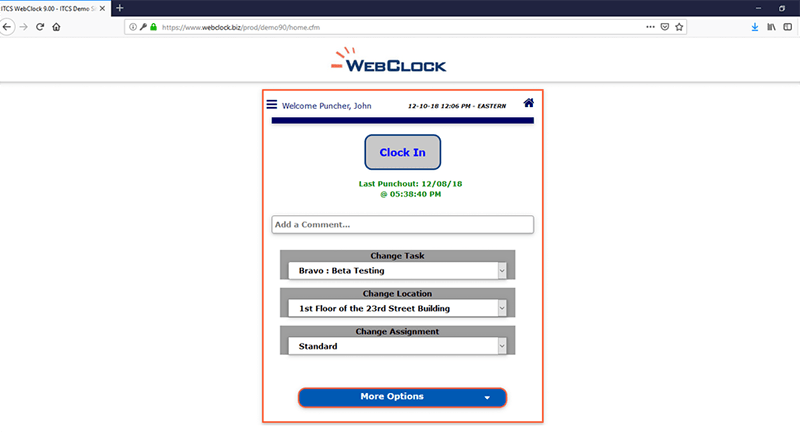
Specifications of Webclock Software
Employee information management
Working performance
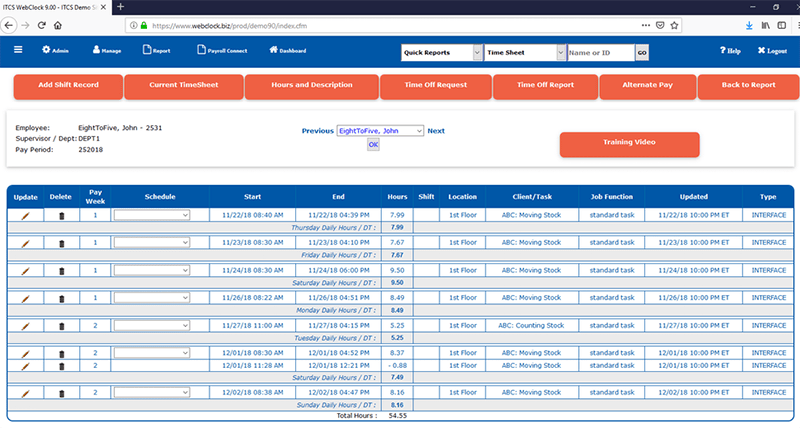
Attendance management
Scheduling tool
What is Webclock
WebClock Management is a cloud-based workforce management platform that helps you set employee working hours, keep track of work attendance rules and integrate together payroll applications. You can access the work time tracking system through your browser or a mobile device and use GPS authentication.
Attendance information is generated in real time by the system, which then transmits it directly to the accounting processors in order ,which cut off errors and provide support for processing business trip fees, scheduling employee shifts and other constructs of activity differences and reporting. Companies use it to improve accuracy, eliminate time work and get with labor regulations.. Many companies consider Web Clock when they look for easy HR software, for small businesses that don’t require much set-up services.
Webclock Pricing
WebClock offers customized pricing.This method of billing helps keep costs in line and helps small companies using HR software for small companies, or growing teams select only what they really need.
Users of Webclock
A broad range of areas, such as technology, manufacturing, retail, healthcare markets, field operation; participates in WebClock Management’s business. For businesses that use WebClock’s staff login, or team members who need mail confirmation of their hours on the go, this enterprise is the first choice.
How does Webclock work?
- After logging in, add personnel profiles complete with role descriptions, permissions, and access limits.
- Compile work-shift rules, over time guidelines, break rights, leave regulations in accordance with the way company operates.
- Open up access to staff schedules and booking off time for the employee self-service portal function.
- Once staff are comfortable about logging in and out through the web or by mobile device, advise them on how to operate.
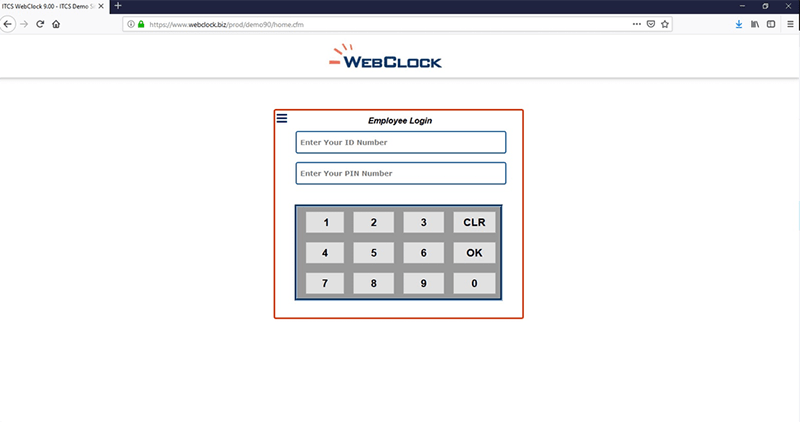
- Employees check in and out of work either via GPS or within geofenced zones.
- Arrange reminders for pending vacation requests, undisputed absences with time stamps on your account statement today, or officials’ approvals.
- Bring out reports on attendance statistics, hours worked keeping jobs to wrap up and labor costs.
- Export time data to payroll in order that Calculations can be carried out with accuracy.
Choose Webclock for workforce management
Companies that require dependable attendance statistics
Workforces with a majority of remote workers or mobile employees
SMEs who opt for convenient hr management software
Enterprises that want more accurate payroll
Companies looking towards practical hr analytics software that gives them reporting tools
WebClock Management Features
Managers create and adjust schedules based upon availability, skills, and job needs. Employees view schedules online and get text or e-mail reminders when they update. They can also switch shifts or apply for leave online at the relevant portal. This avoids misunderstandings and helps teams organize appropriately.
Employees upload image shots of their receipts and file travel, food, and other work-related expenses. This increases the accuracy of reimbursements and makes it easier to account for jobs. Managers can view and authorize all expenses from one interface.
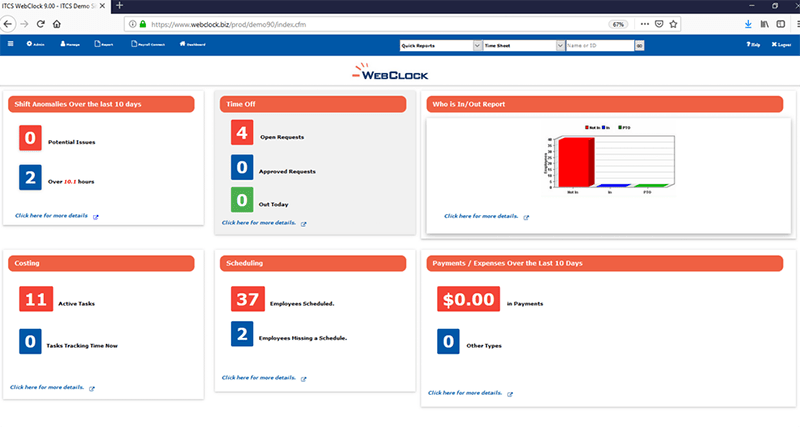
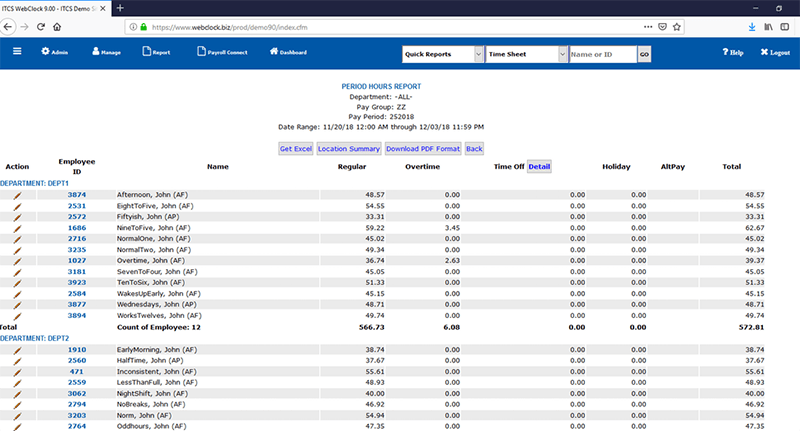
You can create standard and custom reports running on different filters ,employee, department, location, or date range. This is vital for HR department labor gatherings.
Export time and attendance data to your payroll service provider. This reduces manual data entry, prevents errors, and shortens payroll cycles. The interface also helps out those teams on webclock payroll systems ,saving trouble.
See The Software In Action Watch Free Demo!
Top Recommended Software






Webclock Management Reviews
Frequently Asked Questions
You have support through phone, e-mail, help desk, FAQs, and chat.
Yes. Ease and ADP Workforce Now are the most common ones.
Yes. It offers mobile access.
It runs in English only.
