Overview
Educators demand a learning management software that can revolutionize their digital learning services. Through Schoology LMS, it is very possible to provide tailored digital education to learners from a centralized hub without any hassle of manual intervention in large volumes. This intuitive platform allows educators to make students participate in their education journey to the fullest through tools like coordination, evaluation, digital submission, lessons, automated score updates, etc. These automations confirm the involvement of students and verify whether they are facing any problems in terms of the provided services. If your search for a digital classroom that contains all the learning management features is not over, then give LMS Schoology a chance.
LMS Schoology Specifications
Training Management
Activity Dashboard
Authorized Permissions
Asynchronous Learning
What is Schoology?
This is an intuitive cloud-based learning platform that is leveraged by a large number of educators worldwide for its robust learning management capabilities. This solution alters your digital education strategies and provides the core features that you need to reduce your workload. Capabilities like third-party apps, evaluation, and LMS integrations all play a big role in streamlining the student experience with the e-learning journey. Educators can get major assistance in course content management, curriculum building, and material sharing, from which they can benefit the students as much as they can with optimal performance.
What is Schoology used for?
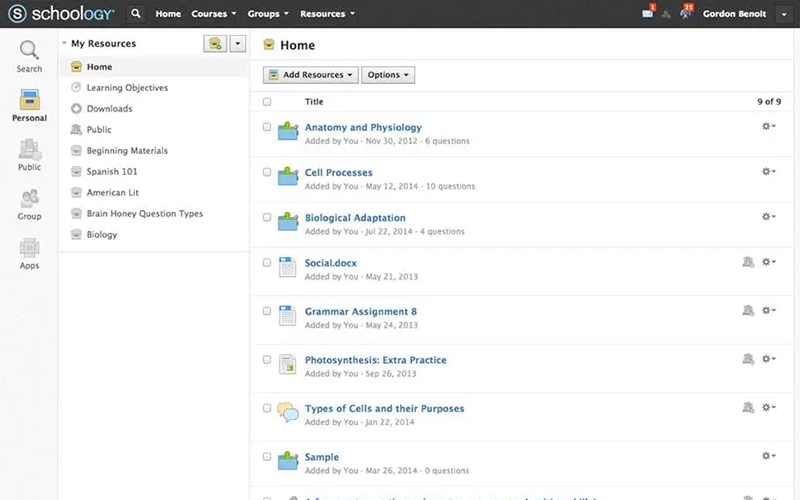
All you require is a Gizmos login, and then you can get all the tools needed for a successful digital learning platform. Educators can create course content and evaluate the engagement of students with that as well. All the content added in the respective courses can be modified and updated with the new trends. Schoology + enables instructors to participate in the education communities and safely exchange data about the course outline to provide only the best learning experiences to their students. Students can also have open access to the recordings, material, test scores, improvement notes, etc, so they can never miss anything related to studies.
How much does Schoology cost?
The vendors have not yet provided the details about this platform pricing on the website entitled basised-az.schoology.com, but you can get in contact with our sales team to get personalized pricing plans.
The final tailored Schoology pricing depends on user volume, additional features, scales of operation, and budget capacity.
Schoology Plus Integrations
Third-party app integrations are supported by this LMS software solution, which includes:
- Microsoft Teams
- Canva
- Google Drive
- OneDrive
- Zoom Meetings
- Dropbox Business
- Google Classroom
To know more about the functionalities and integrations of Schooligy, you can book a complimentary Schoology demo. Through a free demo, you can have a visual representation of the performance of this software in a digital learning platform. Moreover, the video instructions about how this platform will take commands from the user and the level of intricacies involving the usage aid users in making an informed purchase decision.
Schoology Learning Users
LMS.Schoology caters to the requirements of all scales of operation, staff members, and types of educational sectors like:
- Higher education institutes
- Managers
- Online education franchises
- Learners
- Administrators
- K-12 school
- Educators
There is no Schoology alternative when it comes to streamlining electronic learning for the instructors as well as the learners. Educators can conduct an evaluation of the student performance and take constructive actions through a robust coordination platform. Institutions can leave all the managerial aspects to this software product.
Schoology LMS Application
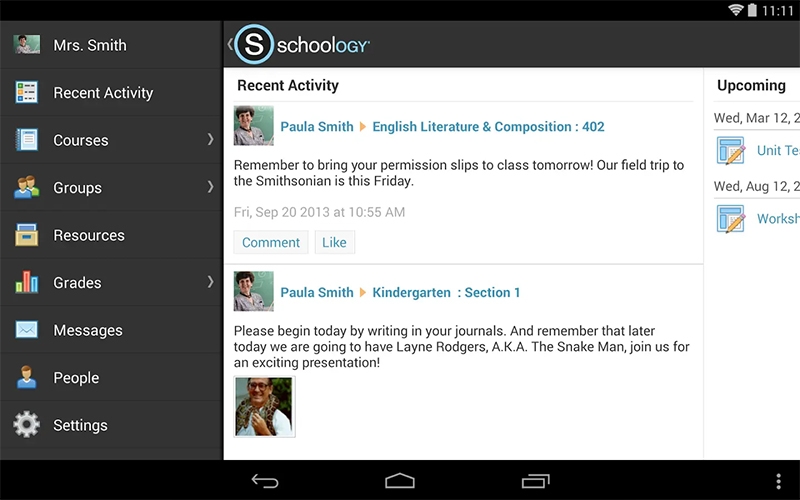
After installation, add your unique credential for a Gizmos login and initiate digital learning management. Through these features, instructors can create e-classes, design a course outline, verify course content, and collaborate with the learners. Shcoology enables educators to personalize the interface according to their preferred style and leverage the analytical reporting features to gain valuable insights about the gaps that need to be filled regarding teaching, course content, and student performance. Students can actively participate in the learning journey through scores, assessments, test scores, teacher evaluation surveys, and other interactive aspects.
You can utilize the Schoology free version to know more about its compatibility with your workflow, but you will not have the suite of advanced or custom features.
Is LMS Schoology the Best Choice?
This LMS software product is secure, intuitive, scalable, and modifiable to completely revolutionize your online teaching capabilities. You can leverage all the basic Schoology resources when opting for a free plan. This software is a game-changer when it comes to startups that cannot commit to LMS software with a large budget demand. Moreover, this LMS solution is flexible and fully adapts to the increasing content, course, and learner volume, which makes it highly scalable.
You can get in contact with our customer support team to know more about the suitability of schoolegy or inquire about the tailored Schoology cost for additional functionalities. There are also some mentioned reviews that you can read for a third-party viewpoint.
Schoology LMS Functionalities
To increase the engagement of the learners with their electronic education journey, this schooligy feature can contribute a lot. With a game-like setting, awards, points, tiers, and many other aspects keep the students motivated to perform well in their studies. Instructors can also enable leaderboards for tests, encouraging the students to compete for better scores. This also keeps the instructors entertained when they are evaluating the performance of multiple students.
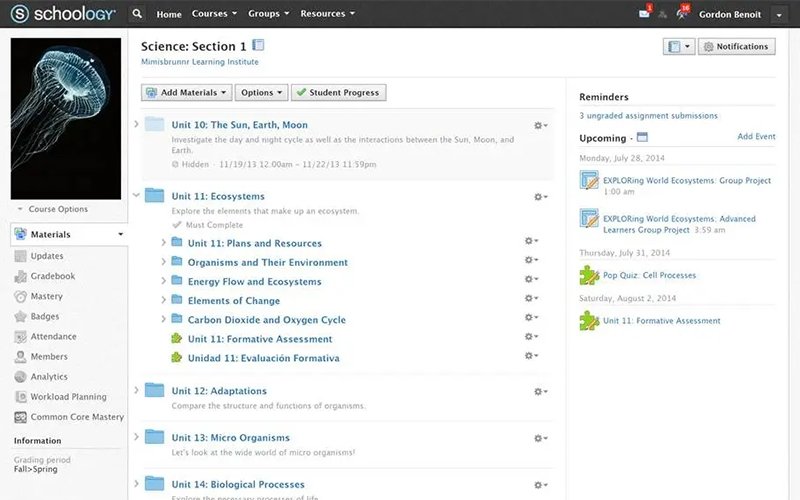
Courses are the core of any education setting, but they do need a lot of organization to stay up to date with the content updates. This schooolgy tool assists the instructor in deciding the course outline, course content, and content modification. Instructors can easily create evaluations, questionnaires, assignments, and quizzes related to the course content through which they are empowered to keep tabs on student learning progress at an individual level.
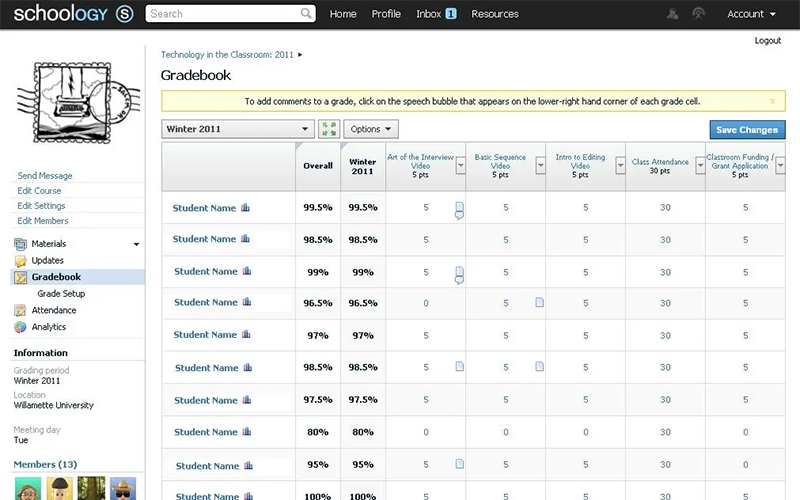
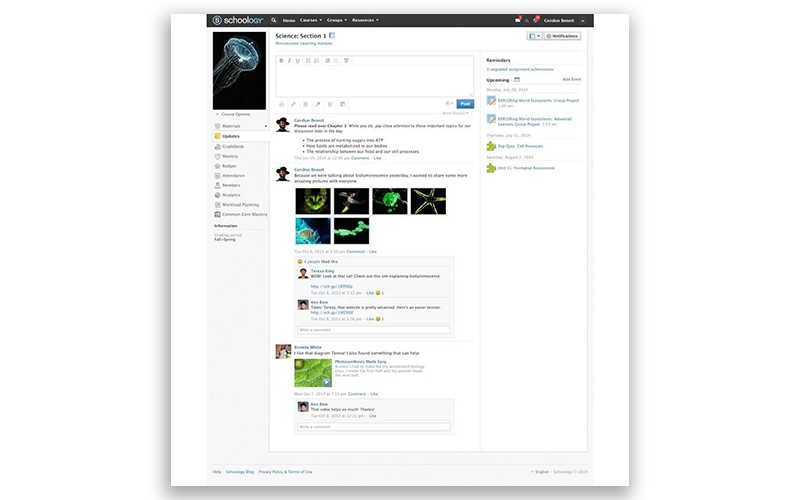
Educators can monitor the participation of the learners digitally by verifying their attendance, duration of attendance, and interaction with the course content. All the test scores, evaluation notes, and other engagement of the student are analyzed for quick recognition of any gaps that can be improved at the individual level. No student is left out in getting optimal education with these Schoolg tools.
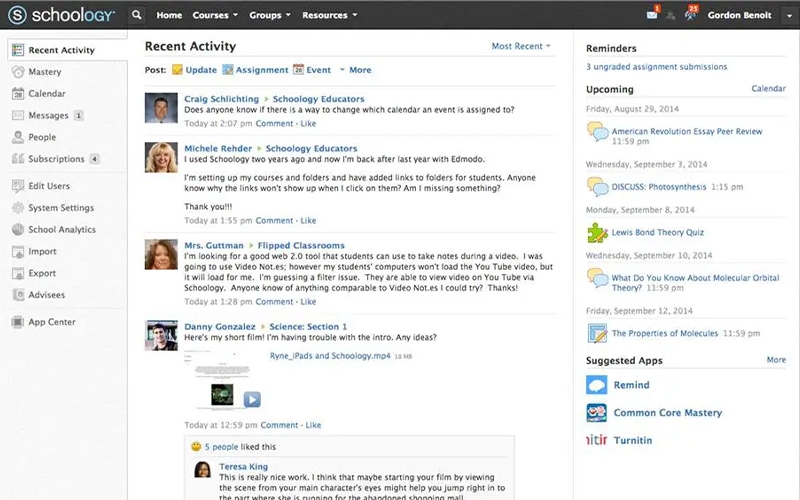
Schoology Learning Management Software enables educational institutions to curate an effective online learning platform. Teachers can have a safe space and creative freedom to generate a classroom that can benefit the learners to the fullest. Through these, institutes are enabled to keep records of the student performance to implement better teaching strategies, accommodating their smooth business growth.
See The Software In Action Watch Free Demo!
Top Recommended Software
Schoology LMS: Pros and Cons
Schoology LMS Reviews
Frequently Asked Questions (FAQs)
A: Certainly, Schoology has a free version.
A: Indeed, LMS Schoology is cloud-based.
A: English, Japanese, Spanish, French, and Portuguese are the languages that PTS.Schoology supports.
A: Schology Rocklin allows buyers to get answers through informative guides, 24/7 live services, chat assistance, phone support, FAQs, helpdesk, and email. You can also visit basised-az.schoology.com to get further software details.
A: Certainly, there is a Schoology learning app.
A: Of course, the API is provided by Schooligy.
A: No, there is no Schoology Plus free trial option, considering it is a complimentary plan, but there is a free Schoology learning management system demo.
A: Certainly, iOS and Android handheld devices are supported by the Schoolegy with a requirement of a Gizmos login.
A: Indeed, the apps this Schooligy integrates with are OneDrive, Canva, Google Drive, Zoom Meetings, Dropbox Business, etc.