Blackboard LMS Features

Explore what Blackboard Learn Software offers — from day-to-day workflows to advanced capabilities.

4 features

Web Conferencing and Collaboration

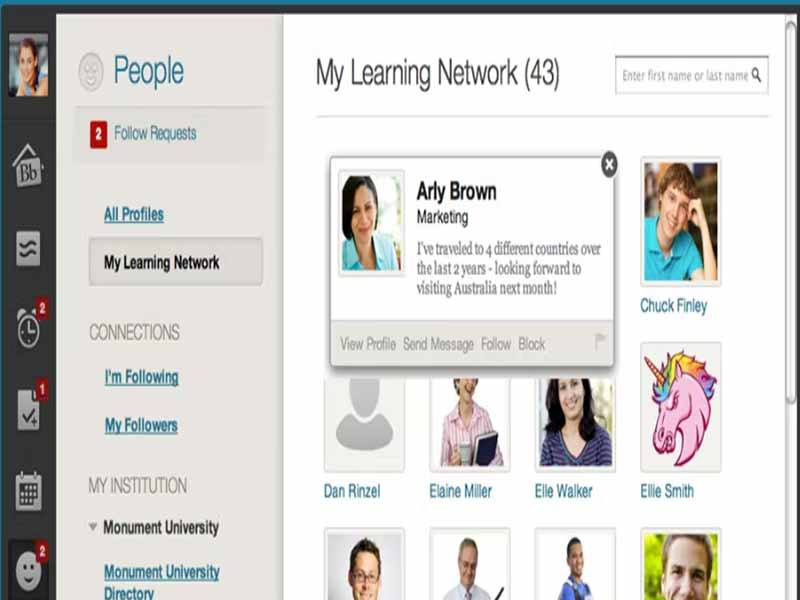
The platform offers an easy way to stay connected through web conferencing functionality. Blackboard also provides two-way audio, multi-point video, interactive whiteboards, breakout rooms, application and desktop accessibility, and session recording. Whether it’s a one-on-one meeting or a large conference, this platform makes it easy to stay in the loop and engaged. 

Mass Notifications

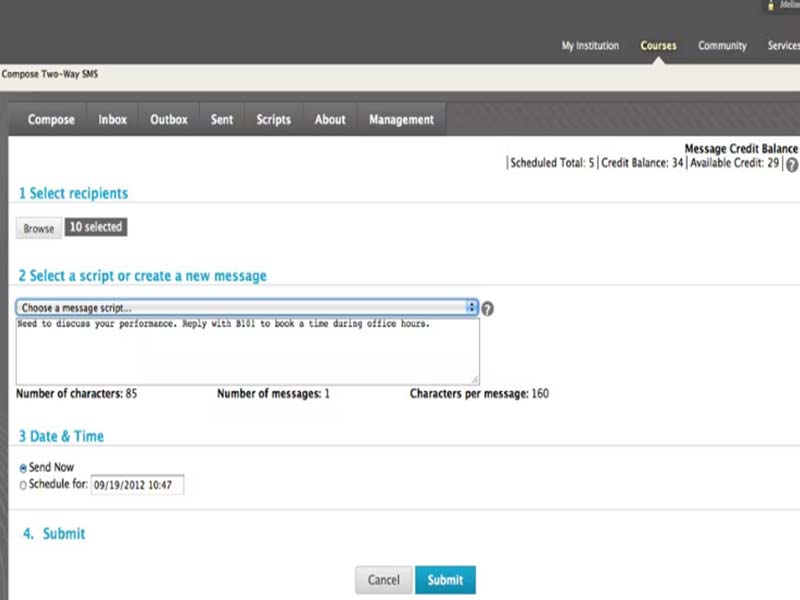
It is a powerful tool for businesses and corporations to boost engagement effectively with their stakeholders. The learning management solution enables its users to send updates or broadcasts through multiple channels such as email, calls, and social media. This system increases speed, reach, and success rate by streamlining the framework to reach the intended audience. 

Web Design and Content Management

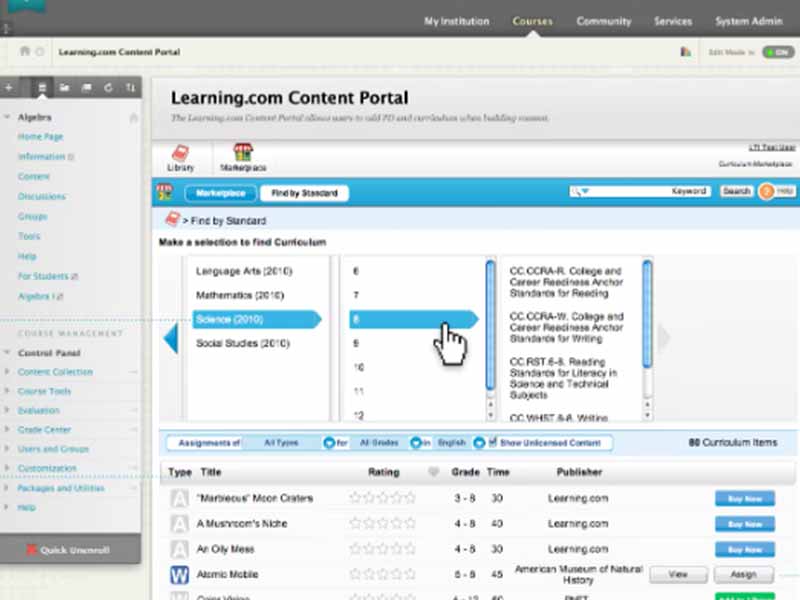
This unique feature allows users to create attractive and optimized sites for desktop and mobile. The CMS allows intuitive content organization; users can create pages, set navigation menus, add content blocks, and manage user permissions with ease. 

Registration and Reporting

This LMS tool allows managing the full life cycle of learning information, providing an integrated learner enrollment system, self-regulated tracking, e-commerce tracking, and a reporting system. Administrators can manage data in one place, ensuring the information is accurate and updated.  

What is Blackboard software?

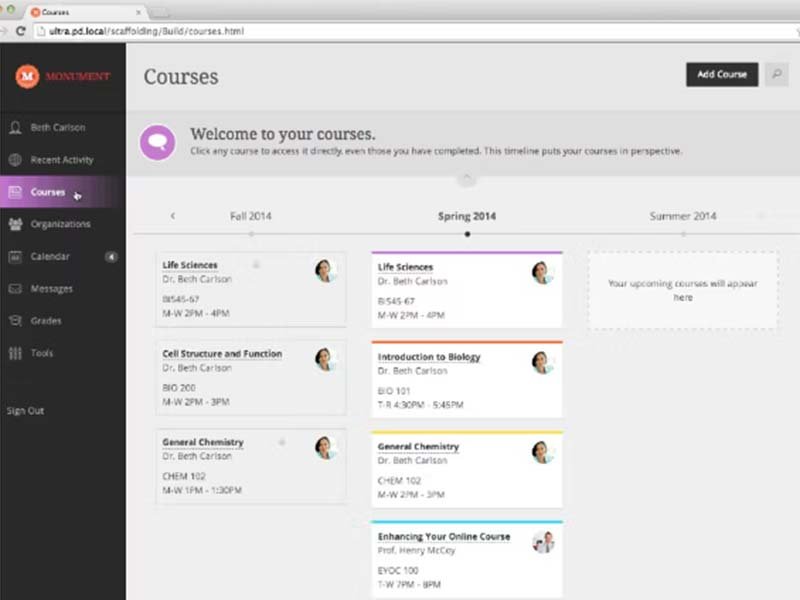
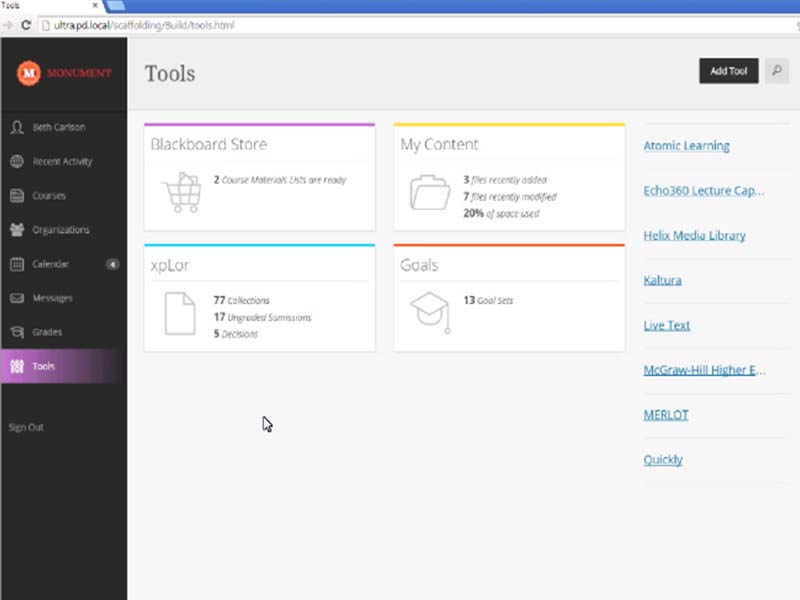
Blackboard is a cloud learning setup designed for businesses and government organizations to create engaging and comprehensive learning experiences. This solution demonstrates course authoring, virtual classrooms, student collaboration tools, an activity dashboard, and more.

With Blackboard LMS, organizations can track the success of their training programs to maximize training efforts and improve end results. This also made the software a winning choice among competitors.

Why Institutions choose Blackboard over other LMS setups

In a higher education LMS competition, Blackboard Learn stands out for its flexibility, administrative access,s and integrated communication features:

Feature  Blackboard Ultra  Canvas  Moodle 
Primary Market  Global Higher Education and complex districts Global higher Ed and unified K-12 districts Open-source, Higher Ed and corporate
User Interface  Modern, streamlined Consistent, Analytics-driven Highly customizable but modular
LatAm localization  Superior native support and translation Strong but depends on regional partners Inclusive but community-driven
Native CRM  Excellent through Anthology Requires third-party tools Requires third-party tools

Blackboard LMS Software integrations

This platform integrates with the following third-party apps to become more useful:

Is Blackboard Learn Good For You?  

The Blackboard education software has been certified with the International Organization for Standardization and the Payment Card Industry Data Security Standard. This software protects information by all means. It also complies with the Family Educational Rights and Privacy Act, ensuring every user’s data is safe. With its useful features, the solution offers an optimal learning experience.

Still have doubts? Connect with our team for further guidance on whether Blackboard is worth investing in.

Collaboration toolkit Included
Certification and licensing Included
Student Login Included
Attendance Tracker Included
Permission Controls / Access Included
Activity dashboard Included
Asynchronous Learning System Included
Training Management Included
Applicant Tracking Not included

Pros

5
  • ISO and PCI DSS certified for cybersecurity.
  • Exceptional customer care
  • Centralized grading and feedback management
  • Gamification and SCORM compliance capabilities
  • User-friendly interface

Cons

2
  • Difficult to personalize some of its features and settings
  • The initial setup takes time.

Blackboard Learn Software Reviews

Overall Rating

4.6

10 Review(s)

Rating Distribution

5

(7)

4

(2)

3

(1)

2

(0)

1

(0)

Share your experience

Kristi

Other

Ease of use
10
Value for money
9
Customer Support
8
Functionality
7

Exceptional training management system

Pros

Its simplicity is what makes it stand out compared to similar software. The navigation is straightforward, and the layout is well-organized.

Cons

Blackboard often freezes, which can make uploading documents difficult, especially close to assignment deadlines.

Rutaba

Technology

Ease of use
8
Value for money
9
Customer Support
9
Functionality
8

Marvellous tool for students

Pros

Some users found it difficult to navigate at first, which meant a lot of time was needed for training.

Cons

Better tutorials for teachers on organizing content could improve the overall experience.

Cesar

Education

Ease of use
9
Value for money
9
Customer Support
10
Functionality
9

Practical learning management tool

Pros

I appreciate how versatile each section of the program is.

Cons

The discussion forums could use some improvement.

Frequently Asked Questions

This platform is an enterprise-grade LMS developed by Anthology. It serves as a centralized hub where instructors host course materials, assignments, track student progress, and engage with students.   

No, both are separate, competing LMS software owned by different companies. Blackboard is owned by Anthology, and Instructure owns Canvas. They are the two biggest rivals in the world’s education software market. 

Yes, through its parent company, the software natively integrates with Anthology Reach, which is a powerful Blackboard CRM solution. This allows institutions to track the complete student cycle within a unified system.

There’s no fixed pricing structure for the software product. It is customised for each institution based on annual full-time equivalent registration, deployment requirements, or add-ons like advanced analytics or Finalsite communication portals. 

The solution offers superior native Latin American LMS localization, offering inclusive, culturally contextualized Spanish and Portuguese language assistance. 

  • Canvas provides strong translation but often needs regional integration partners. 
  • Moodle supports these languages globally but relies heavily on community-led open-source translations, resulting in a lack of business uniformity.