

Overview
It is a fact that lower work stress leads to productivity, and the purpose of Ora software is exactly that. This task management software ensures that all duties are completed on schedule and that the deadlines are being met. Team coordination, timeline monitoring, task assignment, and workflow organization can all be managed by this PMO platform. If you are eager to simplify all your workflow intricacies, then this software can help significantly. According to some Ora reviews, there might be some occasional glitches, but the robust features ensure accelerated productivity.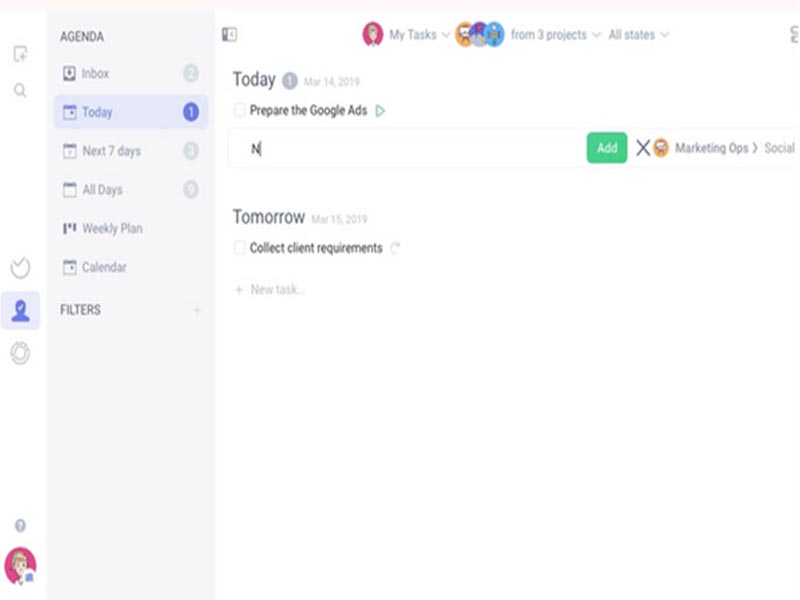
Ora Software Specifications
What is Ora?
This intuitive project management software can completely transform businesses with robust managerial capabilities. Those capabilities include team coordination, task tracking, and a smart dashboard. This system makes it entertaining for the managers to manage the team when the collaboration is seamless, and the whole organization can stay on the same page. Ora has joined ClickUp to provide the users with only the best functionalities.
What is Ora Best For?
Ora project management enables managers and leaders to collaborate with the team according to their work style. This adaptable and flexible software contains a comprehensive suite of functionalities that are the core requirements of any company. Those functionalities include analytical reporting, time monitoring, workflow automation, Kanban dashboard, problem recognition, task completion checklists, scheduling, and team collaboration tools. Also, setting up the project is very user-friendly, and the data accessibility is top-notch.
Ora Integrations
Third-party apps and tools integrations are supported by this PMO software solution, which includes:
- GitHub
- Slack
- Zapier
- GitLab
- Zendesk
- Google calendar
If you want to learn about the integration of this platform, then read the Ora reviews and schedule a free Ora demo.
Ora Pricing
Three cost plans are offered by the software vendors that could be chosen according to your unique business requirements, user volume, budget capacity, and user preferences. The plans are:
- Enterprise: $30/month/user
- Professional: $10/month/user
- Basic: Complimentary but only up to 10 users
You can connect with us to get a tailored Ora pricing quote that suits your preferences and needs today.
**Note: The prices may change with time.
Ora PM Software Implementation
After installation, add your unique credentials for an authorized Ora login, which is now ClickUp, and start setting up multiple projects through the easy-to-navigate Kanban dashboard.
Is Ora Software the Right Platform?
Ora project management software can provide workflow adaptability with Kanban modifications. These modifications give the managers the reins to tailor these managerial elements according to their preferences. Along with these user-centric capabilities, monitoring becomes simplified, and task participation can be increased. This platform is the best choice for robust integrations and workflow automation, allowing businesses to benefit from precise project operations.
You can always get in touch with our customer experts to learn more about its features and performance. They will also guide you about its suitability with your company’s requirements and workflow. Moreover, there are Ora reviews mentioned on this page, so you can also get a united point of view.
Ora Software Features
Ora can be integrated with Trello for card importation, which empowers optimized communication among the team members. Users can share files, documents, images, and videos along with comments conveniently.
These features are utilized for enhanced monitoring of the task progress through timelines. With these problems, they can be identified, and strategies can be implemented by tracking the amount of time was spent on resolving these issues.
This Ora software integration provided updates through dedicated time monitoring. All the activities, task completion, client details, and updates can be viewed through a single click.
Ora task management can be used for streamlined product launches. Managers can monitor bugs and generate roadmaps.
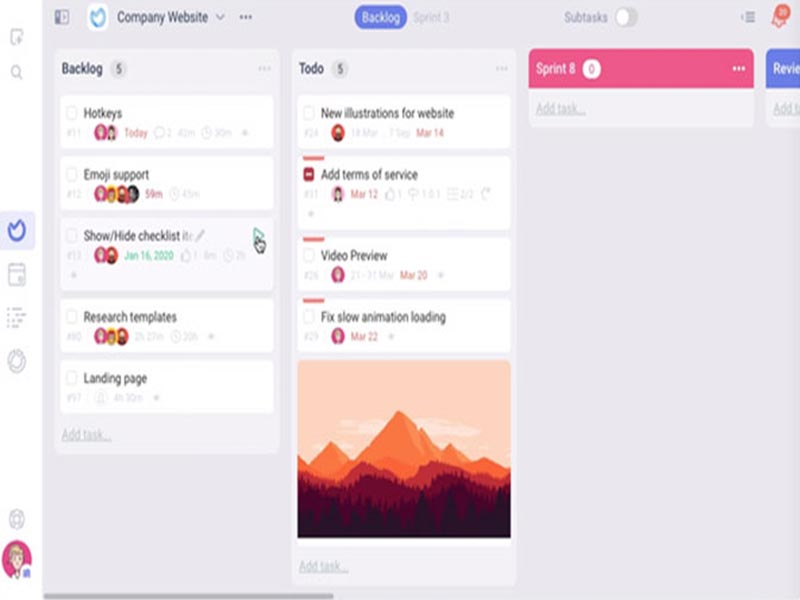
This task management software is not just about handling your workload but about transforming your managerial experience. With optimized project task segregation, productivity is confirmed. This platform gives a simplified task list that can be viewed as a Kanban board. These modifications enable quick monitoring of completed and pending tasks.
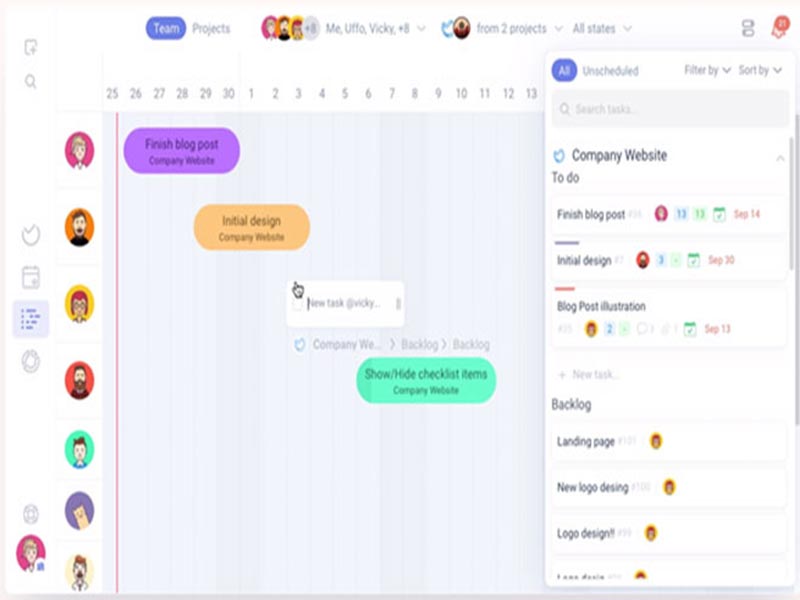
Users can strategize the project strategies and assign tasks after monitoring the timelines. The projects can be planned from start to finish for optimized project procedures.
See The Software In Action Watch Free Demo!
Top Recommended Software






Ora Software Pros and Cons
Ora Software Reviews
Frequently Asked Questions (FAQs)
A: Certainly, this PMO does have a free plan available for 3-10 users.
A: Yes, the Ora task management solution is cloud-based with an Ora app and web access.
A: English, French, German, Spanish, Dutch, Japanese, Italian, Turkish, and Swedish are the languages that the Ora project management software supports.
A: Ora project management allows buyers to get answers through phone support for coaching, Ora reviews, FAQs, knowledge base, and forms. You can also get details about the Ora pricing.
A: There is an Ora app that provides remote convenience for time monitoring and team coordination. Users can access the functionalities of this software platform through a single Ora login.
A: No, the Ora API is unavailable.
A: Certainly, iOS, macOS, Linux, and Android handheld devices are supported by this project management software, with a requirement for an Ora login to access the dashboard, according to Ora reviews.
A: Yes, there is a complimentary Ora free trial option for 30 days, and you can also request a free Ora software demo.
A: Indeed, the apps this Ora software tool integrates with are Google Calendar, Slack, Zapier, GitHub, Trello, etc.
