

Overview
Educators and learners can actively enjoy their digital learning experience with Kannu. This platform is loaded with media-rich content that ensures maximum engagement from the students. This innovative LMS provides the analytical support for active monitoring, and the interactive experience can be accessed through mobile phones.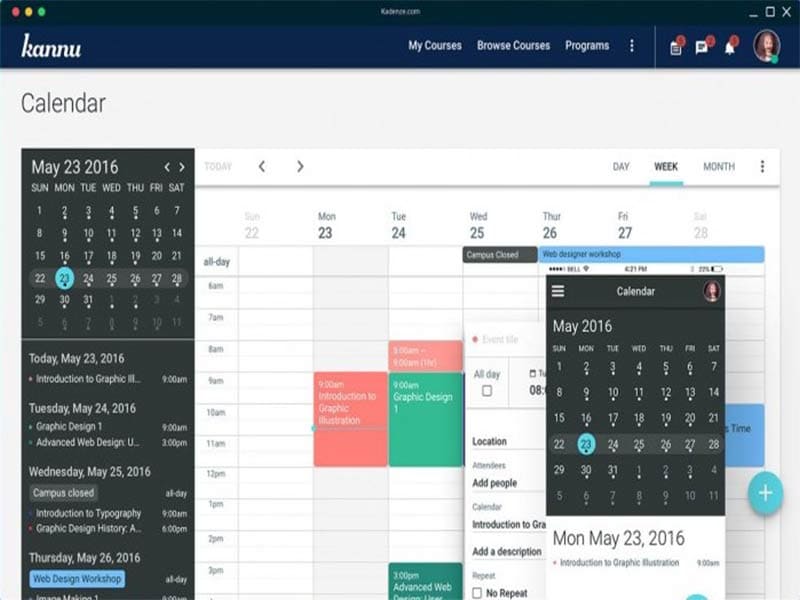
Kannu Specifications
Training Management
Activity Dashboard
Authorized Permissions
Asynchronous Learning
What is Kannu?
Kannu software is a cloud-based and intuitive LMS that enables organizations to deliver a personalized learning experience to their students. Digital courses can be curated by leveraging the built-in formats. These formats are engaging and attractive for the trainer and the trainee. The designs of these formats keep trainees interested in the content, regardless of learning on mobile or desktop. This LMS enables the management of training sessions and educational material. Educators can also create a learning environment through their collaboration tools, which assist in informational exchange necessary for active engagement.
Why Kannu is Opted for?
The reason for its worldwide deployment is its analytics and user engagement. Educators can feasibly assess the learning journey of the students at an individual level through automated scores of assignments, quizzes, evaluations, and surveys to actively fill the gaps hindering retention. Engagement is ensured through diverse content types and formats, including videos, multimedia, designs, and more.
Kannu Integrations
Third-party app integration data has not yet been provided by the vendors on the official website.
Kannu Pricing
The final pricing of this platform is adaptable and can be tailored to the needs of organizations. Kannu cost depends on the scale of operations, unique requirements, and budget capacity of businesses.
Who Should Use Kannu LMS?
All scales of operations can leverage this platform and some of the industries that have popularized this LMS are:
- E-commerce
- Education
- Entertainment
How Does Kannu Work?
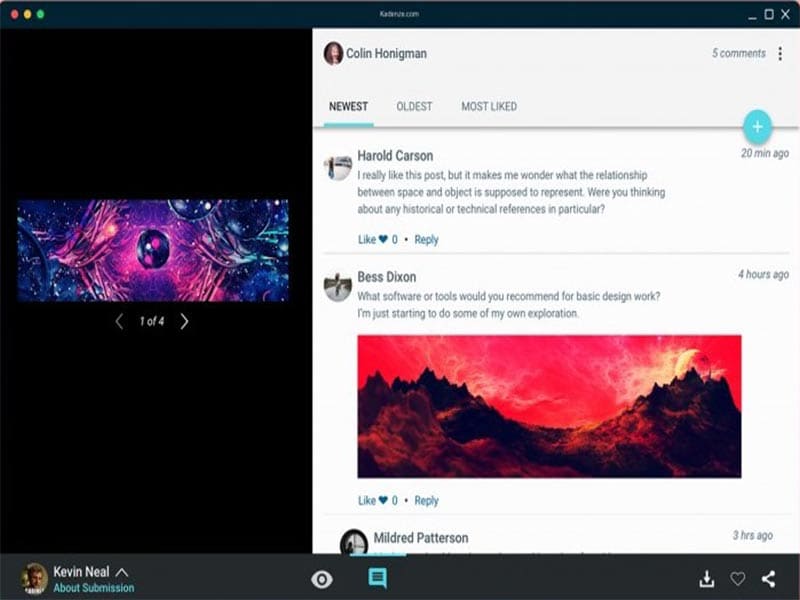
After installation, add your unique credentials for an authorized Kannu login and navigate to the intuitive dashboard to explore it. Companies can modify the layout to recognizable branding with their logo, color schemes, format, and themes. The user can set up multiple profiles and generate courses with the content library. Student enrollment can be automated, and the coordination can be streamlined through this LMS. Instructors can easily track the student progress through automated scoring of the assessments, quizzes, and other assignments. Comments can be added to the evaluations, and quick updates can be given while informing the students through notifications.
Is Kannu LMS The Right LMS?
This system is suitable for modernized organizations that require an innovative LMS. Kannu has a user-centric interface that does not require the business personnel to spend too much time trying to figure out its usage. This software keeps data secure in the database through authorized access and encryption.
If you are still unsatisfied with this information, you can get in contact with our customer support team. They will guide you regarding the suitability of this LMS platform with your unique business demands. You can read the unbiased Kannu reviews or watch a free Kannu demo for a detailed walkthrough.
Kannu Features
For consistent branding, these tools can be quite useful. Administrators can modify the layout to their organizational brand colors, logo, themes, and other recognizable factors. These personalizations add a sense of professionalism and enhance brand recognition, leading to better customer retention rates.
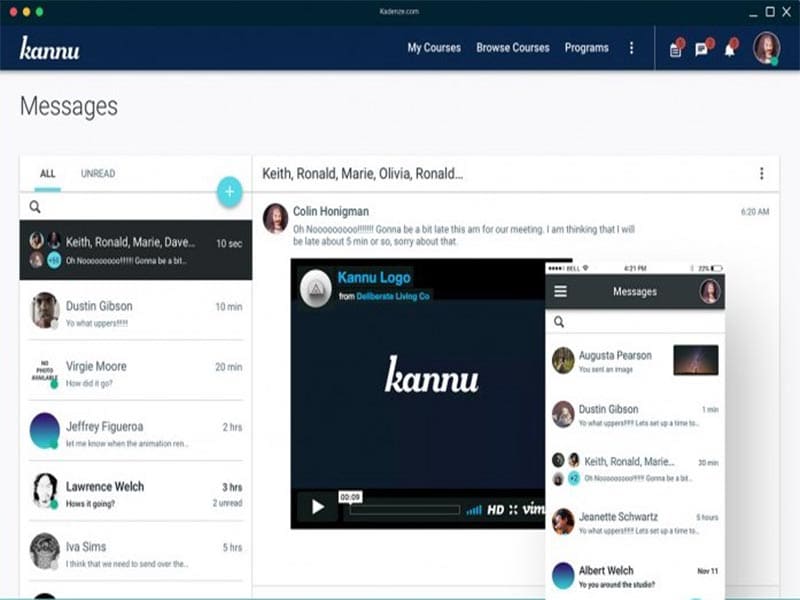
Smooth communication between students and educators is necessary for a streamlined learning experience. These coordination tools enable educators to interact with students through texting, discussion forums, virtual conferences, video calls, and many more. These tools also aid in student-to-student interactions, group projects, and group study sessions.
This LMS system enables automated, quick, and precise evaluation through scoring of the assignments, quizzes, assessments, quizlets, tests, and exams.
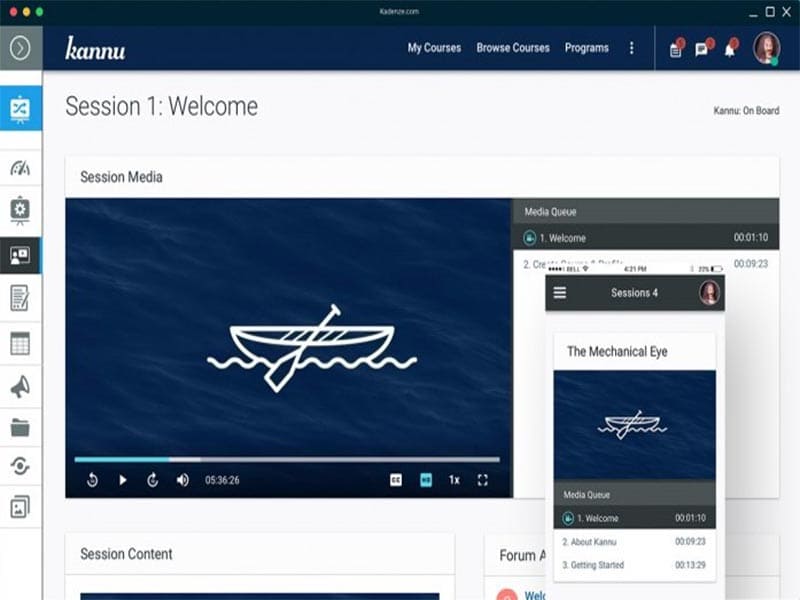
Creating high-quality content that is easy to understand and keeps the user interested in the core purpose of this learning management system. This system helps instructors to create courses with ease that keep trainees interested through multimedia aspects like pictures, videos, diagrams, GIFs, built-in templates, slides, audio, and PDFs.
These analytical reporting features analyze the progress metrics of individual students, like scores, participation, discussion outcomes, and the overall learning journey. Through these performance metrics and detailed reports, instructors can lead focused learning sessions, take a directed approach, and implement informed training strategies.
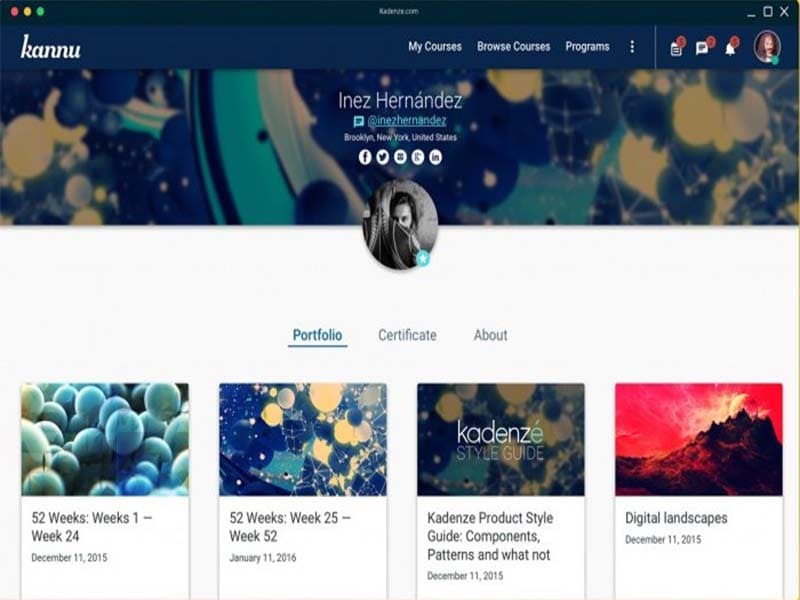
Learners can create portfolios to keep all of their achievements saved. These comprehensive portfolios keep the learner motivated when they can visualize their productivity, upskilling, and project details on which they have worked.
Kan nu enables student enrollment without any administrative overhead. Administrators can enroll students in bulk or individually after a manual assessment. Automation can also handle the assessment process with precision, depending on the user’s preferences.
See The Software In Action Watch Free Demo!
Top Recommended Software






Kannu Pros and Cons
Kannu Reviews
Frequently Asked Questions (FAQs)
A: No, this LMS does not have a free plan available, but there is a Kannu demo.
A: Yes, the Kannu learning management solution is cloud-based.
A: English is the language that Kannu learning management supports.
A: This learning management tool allows buyers to get answers through phone support, help desk, Kannu reviews, chat assistance, and email. You can also get details about the Kannu pricing.
A: There is no dedicated Kannu app that provides remote convenience for course management. Users can access the functionalities of this software platform through a single Kannu login through the web interface.
A: No, the Kannu API is unavailable.
A: Certainly, iOS and Android handheld devices, including smartphones and tablets, are supported by this learning management software, with a requirement for a Kannu login to access the dashboard, according to Kan nu reviews.
A: Yes, there is a complimentary Kannu free trial option, and you can also request a free Kannu demo.
A: There is no information available about the third-party integrations on the official website.
