Location-Based GPS Time Tracking
The time clock automatically adds a GPS position every time someone clocks in or out. It offers you actual visibility into where your employees are working, without physically visiting each job site.

Explore what ezClocker HR Software offers — from day-to-day workflows to advanced capabilities.
The time clock automatically adds a GPS position every time someone clocks in or out. It offers you actual visibility into where your employees are working, without physically visiting each job site.
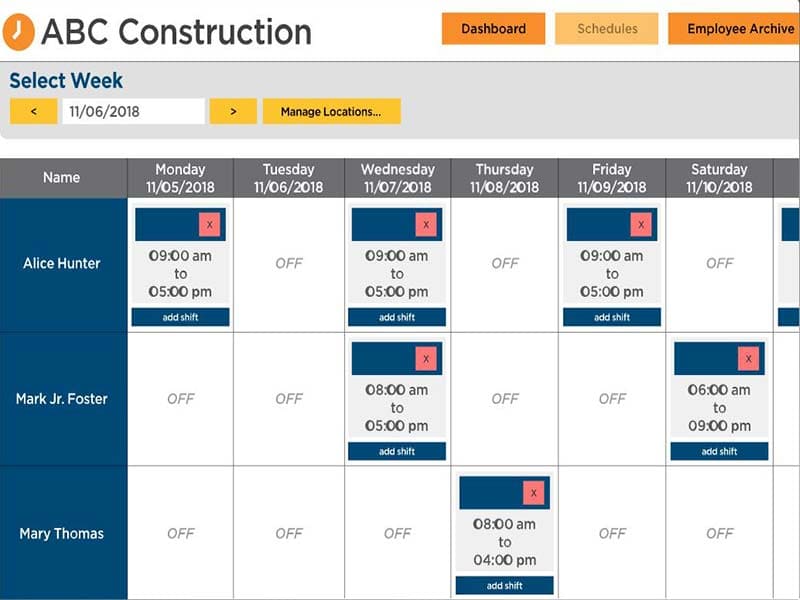
Instead of emailing schedules or sending last-minute text messages, you can assign shifts directly inside the system using the web or ezclocker mobile app. Employees automatically receive notifications on their phones whenever their schedule is added or updated. This minimizes the likelihood of missed shifts and saves HR time in administering daily activities.
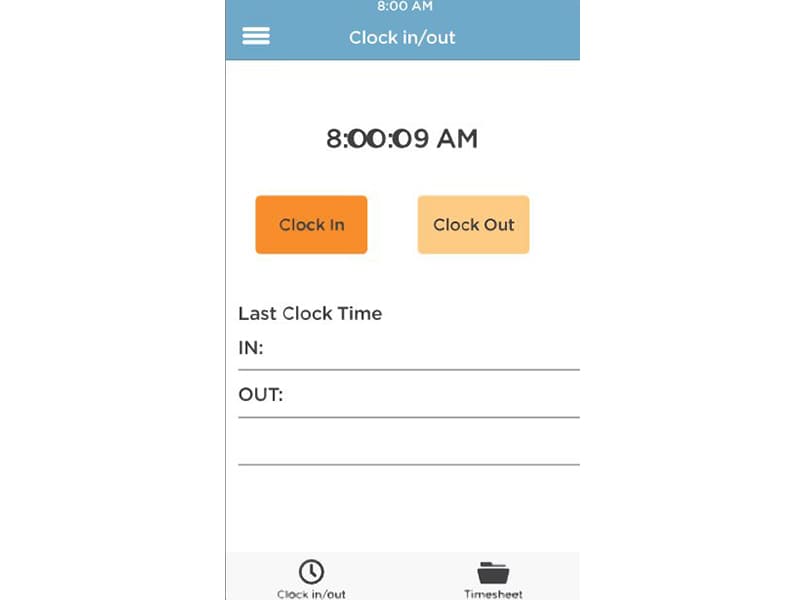
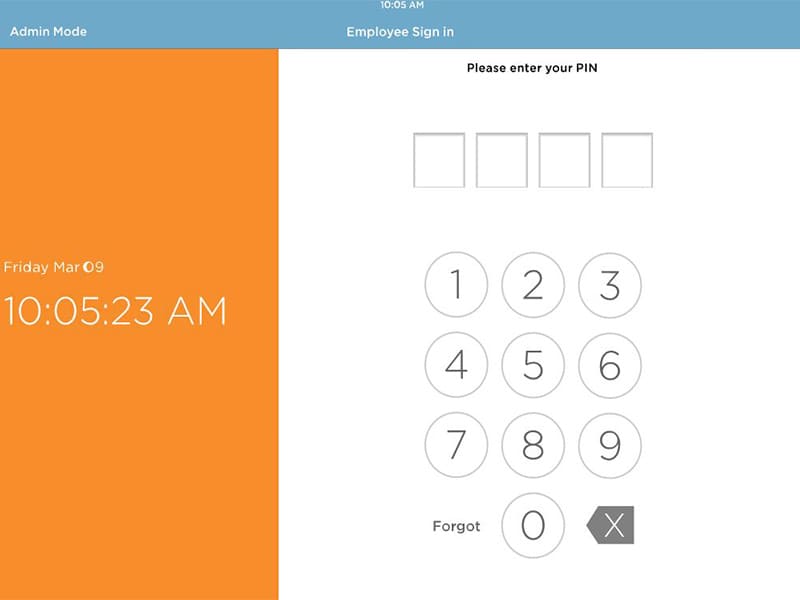
Employees can simply clock in and out from their own mobile device, whether they are iPhone or android users. So there’s no need to purchase additional hardware or biometric devices. The interface is easy-to-use, intuitive and built to ensure that every employee tracks time immediately without any previous training. This facilitates more intelligent time tracking, accurate attendance management to optimized HR operations.
ezClocker is an online time attendance system that also helps you manage time off, export data to a third party and simplify payroll. Employees now clock in or out from a mobile device and it minimizes human errors. Teams view data using secure web dashboard and accept time requests. The platform also supports teams that operate multi-location jobs and want location-based validation. It offers basic functions without requiring you to learn overly complex enterprise-level HR systems.
ezClocker pricing includes three monthly plans.
Customers can sign up for a free trial, before they access ezclocker log in.
Request an ezclocker demo to explore all features and functionalities.
Organizations looking for the best HR software for small businesses often choose ezClocker for easy setup.
Easy setup, quick implementation, simple adjustments to hours.
Date range selection could be more streamlined.
Real-time alerts and location tracking provide insights into employees’ workday.
No issues; fully satisfied.
Simple to use, GPS tracking, easy data export; good for small business basics.
CSV files feel clunky; could be more streamlined.
ezClocker offers email and phone support.
Moxy pricing page (subscription plans) – You can check our subscription plans here. No surprises OKPAY is one of the lowest-cost money transfer services in the world? there are no hidden charges, what you see is what you pay.
Employer could be logging in to the wrong app, if they have an iPhone they need to log into ezClocker Business app not ezClocker personal.
There are a few different ways that you can pay for ezClocker login:
ezClocker supports the English language.
Tell us a little about how your practice runs, and a specialist will come back with concrete numbers, a quick read on whether ezClocker HR Software genuinely fits, and a couple of closely-matched options worth weighing up. Straight answers, no sales pressure.
Takes under a minute — we never share your details.