Automated events
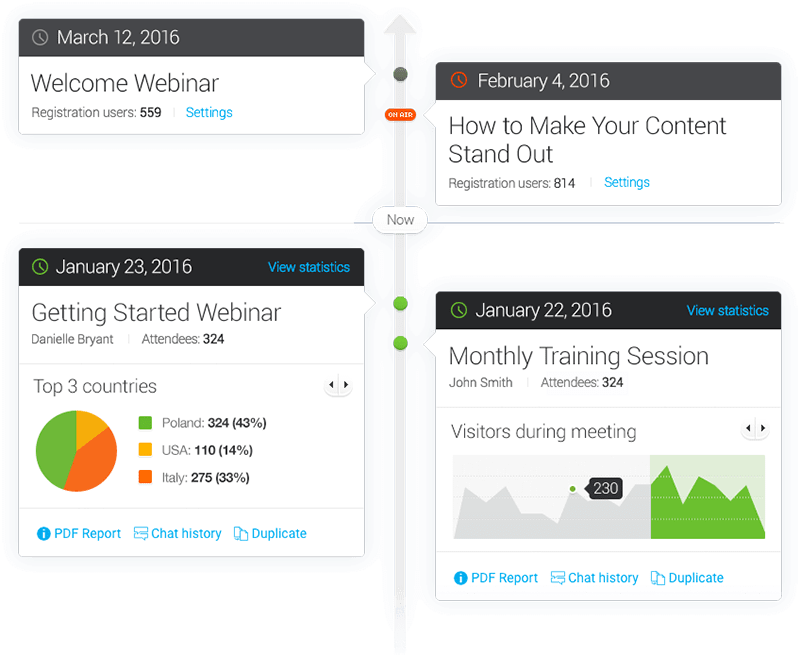
Plan and schedule sessions or automate recorded sessions with timed video, survey, and call-to-action buttons.



Explore what ClickMeeting offers — from day-to-day workflows to advanced capabilities.
Plan and schedule sessions or automate recorded sessions with timed video, survey, and call-to-action buttons.
Add custom event pages and branding, sell tickets via supported payment options, and utilize promo codes.
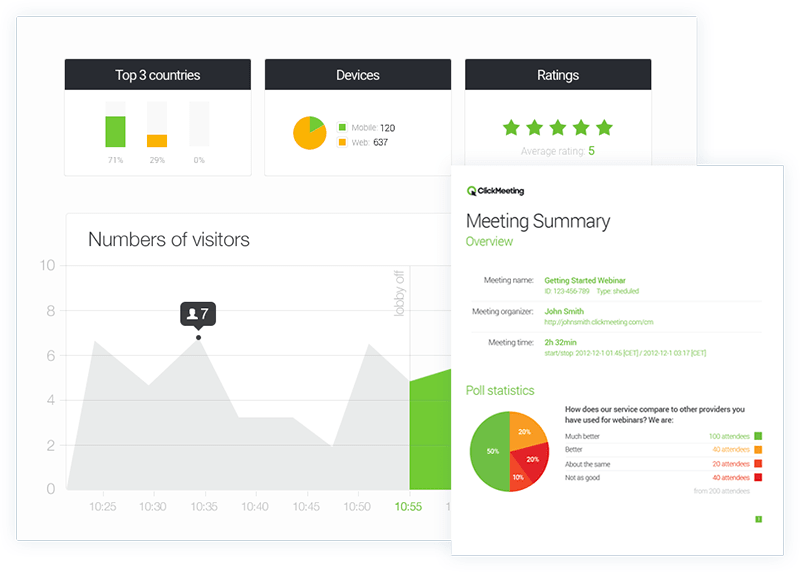
Analyze attendance, engagement, poll results, and event ratings, as well as campaign data, via reports and connections to analytics.
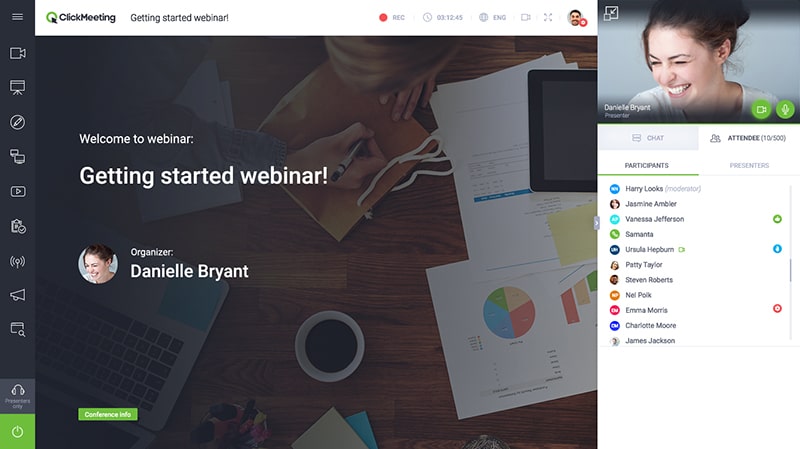
ClickMeeting software enables you to manage, promote, run, and monitor online events. The hosts can create registration pages, add presenters, share screens, poll the audience, answer questions, record the session, and access reports.
ClickMeeting charges are based on the plan and the number of attendees. They are available as a free trial, live, automated, or custom enterprise packages. ClickMeeting offers billing on a monthly or annual basis. The benefits involve events with branding, webinar monetization, automation of communications, and audience metrics.
The platform is perfect for marketing and sales teams, trainers, educators, consultants, course creators, and event organizers. For education providers who need course administration, they should compare LMS software. Webinar leads can be integrated with sales teams using tools available under CRM software.
ClickMeeting software integrations are Zapier, HubSpot, Slack, Dropbox, Google Analytics, Meta Pixel, Keap, Stripe, PayU, social platforms, and the API.
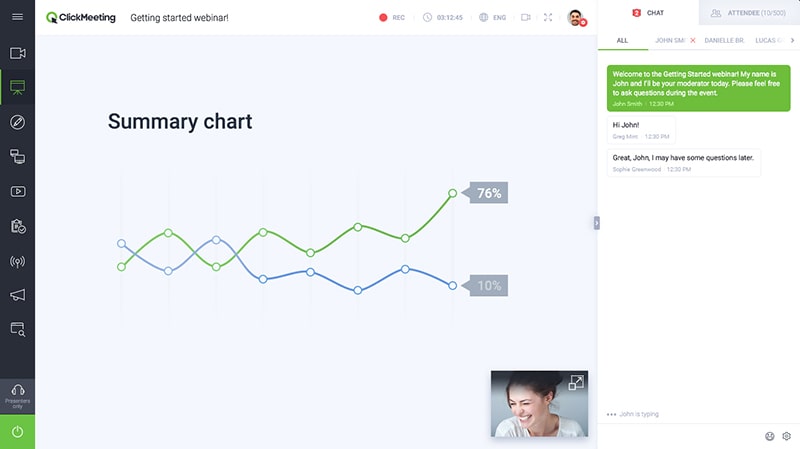
Set up an event, set its type, set the access, and tailor the registration page. Utilize screen sharing, chat, polls, Q&A, and calls to action during the session. After sharing the recording, send follow-ups and see the stats.
Use ClickMeeting for any webinar, whether live, automated, online training, lead generation, product demonstration, paid course, or brand event. Browser access and automation enable teams to reuse content without having to rebuild it each time.
The platform has been a dependable part of our daily operations. It handles core tasks smoothly and keeps everything organized without adding complexity.
Limited advanced customization options.
The software offers a good mix of features that support our workflow and improve efficiency. It covers most of our needs, though there are occasional areas where improvements could enhance usability. Still, it delivers solid value for the price.
Occasional lag in updates or syncing.
Yes. The 14-day trial offers webinars for up to 25 participants for free.
Yes. Events are available to users without downloading the platform.
The automated plan enables automated and on-demand workflows.
Tell us a little about how your practice runs, and a specialist will come back with concrete numbers, a quick read on whether ClickMeeting genuinely fits, and a couple of closely-matched options worth weighing up. Straight answers, no sales pressure.
Takes under a minute — we never share your details.
By providing your phone number to Codatis, you consent to receive SMS communications related to your inquiries, service updates, and direct communication with your assigned representative.
Message and data rates may apply in accordance with your mobile service provider.
Codatis does not send unsolicited promotional messages. For more information, please refer to our Privacy Policy below or visit the link provided.
Codatis respects your privacy. No mobile information will be shared with third parties or affiliates for marketing or promotional purposes.
Text messaging opt-in data, consent, and related information will not be shared with any third parties under any circumstances.