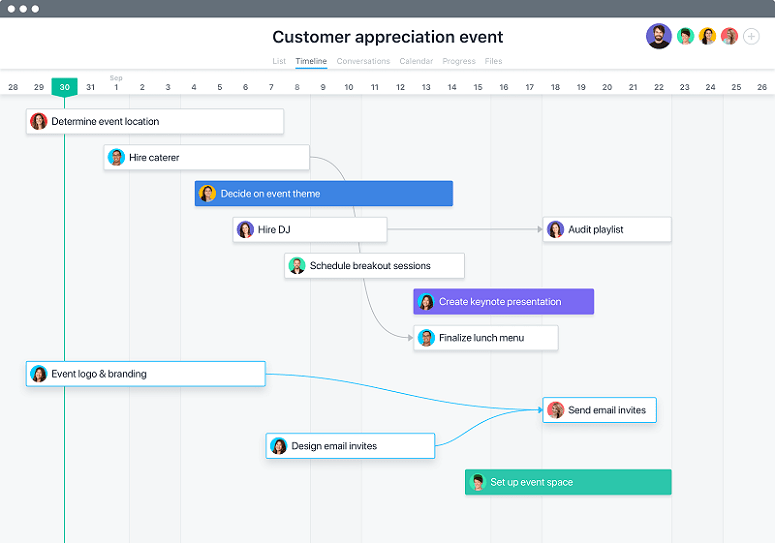
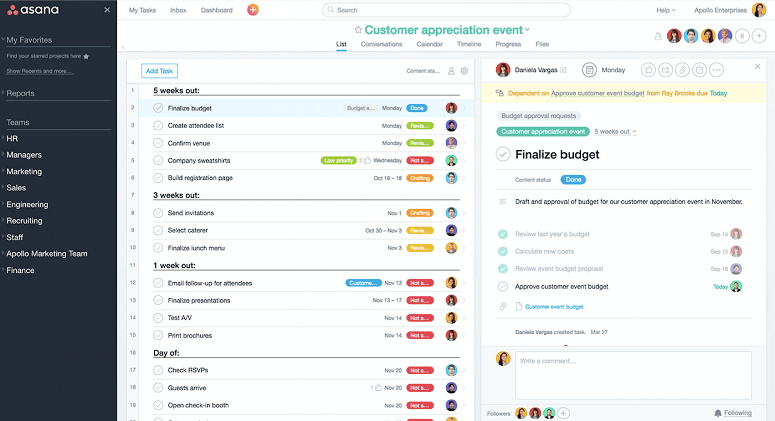
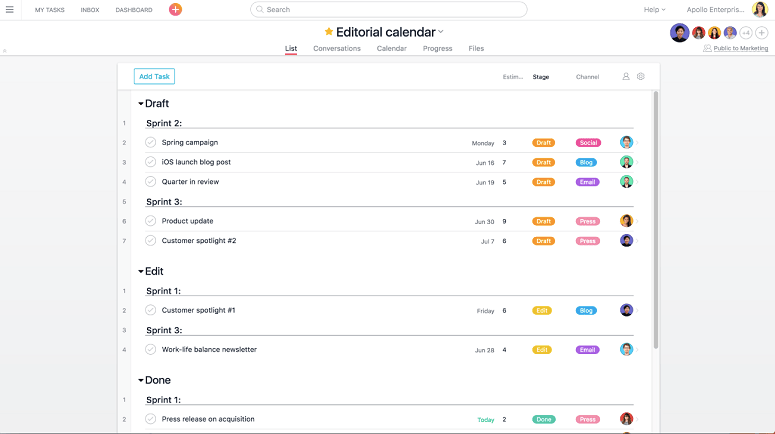
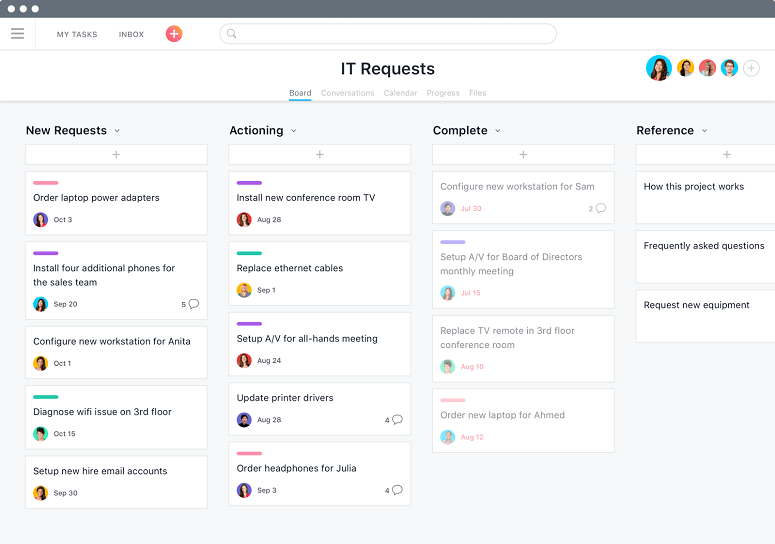
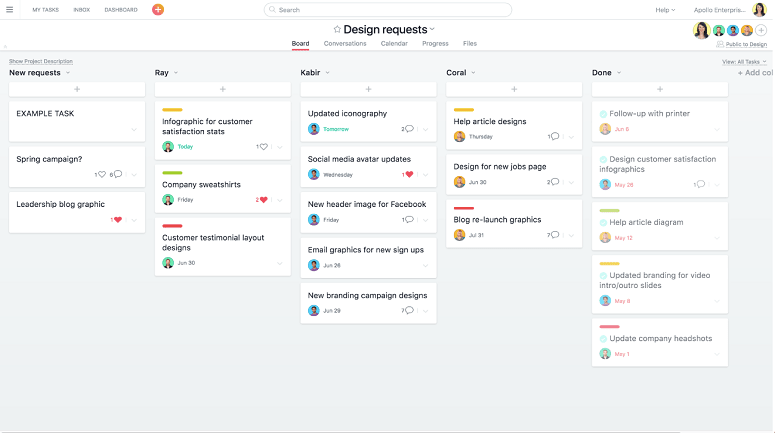
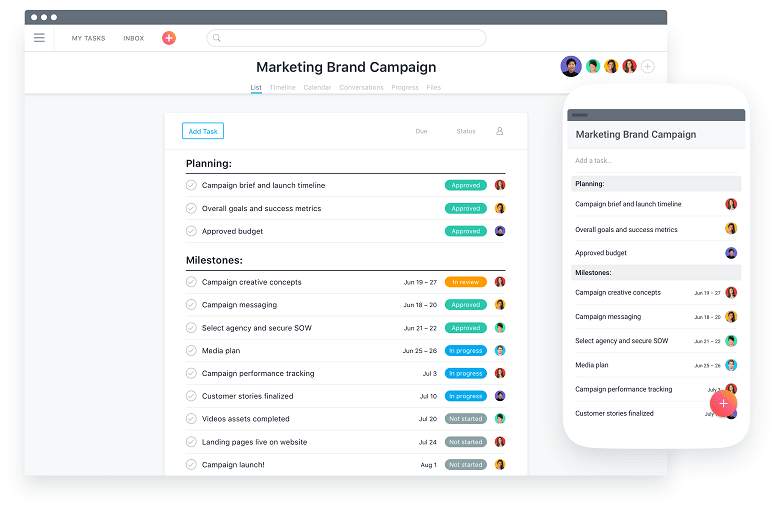
Asana is cloud-based task management software that keeps track of project performance. This solution also allows managers to assign tasks, restrict access, track deadlines, define priorities, and monitor overall performance through a centralized workspace. Teams can also organize the project as they like through lists, boards, and a calendar timeline to keep track as well.
What is the Pricing Structure of Asana?
The pricing tier of Asana starts at $13.49/user/ month in the Starter plan. It also has AI Studio access with 50,000 credits/ billing account/ month, with features like Gantt, timeline setting, dashboard, custom fields, and templates. Other pricing models include:
- Personal: $0, free forever with two users’ access.
- Advanced: $30.49/user per month
- Enterprise: Custom Pricing that suits your needs
- Enterprise +: Custom pricing that suits your requirements.
A free trial of paid plans is available. You can consider it before buying the software to make an informed decision. The solution also has some additional costs besides the packages.
Integrations for Asana
The software can outperform its task by linking up with external tools. Most users integrate the following:
- ChatGpt
- Splunk
- Claude
- Google Drive
- Okta
- GitLab
- Canva
How to set up Asana PM Software?
As an Enterprise or manager with multiple projects going on at a time, you can take advantage of tracking and organized project management with this software product. Here’s how you can get started with Asana, from setting up to keeping track:
- Sign up for Asana and enter your workspace to view tasks, projects, and updates on your dashboard.
- Set up a project using a blank template, then select a view that suits the way your team works.
- Create tasks for the work involved and divide larger items into subtasks to streamline the workflow.
- Assign tasks to the team, set deadlines, and add descriptions, files, or other task information.
- Move tasks forward by updating their placement and status in their respective sections.
- Share feedback and updates through comments attached to the task they relate to.
- Track progress through dashboards and project overviews to see what is moving ahead and what is not.
You will need the Asana software training once to use it easily. Request a free demo to understand it better.
Is Asana a Software You Require?
This platform is a strong choice for teams with lots of moving parts, requiring a clearer itinerary to keep projects and responsibilities on track. For businesses dealing with a lot of sensitive data, the solution is compliant with HIPAA, SOC 2 Type 2, SOC 3, GLBA, and relevant privacy laws. Also, admins can use two-factor authentication to restrict access and control data handling.
Asana has moved into broader collaborations; keeping AI’s importance in sight, the solution has built AI teammates and no-code-like tools for better project management capabilities. The software product can be linked with external tools like Claude too. Many notable organizations have used it for project management tools like Asana.
If you still have any doubts, contact our experts for guidance. You can also request a free tutorial for Asana. Watch now.