Visual Pipeline Tracking
You can create unlimited pipelines with Streaks CRM. You can organize deals, leads or projects into stages and drag and drop. Filters and search help you quickly find active or stalled records.


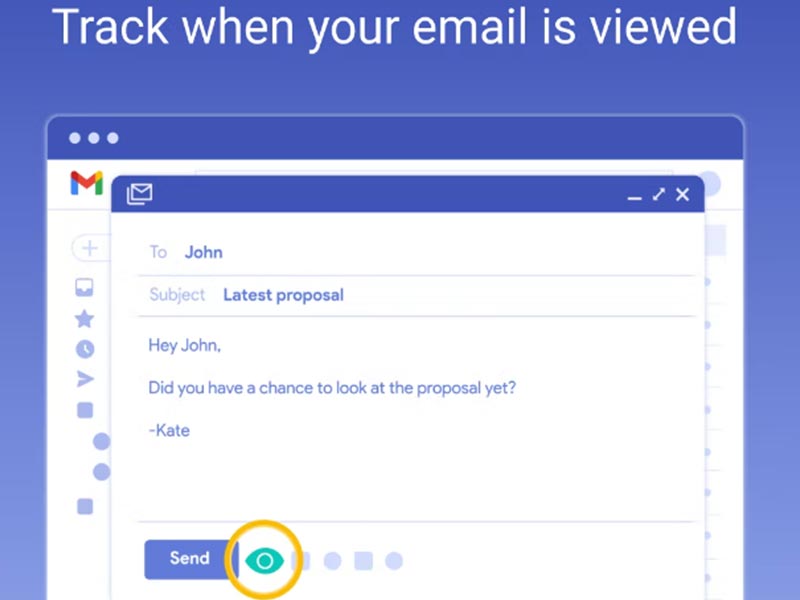
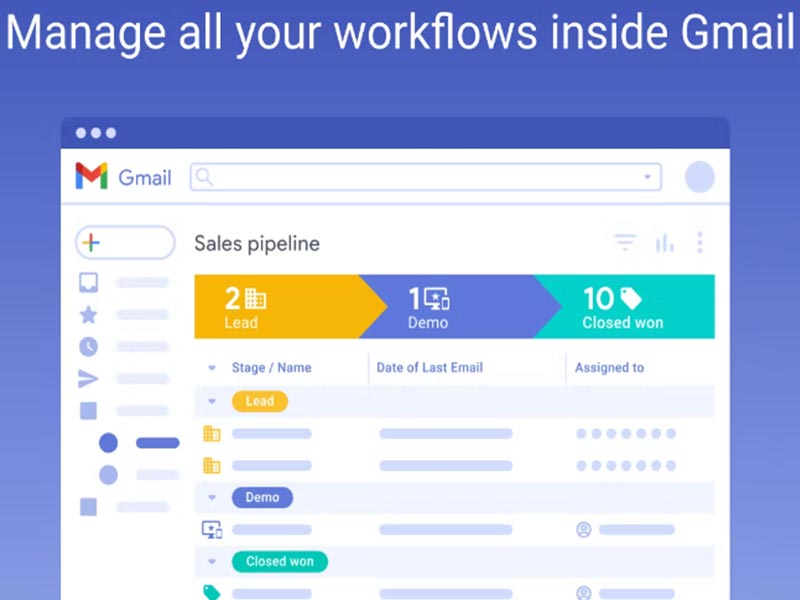
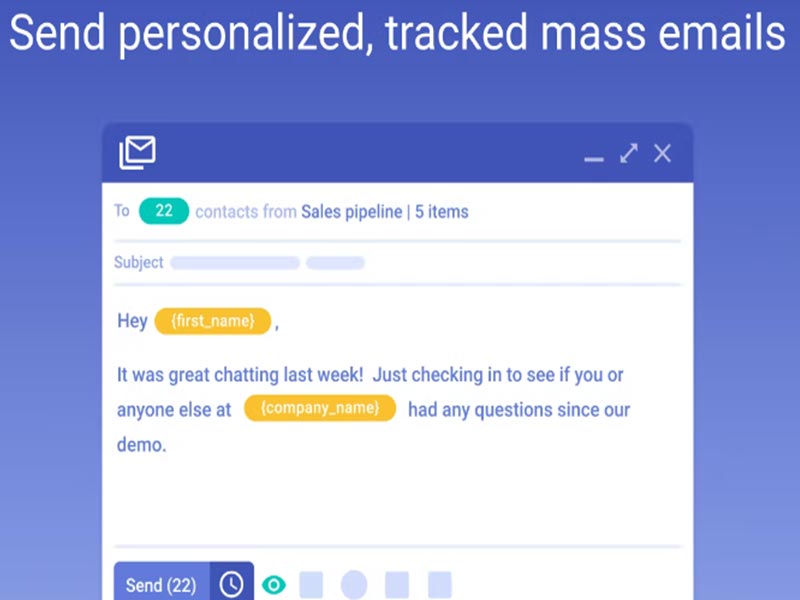
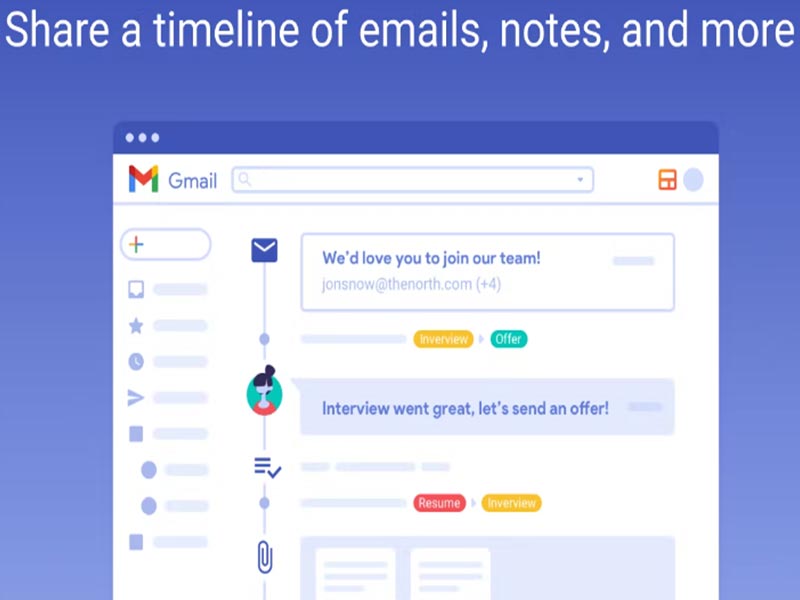
Explore what Streak Software offers — from day-to-day workflows to advanced capabilities.
You can create unlimited pipelines with Streaks CRM. You can organize deals, leads or projects into stages and drag and drop. Filters and search help you quickly find active or stalled records.
You can tailor your pipeline to your liking, color-code workflows and apply customised layouts that reflect your process. This flexibility accommodates sales, hiring, fundraising and internal tracking, without clunky templates.
Built-in mail allows you to send personalized emails using data from your pipeline. It manages preview messages before they are sent, resulting in fewer mistakes.
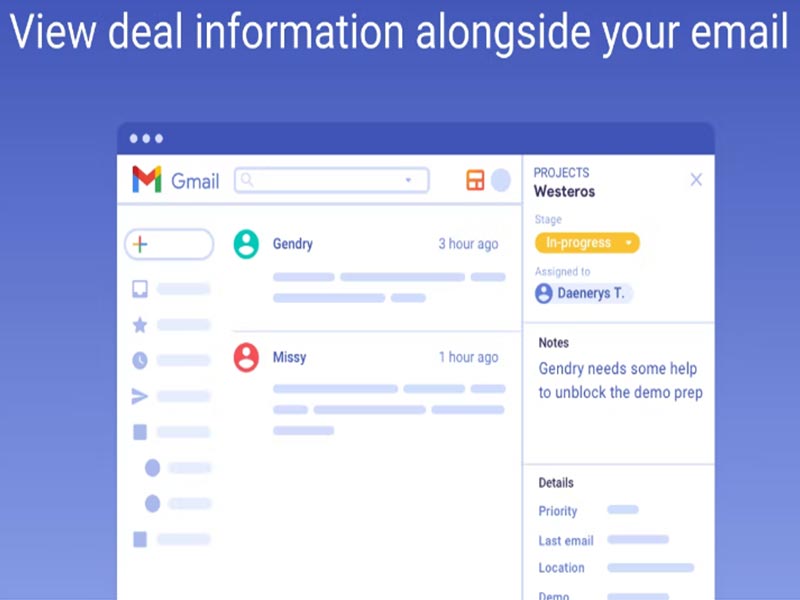
Streak is a CRM software for Gmail. It functions as a streak plugin that is built right inside your email inbox, so you can follow leads, opportunities, tasks and contacts without leaving your email.
Unlike traditional CRM management software, Streak focuses on simplicity. You view pipelines alongside conversations, update records as emails arrive, and search historical data using Gmail’s tools. This approach reduces onboarding time and helps teams adopt CRM workflows faster.
The CRM streak cost operates on a subscription model.
Streak CRM cost offers flexible pricing schemes for freelancers, small teams, as well as companies of all sizes.
Ideal for individuals or professionals, the Solo plan comes with private pipelines, 5,000 boxes, 800 daily mail merges, email tracking and templates, G Suite support, mobile apps and access from your phone or tablet, auto-boxing return emails to their relevant box, basic CRM features such as contact profiles and communication history integrated into Gmail/Outlook on the web and email Support.
Streak’s most popular option is the Pro plan. It provides private and shared pipelines, unlimited boxes, 1,500 mail merges per day, email tracking and snippets, advanced CRM features, standard API, basic permissions data validation G Suite integration mobile access auto-boxing email support
Constructed for companies that require extensive customization, Enterprise features Webhook API, custom data validation, custom permissions, priority support and custom billing.
For even larger teams or more advanced needs, you can reach out directly for a pricing and plan breakdown.
Sales teams working deals within Gmail
CRM Streak integrates with:
Track projects, leads, hiring, support tickets, or deal flow with Streak’s pipelines.
Stages and columns to structure your workflow. Design columns with checkboxes, pull-down menus, dates or freeform fields. Columns easily track your data such as last received email.
Clients’ information is kept in boxes. Assign emails to boxes (single or multiple) for easy tracking, manage notes, tasks and reminders directly linked with comprehensive communication history.
You build pipelines for deals, projects or tasks. Every email is linked with a pipeline entry. As conversations evolve, Streak works behind the scenes to log activity over time, with timestamps and status updates.
You can filter, order and search pipelines if you are looking for a particular record.Members of the team have shared pipelines under permissions, which improves data visibility.
Streak CRM is most helpful for Gmail, though it can substitute other email providers such as Outlook. With its low cost, deep G Suite integration and team collaboration functionality through pipelines, it’s great whether you are looking to manage workflows in sales, project management or recruiting.
For more complex workflow automations or robust reporting, Streak can be limiting for businesses. For freelancers and small teams, the Streak CRM add-on provides an easy, useful way to bring all of your customer data into one place.
Choose CRM Streak if you are looking for :
The platform has been a dependable part of our daily operations. It handles core tasks smoothly and keeps everything organized without adding complexity.
Limited advanced customization options.
The software offers a good mix of features that support our workflow and improve efficiency. It covers most of our needs, though there are occasional areas where improvements could enhance usability. Still, it delivers solid value for the price.
Occasional lag in updates or syncing.
CRM Streak lets you keep track of your deals, contacts, emails, call logs and message threads without leaving Gmail.
Yes. Streaks CRM has a free plan with limited features. Paid plans unlock advanced features.
It is Compatible with Gmail and Google Workspace
It is a great choice for people and small businesses who need a simple CRM tool without complicated setup or training.
Tell us a little about how your practice runs, and a specialist will come back with concrete numbers, a quick read on whether Streak Software genuinely fits, and a couple of closely-matched options worth weighing up. Straight answers, no sales pressure.
Takes under a minute — we never share your details.
By providing your phone number to Codatis, you consent to receive SMS communications related to your inquiries, service updates, and direct communication with your assigned representative.
Message and data rates may apply in accordance with your mobile service provider.
Codatis does not send unsolicited promotional messages. For more information, please refer to our Privacy Policy below or visit the link provided.
Codatis respects your privacy. No mobile information will be shared with third parties or affiliates for marketing or promotional purposes.
Text messaging opt-in data, consent, and related information will not be shared with any third parties under any circumstances.