Automated Approval Workflows
Approval processes are adapted automatically as per employee data, e.g., role, department, etc. This automation also frees up time and verifies that all of the spending rules apply uniformly throughout the company.


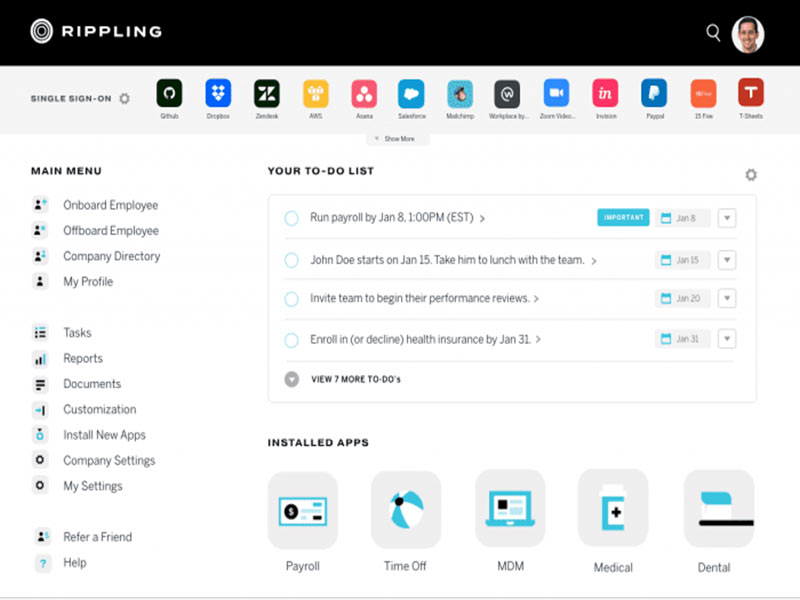
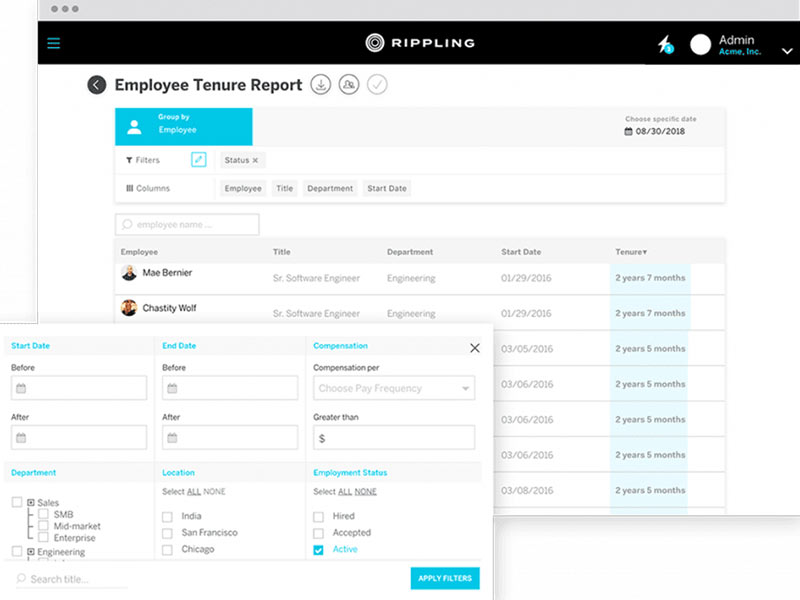
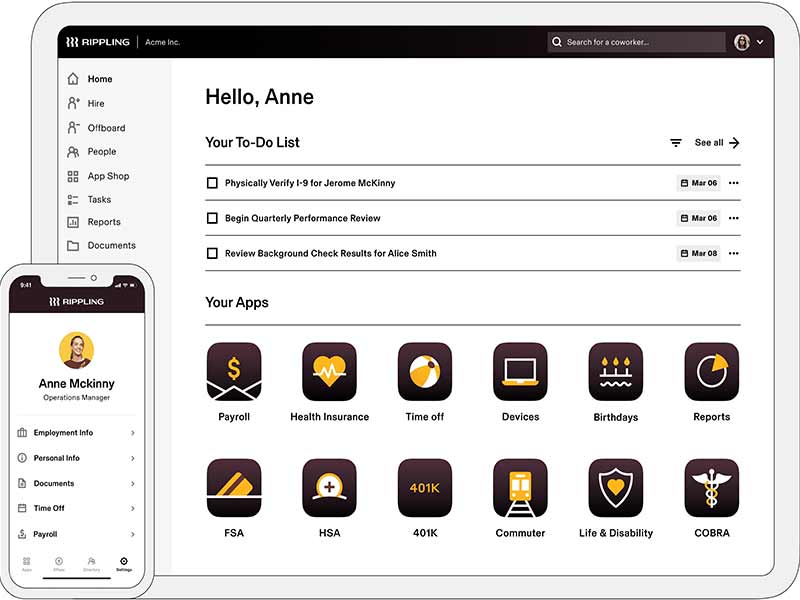
Explore what Rippling HR Software offers — from day-to-day workflows to advanced capabilities.
Approval processes are adapted automatically as per employee data, e.g., role, department, etc. This automation also frees up time and verifies that all of the spending rules apply uniformly throughout the company.
Employees use virtual or physical corporate cards with predetermined limits. You set the locations where cards are valid and track employee spending, thus reducing the risk of unauthorized purchases. With real-time alerts, you have instant insight into card usage for better monitoring.
The finance team tracks budgets and vendor spending and accesses spending habits. This transparency enables organizations to react to typical spending patterns and make actionable budgeting choices.
It also has ACH/wire payments for vendor invoices. Expenses and payments automatically reconcile with accounting systems, minimizing effort and maximizing accuracy. This capability enables finance teams to streamline vendor relationships.
You set spending rules by role or department and also by category. Transactions that run a lot of policies are prevented from being paid, and compliance is enforced.
Rippling Spend is a spend management solution that brings together expense management, corporate cards, bill pay, and payroll in one unified platform. Rather than treating expenses as a discrete function, the software links spending directly to employee data and accounting systems.
It automatically enforces spending policies and offers visibility by department, vendor, and category. This configuration reduces manual expense audits and minimum policy violations and gives financial leaders complete control over organization spending.
By centralizing spend in one system, Rippling aids consistency, compliance, and cost reduction.
Rippling’s spend is charged in modular form and on a tailor-made basis. You pay only for the features that your company actually uses.
Cost is based on company size, the number of modules, and the complexity of operations. To get rippling spend management costs, businesses have to ask for a customized quote depending upon their requirements.
Rippling Spend is made for teams who require rigid control over costs, such as
The platform serves medium-to-large organizations with complex approval workflows and multi-department spending.
Rippling Spend management integrates with the business and finance tools, making it easier for your team to focus by avoiding manual data entry and reconciliation. Supported integrations include:
You begin by creating spending policies organized according to employee positions, departments, or vendors.
Every transaction is automatically forwarded for approval. Approved expenses sync with payroll or accounting systems.
With this workflow, finance teams have continuous visibility and control, without negatively impacting day-to-day operations.
Choose ripple spending if your company requires clear spending rules without extra administrative overhead. The software is best for businesses looking to automate approvals, decrease errors, and ensure unified policies across teams.
Its utility is particularly strong if you already use Rippling for HR or payroll, because spending data connects directly with employee records and compensation systems
The platform has been a dependable part of our daily operations. It handles core tasks smoothly and keeps everything organized without adding complexity.
Limited advanced customization options.
The software offers a good mix of features that support our workflow and improve efficiency. It covers most of our needs, though there are occasional areas where improvements could enhance usability. Still, it delivers solid value for the price.
Occasional lag in updates or syncing.
Spend management software is frequently used by healthcare, manufacturing, construction, finance, technology, retail, and other business sectors.
The product integrates with QuickBooks, Checkr, Jira, Shopify, Mailchimp, Sage Intacct, and Xero
The seller operates with custom pricing. You’ll need to see a quote in order to find out the rippling spend cost for your business.
Yes. The platform is compatible with iOS and Android applications.
It supports English, French, and German languages.
Rippling Spend directly connects with the HR, payroll, and IT tools. It also minimizes the manual entry of data and potential errors. With real-time spend visibility, automated approval flows and integrated card controls, it’s faster than most other expense management tools.
Tell us a little about how your practice runs, and a specialist will come back with concrete numbers, a quick read on whether Rippling HR Software genuinely fits, and a couple of closely-matched options worth weighing up. Straight answers, no sales pressure.
Takes under a minute — we never share your details.