Medical Billing and Revenue Management
Streamline claims, billing, and financial reports all from one place. Claims can be submitted electronically, and you can tailor your billing workflows with the system.


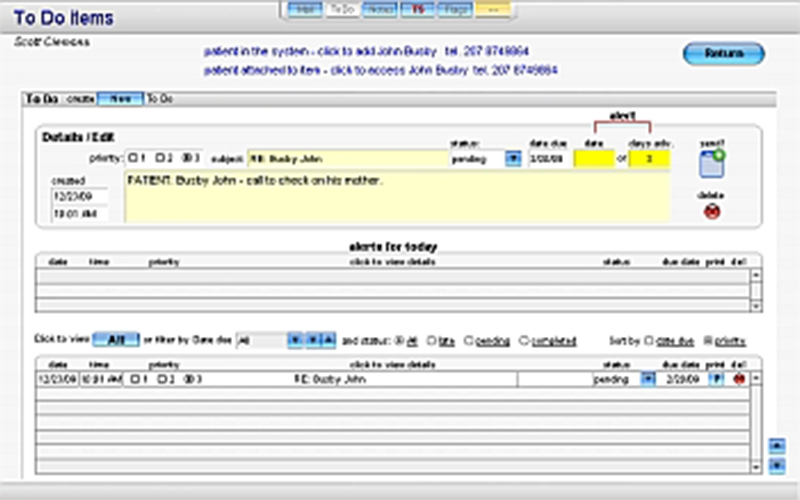
Explore what Powermed offers — from day-to-day workflows to advanced capabilities.
Streamline claims, billing, and financial reports all from one place. Claims can be submitted electronically, and you can tailor your billing workflows with the system.
Organize with filters, recurring schedules, and provider-based views. This ultimately facilitates time management and enables the avoidance or reduction of scheduling conflicts.
A single platform that builds financial and productivity reports. This allows you to measure performance by provider, patient, or payer.
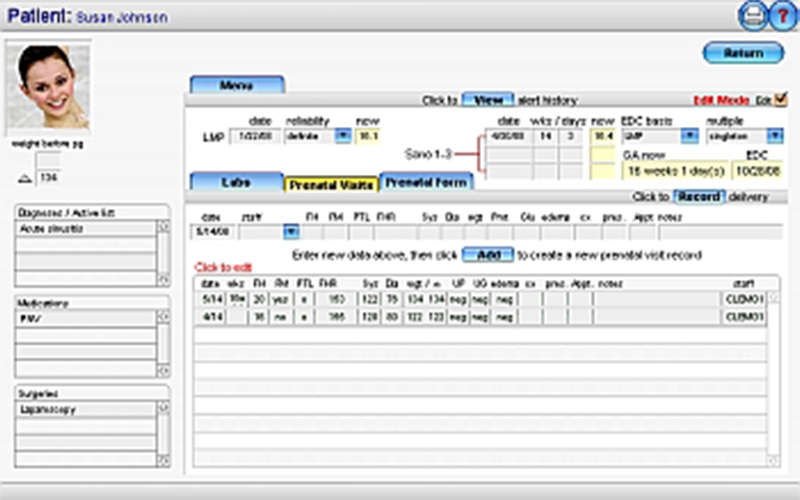
Patient records, notes, and clinical data are stored in a secure electronic system known as EHR. Templates help speed up documentation.
You can customize templates and workflows according to your specialty. It allows multiple practices to be used in a much more usable way.
PowerMed Software is a medical EHR software that provides clinical documentation and billing management as well as appointment scheduling, all managed in a single platform. PowerMed Software brings financial and operational tools within the same platform.
The PowerMed pricing is based on the version you select.
Price: Practice Suite, starting from $15,000 + setup and server + support (starting from $249/month)
Cost: $499 one-time price + optional support fees PowerMed Solo
Pricing is subject to change; request a PowerMed demo or quote for more details.
PowerMed Software is designed for:
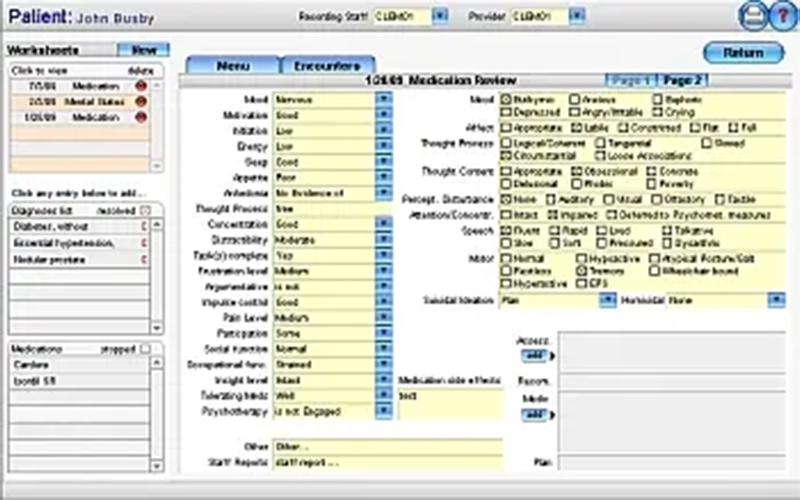
Your practice will be outfitted with customizable templates to support psychiatry workflows if you need EHR software for mental health.
The vendor has not provided specific information on third-party integrations. That means PowerMed Software is used primarily as an independent system. If you rely on external tools for your workflow, you should check compatibility (before adoption).
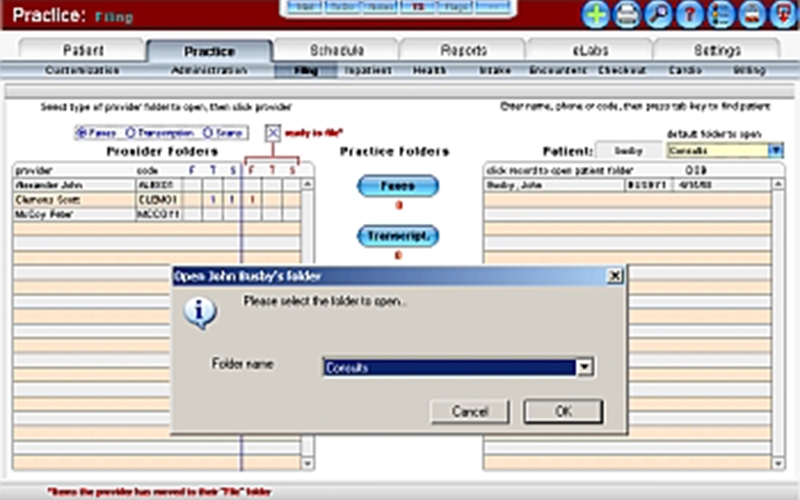
Once you finish your PowerMed login, you reach a central dashboard that connects all modules.
This approach allows everything to stay in one system, which means less wait time and no duplicate work.
Choose PowerMed Software if you:
It’s best used for providers that would rather have control over flexibility in integrations
The platform has been a dependable part of our daily operations. It handles core tasks smoothly and keeps everything organized without adding complexity.
Limited advanced customization options.
The software offers a good mix of features that support our workflow and improve efficiency. It covers most of our needs, though there are occasional areas where improvements could enhance usability. Still, it delivers solid value for the price.
Occasional lag in updates or syncing.
PowerMed Software is an e-health software solution from PowerMed that manages patient records, billing, and scheduling into one electronic health record EHR software system.
No. This is a locally hosted EHR system solution that operates on your server.
Yes. You can request a PowerMed demo and check its features before purchasing.
Yes, it is best for solo providers and small clinics needing EHR software with control on-premises.
Tell us a little about how your practice runs, and a specialist will come back with concrete numbers, a quick read on whether Powermed genuinely fits, and a couple of closely-matched options worth weighing up. Straight answers, no sales pressure.
Takes under a minute — we never share your details.
By providing your phone number to Codatis, you consent to receive SMS communications related to your inquiries, service updates, and direct communication with your assigned representative.
Message and data rates may apply in accordance with your mobile service provider.
Codatis does not send unsolicited promotional messages. For more information, please refer to our Privacy Policy below or visit the link provided.
Codatis respects your privacy. No mobile information will be shared with third parties or affiliates for marketing or promotional purposes.
Text messaging opt-in data, consent, and related information will not be shared with any third parties under any circumstances.