Centralized Practice Management
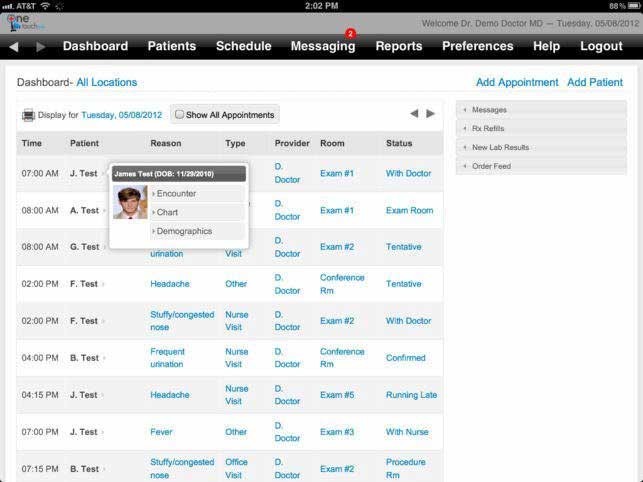
With a robust calendar tool for creating physician schedules, practices can streamline their schedules, supplies, and patient care within the platform.


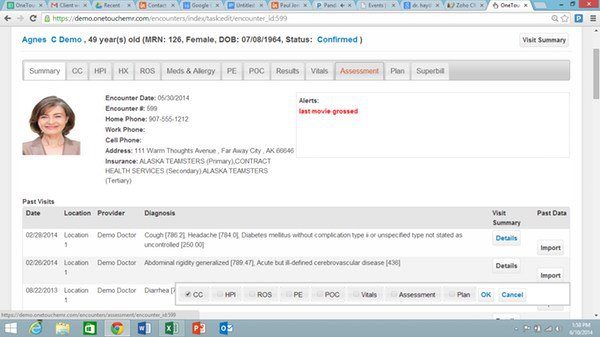
Explore what One Touch EMR Software offers — from day-to-day workflows to advanced capabilities.
With a robust calendar tool for creating physician schedules, practices can streamline their schedules, supplies, and patient care within the platform.
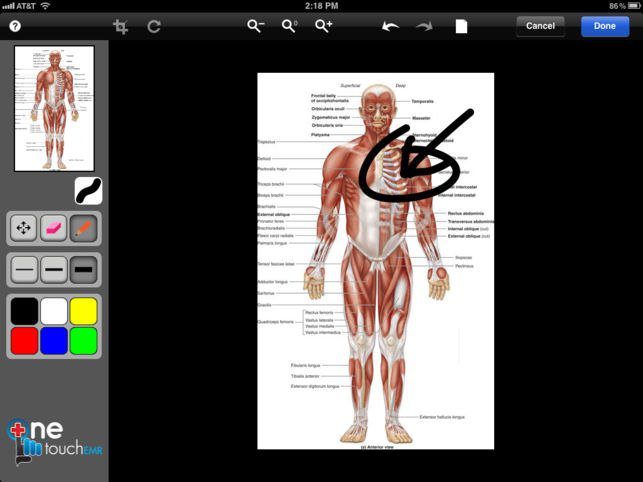
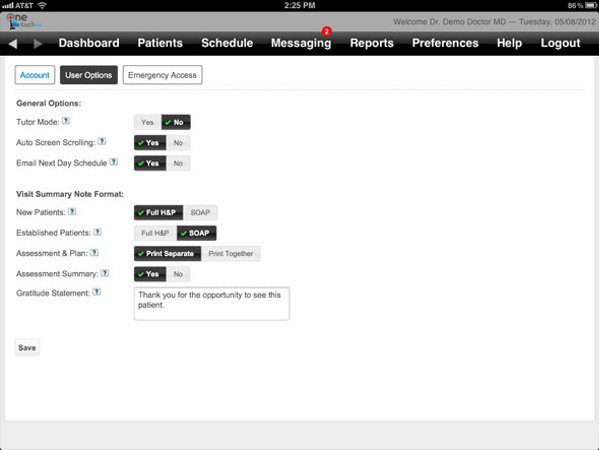
The system can be directly connected with Dragon Medical, enabling doctors to take notes during a patient visit, which are then transcribed automatically and not typed on them. It also provides comprehensive customization possibilities, compatible with the specific needs of a medical practice.
By leveraging an interactive telehealth tool, One Touch can also contribute to better patient outcomes: Providing the ability to access health care services remotely for patients who can’t always get in person to access care, and helping to ensure timely medical advice and ongoing monitoring.
Integrated medical billing services and software make a single platform out of OneTouch EMR, giving an organization a complete clinical-to-administrative strategy.
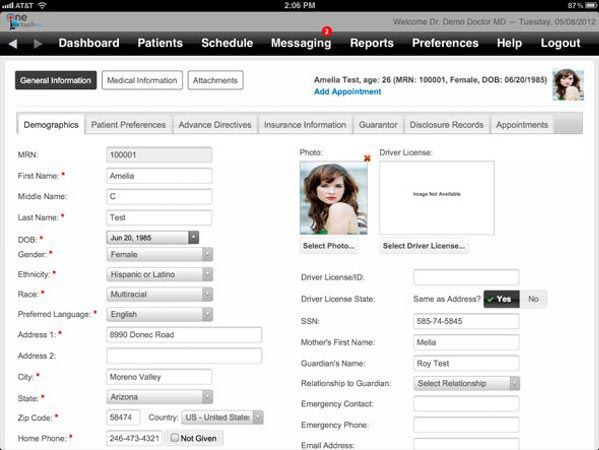
OneTouch EMR is created and designed by a practicing Health Scientist with the needs of the Healthcare Industry uppermost to meet the needs of the Industry. It is designed for family medicine and internal medicine practices, with a consistent and user-friendly interface for effortless navigation and access to patient records from anywhere via the cloud. One Touch EMR software is not about making practices change themselves to fit the software; it’s about letting the software adapt based on the practice’s workflows.
One Touch EMR is designed for smaller independent practices, increasing in size as they grow. It is used by people regularly:
One Touch EMR provides support for websites, with videos to help practices, and through live online chat and a phone line open for support, as well as a free demo before they commit. Additionally, customized features are also available during onboarding to better fit the practice’s workflow. However, user experience has shown that some have experienced rapid and effective servicing while others were subjected to a slower period during set-up.
One Touch EMR’s “pay for what you use” revenue structure ensures practices lean on only the resources that are essential to them, and its built-in telehealth and voice dictation capabilities. Also, it eliminates both third-party subscriptions and hardware expenditures. Mobile access in conjunction with lab integration and centralised scheduling simplifies operating clinical and administrative workflows with one system from a small office.
There is no specific or fixed One Touch EMR pricing plan. OneTouch EMR offers the following pricing tiers:
At Codatis, we can quote you a separate billing plan if requested. Small practices can begin with a free plan and upgrade if necessary.
The platform has been a dependable part of our daily operations. It handles core tasks smoothly and keeps everything organized without adding complexity.
Limited advanced customization options.
The software offers a good mix of features that support our workflow and improve efficiency. It covers most of our needs, though there are occasional areas where improvements could enhance usability. Still, it delivers solid value for the price.
Occasional lag in updates or syncing.
Yes, it offers a free plan alongside paid tiers (Silver, Gold, Platinum, and EHR + Billing) that add more features per provider.
Yes, it is ONC-ATCB certified and HIPAA compliant, allowing physicians to qualify for Meaningful Use.
Yes, it includes remote consultation capabilities for accessible, continuous patient care.
Pricing ranges from free to $599 per provider monthly, depending on the plan, with custom quotes available for billing plans.
Tell us a little about how your practice runs, and a specialist will come back with concrete numbers, a quick read on whether One Touch EMR Software genuinely fits, and a couple of closely-matched options worth weighing up. Straight answers, no sales pressure.
Takes under a minute — we never share your details.