OfficeEMR is a customizable medical EHR software developed by iSALUS Healthcare. It combines clinical and administrative tools into one platform. Providers can manage patient records, appointments, insurance details, referrals, and billing without switching between systems.
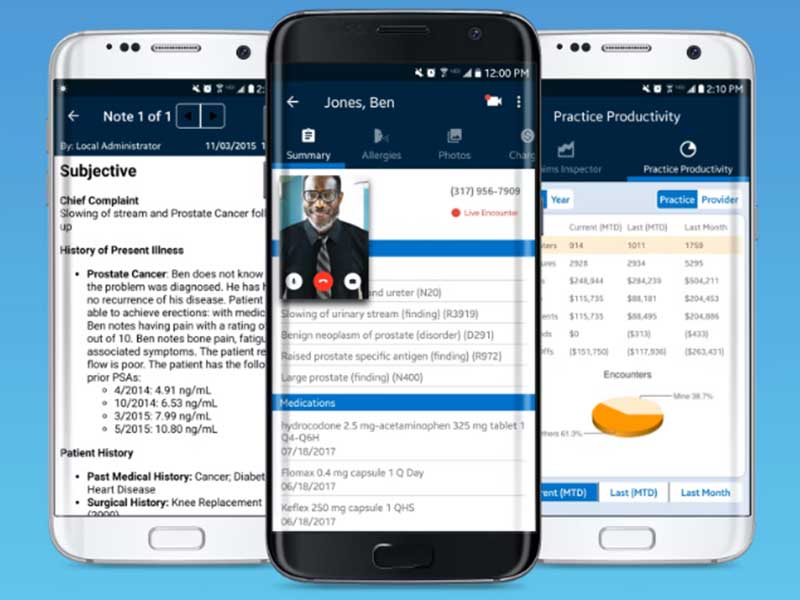
The platform is designed for specialty practices that need flexible workflows and detailed charting tools. The software also includes telehealth support, allowing providers to create telehealth claims directly inside the system.
Office EMR Pricing
Office EMR pricing is not publicly available. The company provides custom pricing based on the size of the practice, number of users, and required features.
Healthcare organizations interested in the software usually contact the vendor directly to request pricing details and schedule an office EMR demo.
Before choosing any EHR systems, practices should compare the following:
- Monthly subscription costs
- Set up and training fees
- Billing module pricing
- Telehealth features
- Customer support options
Who uses OfficeEMR software?
OfficeEMR is built for specialty healthcare providers and mid-sized medical practices.
The software is commonly used by:
- Orthopaedic clinics
- Otolaryngology practices
- Nephrology centers
- Neurosurgery clinics
- Pain management providers
- Urology practices
- Chronic care management teams
Because of its flexibility, the platform works well for providers searching for reliable software for EHR management.
Office EMR Integrations
OfficeEMR supports integration with labs, pharmacies, and imaging systems to improve communication and data sharing between healthcare providers.
Detailed information about third-party integrations has not been publicly shared by the company.
Healthcare practices considering EMR/EHR software should contact the vendor to confirm compatibility with their existing systems.
How Does OfficeEMR Work?
After installation and setup, users can access the platform through a secure dashboard.
Here is how practices usually start using the system:
- Log into the OfficeEMR dashboard
- Import patient records or enter them manually
- Set up custom templates for notes and prescriptions
- Add billing and insurance information
- Connect labs and imaging systems
- Configure system settings and security
- Train staff members
- Test workflows using sample data
Most healthcare providers request an office EMR demo to understand the platform before implementation.
Choose OfficeEMR For Specialty Healthcare Practices
OfficeEMR is a good option for practices that need specialty-focused workflows, integrated billing, and customizable charting tools.
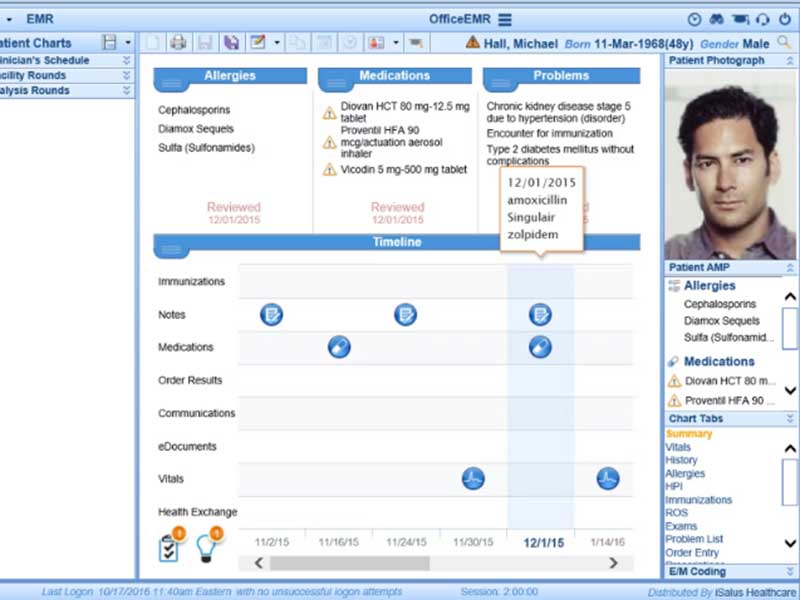
- The software includes templates designed for specialty procedures and clinical documentation. Providers can quickly record treatment details and surgery information without repeating manual steps.
- The system automatically suggests evaluation and management codes based on visit details and medical documentation. This helps simplify billing workflows.
- Providers can create and track referrals electronically. The system also sends updates and notifications related to referral status.
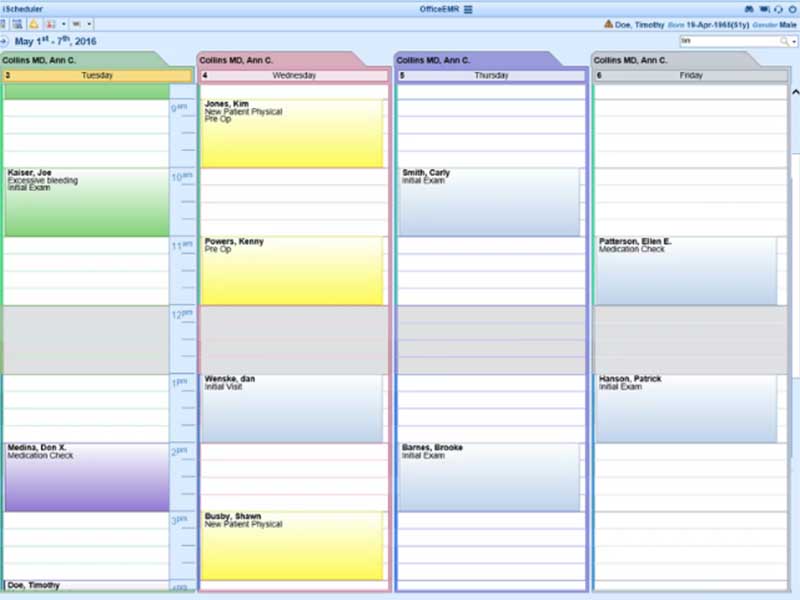
- Staff can manage recall lists, send reminders, and upload patient documents directly into the system for easy access later.
- Healthcare providers can access schedules, patient charts, and financial information from multiple devices using a secure internet connection.