Medical Billing And Claims Management
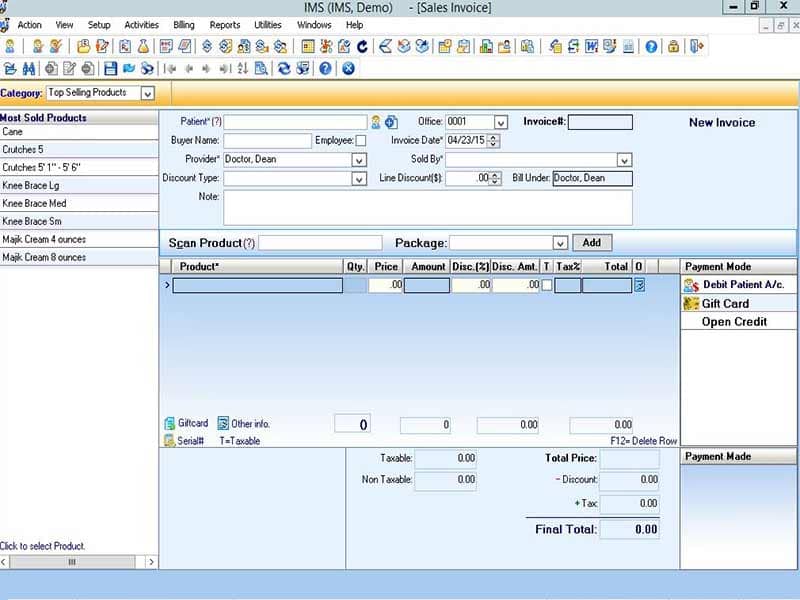
Mica Medical Software helps practices manage billing invoices, insurance claims, payment tracking, and claims follow-up. It supports smoother coordination between patients, insurers, and third-party payers.

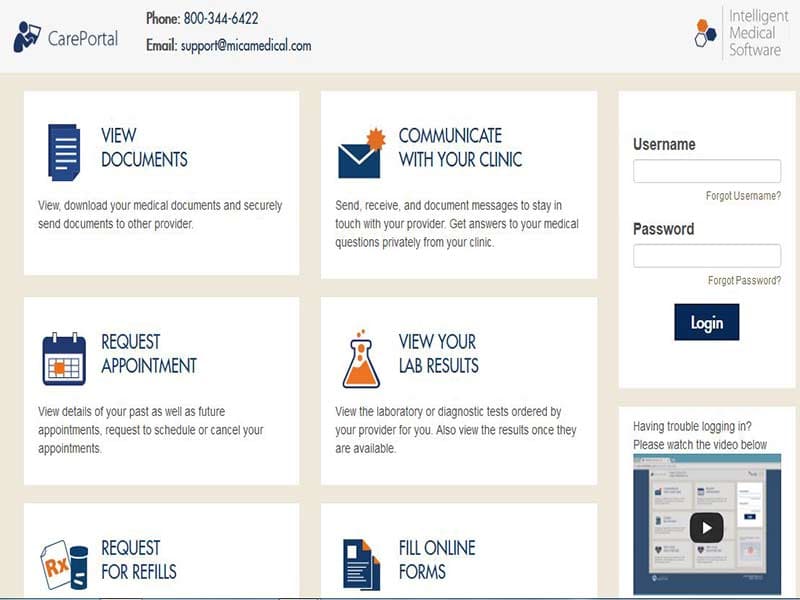
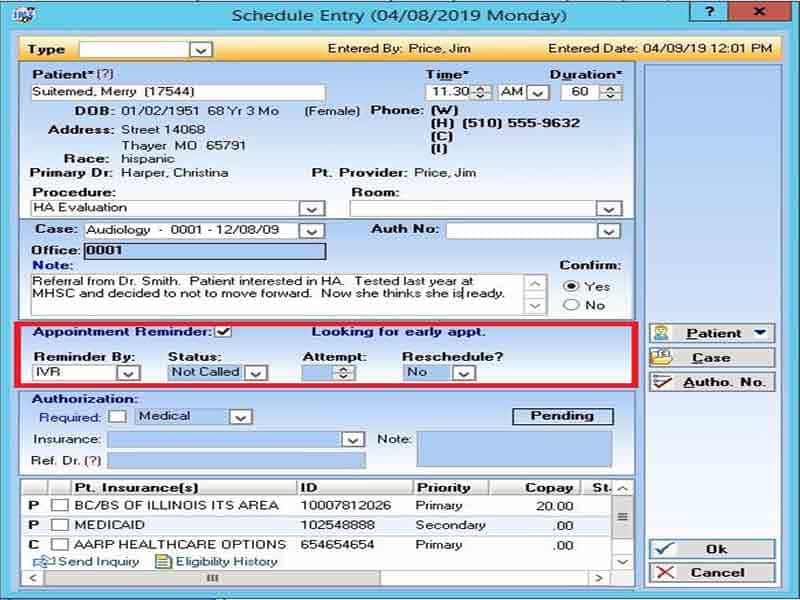
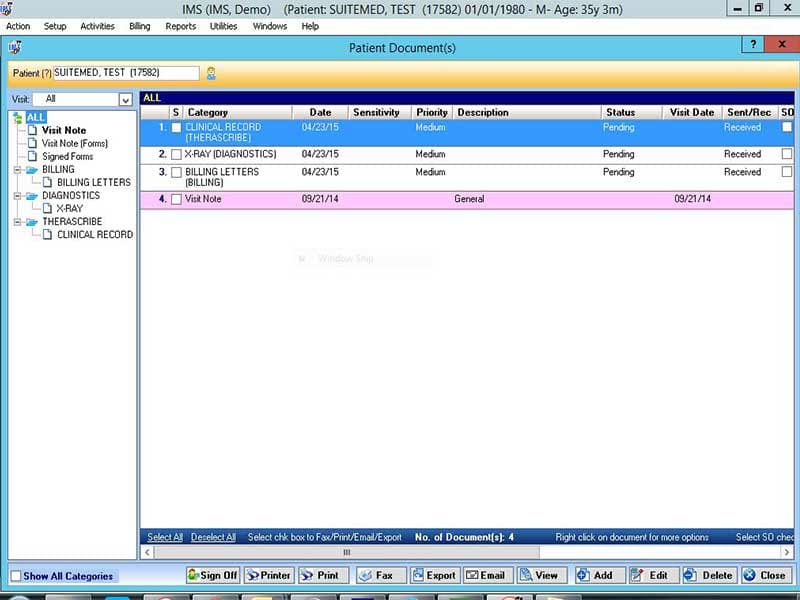
Explore what Mica Medical offers — from day-to-day workflows to advanced capabilities.
Mica Medical Software helps practices manage billing invoices, insurance claims, payment tracking, and claims follow-up. It supports smoother coordination between patients, insurers, and third-party payers.
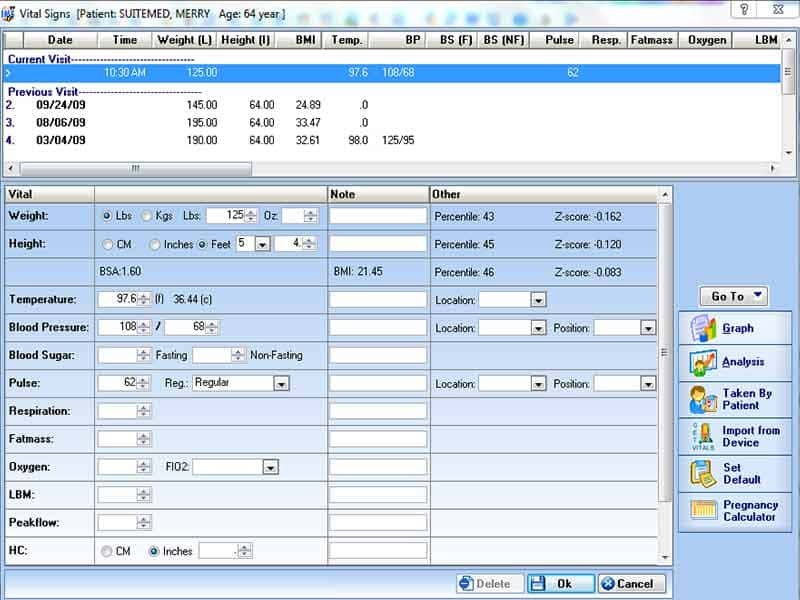
The software allows you to manage patient demographics, medical history, prescriptions, orders, appointments, and follow-up tasks from one cloud-based EHR software system.
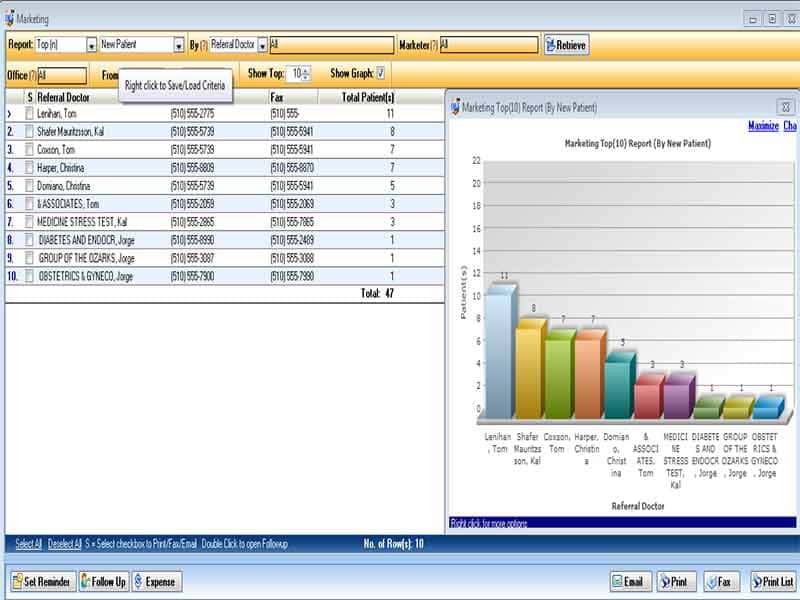
Mica Medical Software includes reporting tools that help practices review performance, track revenue, and make informed decisions about daily operations and financial health.
Mica Medical Software is an EHR/EMR software by Mica Information Systems Inc. It integrates electronic medical records, practice management, and revenue cycle support. The platform not only uses the data but also organizes patient information, medical history, and prescriptions; processes claims; and supports day-to-day functioning. It is most ideal for practices looking for all-in-one medical billing and patient management software.
Mica Medical pricing is customized to your practice needs, size, and services required. The vendor also doesn’t specify a minimum starting price. To learn the total cost, you must ask for prices or watch a Mica Medical demo.
Mica Medical Software is for small and medium-sized practices. This includes specialties in such areas as family medicine, cardiology, dermatology, endocrinology, gastroenterology, general surgery, hematology, to audiometry using chiropractic and even oncology. It also aligns with the practice that requires EHR workflow, billing, and claims follow-up in software for EHR workflows.
The software provides integrations designed to connect practices with labs, pharmacies, payment, and other systems. The information also covers NOAH AMS and OpenEdge.
Once logged in, you can access patient data and manage records, order entry, medical history review, prescription generation, billing management, insurance claim creation, and status tracking, along with follow-up scheduling, lab result review, and appointment reminders. Selection of scalable and practice control-capable software
Select Mica Medical Software if you are looking for scalable EHR software that can grow with your practice and is intended to accommodate more users, patients, and locations over time. It’s also a solid choice if you’d like secure cloud access, patient management tools, claims tracking, reporting, and billing support in one platform.
The platform has been a dependable part of our daily operations. It handles core tasks smoothly and keeps everything organized without adding complexity.
Limited advanced customization options.
The software offers a good mix of features that support our workflow and improve efficiency. It covers most of our needs, though there are occasional areas where improvements could enhance usability. Still, it delivers solid value for the price.
Occasional lag in updates or syncing.
It is used for EHR, practice management, billing, claims, scheduling, and patient record keeping.
Pricing is customized and depends on your practice needs.
A demo request allows you to see the software in action.
Tell us a little about how your practice runs, and a specialist will come back with concrete numbers, a quick read on whether Mica Medical genuinely fits, and a couple of closely-matched options worth weighing up. Straight answers, no sales pressure.
Takes under a minute — we never share your details.
By providing your phone number to Codatis, you consent to receive SMS communications related to your inquiries, service updates, and direct communication with your assigned representative.
Message and data rates may apply in accordance with your mobile service provider.
Codatis does not send unsolicited promotional messages. For more information, please refer to our Privacy Policy below or visit the link provided.
Codatis respects your privacy. No mobile information will be shared with third parties or affiliates for marketing or promotional purposes.
Text messaging opt-in data, consent, and related information will not be shared with any third parties under any circumstances.