Flexible Scheduling and Patient Flow
Tailor schedules, set time blocks, and send reminders and confirmations with MacPractice Engage.


Explore what MacPractice Software offers — from day-to-day workflows to advanced capabilities.
Tailor schedules, set time blocks, and send reminders and confirmations with MacPractice Engage.
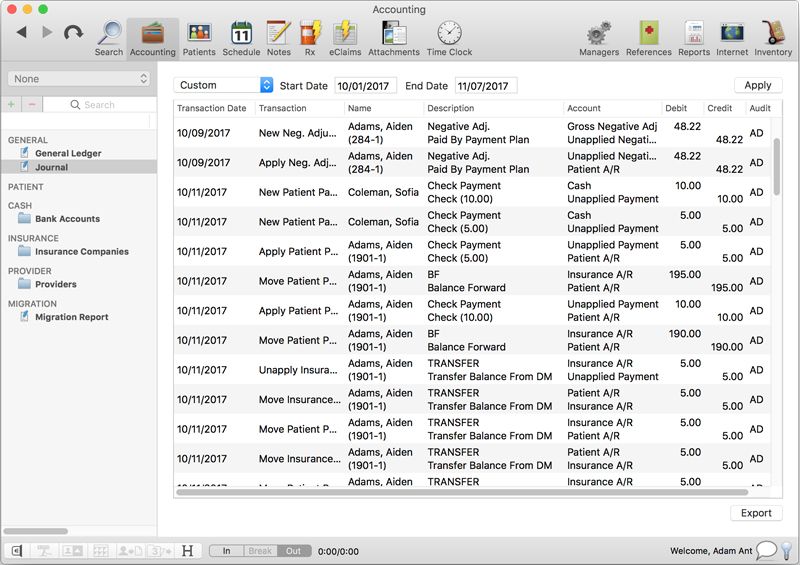
Handle charges, balances, claims, refunds, payments, patient statements, and AR information.
Enjoy over 80 AR, production, scheduling, and practice performance reports. Office tools include inventory tracking and employee time clocks.
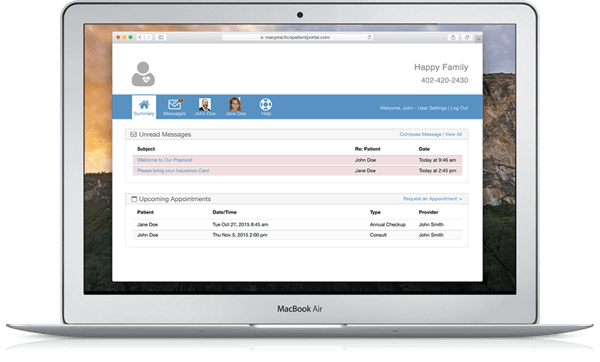
MacPractice is a HIPAA-compliant practice management software solution for medical and dental offices on Mac. It helps practice teams manage patient information, appointments, account ledgers, claims, reports, and other daily administrative tasks from one system. MacPractice is a user-friendly program. It’s MP. GoWeb Portal offers secure browser access to selected practice data and workflows. Available tools vary by package and optional services.
The MacPractice pricing is customized and available upon request. The vendor has three packages:
Looking to streamline your clinic business? Get your demo with the Codatis team today!
MacPractice is designed for small to medium-sized medical and dental EHR software that leans towards Apple technology. It also provides the flexibility for chiropractors, optometrists, billers, office managers, and specialty practices. Windows’ first teams must verify compatibility before purchase.
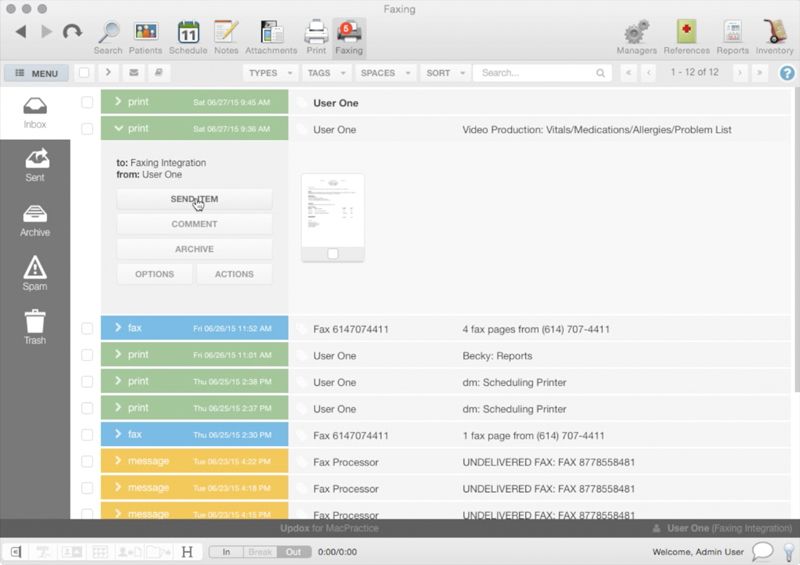
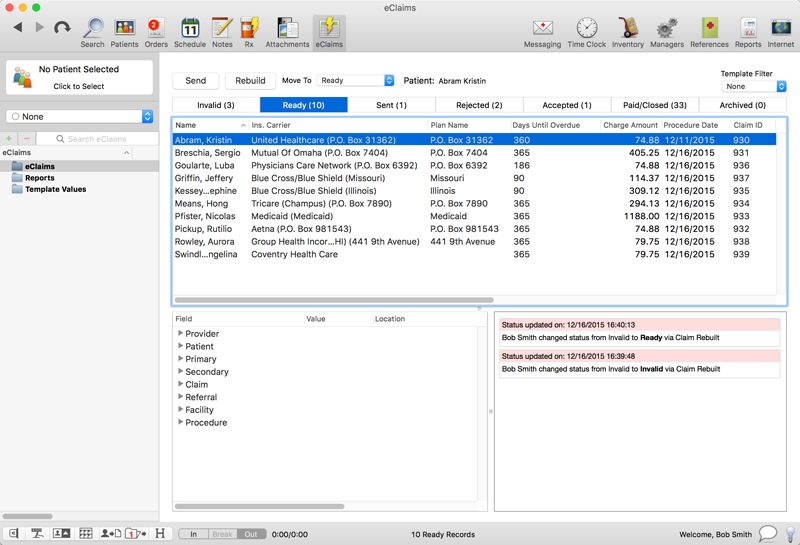
MacPractice integrations include e-prescribing, electronic claims and payments, reminders, and iPad integration and browser access. Global Payments, MacPractice Engage MacPractice iPad apps and MP. Go are named options to be confirmed for plan eligibility and third-party compatibility during the demo.
Choose MacPractice when your practice is based on Macs and you want local control over your operational data. It is ideal for teams requiring scheduling, billing, claims tracking, patient intake, reporting, and optional patient portal access.
The platform has been a dependable part of our daily operations. It handles core tasks smoothly and keeps everything organized without adding complexity.
Limited advanced customization options.
The software offers a good mix of features that support our workflow and improve efficiency. It covers most of our needs, though there are occasional areas where improvements could enhance usability. Still, it delivers solid value for the price.
Occasional lag in updates or syncing.
The core system stores data. MP.Go’s browser support is available.
MacPractice has customized pricing for Essential, Plus, and Premium.
Yes, Plus and Premium include iPad apps.
You can request a demo and a customized quote.
Tell us a little about how your practice runs, and a specialist will come back with concrete numbers, a quick read on whether MacPractice Software genuinely fits, and a couple of closely-matched options worth weighing up. Straight answers, no sales pressure.
Takes under a minute — we never share your details.
By providing your phone number to Codatis, you consent to receive SMS communications related to your inquiries, service updates, and direct communication with your assigned representative.
Message and data rates may apply in accordance with your mobile service provider.
Codatis does not send unsolicited promotional messages. For more information, please refer to our Privacy Policy below or visit the link provided.
Codatis respects your privacy. No mobile information will be shared with third parties or affiliates for marketing or promotional purposes.
Text messaging opt-in data, consent, and related information will not be shared with any third parties under any circumstances.