Juno Health Features

Explore what Juno Health offers — from day-to-day workflows to advanced capabilities.

11 features

E-prescribing

Juno Health’s e-prescribing feature allows providers to quickly and securely send prescriptions to pharmacies. This eliminates the need for paper scripts, reduces errors, and speeds up medication fulfillment, making it easier to provide timely care.

Expert Insights

With Expert Insights, healthcare professionals gain access to real-time data and suggestions from top medical experts. This feature helps clinicians make informed decisions, improving patient outcomes with evidence-backed advice.

AI Scribe

AI Scribe assists in documentation by converting voice to text with accuracy. It helps reduce administrative burdens, allowing healthcare providers to focus more on care services while ensuring accurate, complete records.

Chart Overview

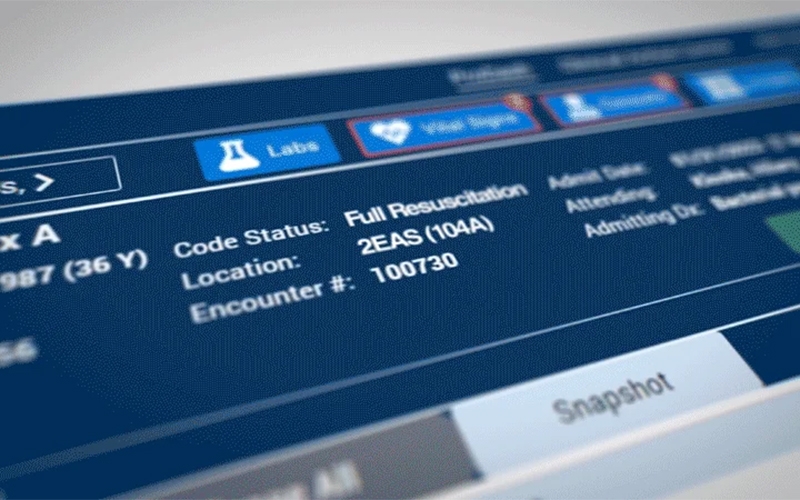
The Chart Overview feature provides a comprehensive snapshot of a patient’s medical history with the Juno Health login. Clinicians can easily review critical data, such as diagnoses, treatments, and lab results.

Order Management

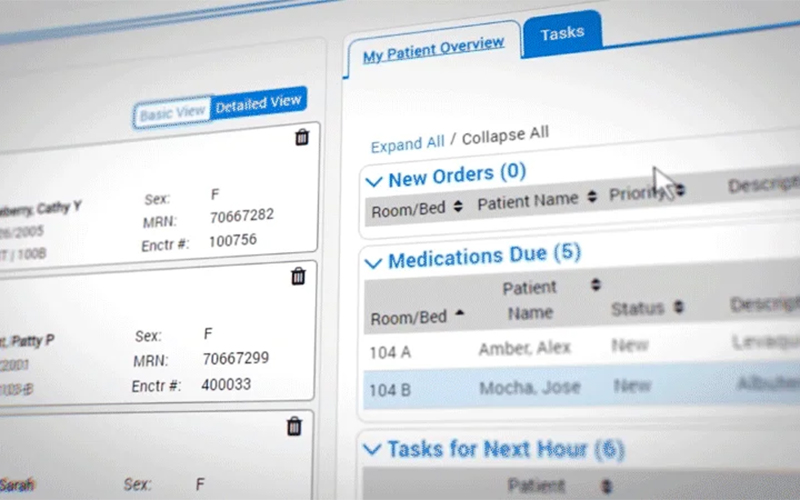
An order management system simplifies the ordering process for labs, imaging, and medications. It allows providers to track and manage orders efficiently, reducing errors and streamlining patient care coordination.

Collaborated Care

Collaborative care enables seamless communication between multiple healthcare providers. This ensures that all team members are aligned in patient treatment plans.

RCM

Juno Health RCM system optimizes the billing process, ensuring accuracy and timely reimbursements. Automating financial tasks, it reduces administrative workload and helps practices maintain healthy cash flow.

Content Builder

The Content Builder feature allows healthcare providers to easily create and manage customized patient education materials. This tool ensures that patients have clear, understandable information about their health conditions and treatment options.

Prodash

Prodash is a powerful tool within Juno Health that consolidates key performance metrics into one easy-to-read dashboard. This feature helps healthcare providers track their clinic’s performance in real-time.

Data Management

Data management capabilities allow practices to securely store and organize patient information. It provides an intuitive interface for accessing patient records, ensuring quick retrieval

Reporting

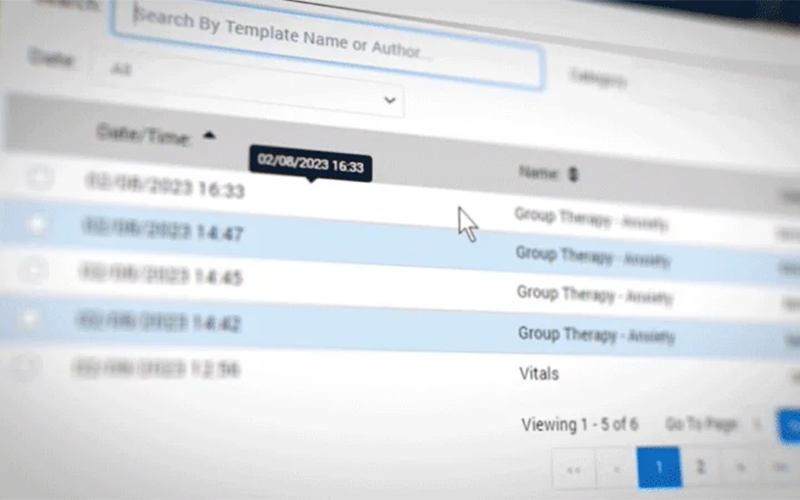
The reporting feature generates customizable reports for a variety of clinical and operational needs. Providers can easily track patient outcomes, financial performance, and workflow efficiency, helping practices improve their overall performance.

What is Juno Health?

JunoHealth is a comprehensive EHR platform designed to support acute care and behavioral health environments. It helps clinicians manage patient care with streamlined workflows, intuitive navigation, and secure data access from any web-enabled device. Built by clinicians, Juno Health focuses on usability, allowing providers to track outcomes, customize workflows, and centralize patient information, so care teams can respond effectively while maintaining complete visibility across the patient journey.

Juno Health Integrations

Third-party apps and tools integrations are supported by this EHR software solution, which includes:

What Is Juno EHR Health Best For?

Juno Health delivers clinician-driven software backed by deep healthcare expertise, making it adaptable to real-world clinical needs. It supports enhanced patient care through flexible customization, allowing providers to tailor clinical documentation, communication means, administrative workflows, and care strategies.

Who Can Use June Health System:

This smart system can be leveraged by the following healthcare practices:

  • Behavioral health
  • Public health
  • Acute Care
  • Mental health

How Much Does Juno Health Cost?

You can get a detailed breakdown of Juno Health pricing by connecting with the sales team according to your practice needs.

How To Use Health Juno Software?

Add your credentials for Juno Health login through the secure, cloud-hosted portal from any web-enabled device, then follow the mentioned steps:

  • Use the “ProDash” dashboard to see a real-time overview of patient clinical values.
  • Access the “Quick Navigation” fly-outs to enter data with fewer clicks.
  • Open a patient chart to view all medical history and medications on one screen.
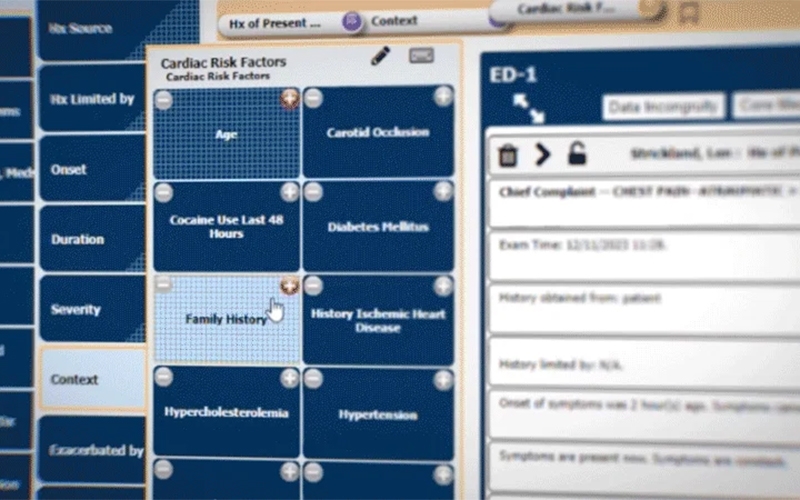
  • Select from over 400 prebuilt templates to document visits for various specialties.
  • Utilize “Smart Documentation” tools to auto-populate treatment plans and diagnoses.
  • Send prescriptions and lab orders directly through the integrated pharmacy and lab modules.
  • Enable the “MyJuno Health” app to allow patients to book appointments and track medications.
  • Monitor community health trends and immunization records through the public health module.
  • Review automated clinical alerts to identify and close potential care gaps.
  • Generate financial reports and insurance claims using standards-based coding like ICD-10.
  • Use the low-code modules to update your clinic’s workflow without needing a developer.

Book a free Juno Health demo to have a deeper understanding of its usage, features, and integration capabilities.

Is Juno EMR Health The Right Choice?

JunoHealth offers a refreshing, clinician-led approach to electronic health records by focusing on an intuitive design that truly follows your natural workflow. Your medical team can spend less time clicking and more time connecting with patients through this system. It is a highly scalable, web-native platform that grows alongside your clinic, from single offices to large health systems. With ONC Health IT certification and HIPAA compliance, it maintains the highest security standards to keep your clinical data safe.

Feel free to connect with us if you have any doubts or concerns regarding the matchability of this platform with your business processes. You can also read the unbiased Juno Health reviews and watch its video tutorial-like demo.


Patient Portal Not included
Mobile App Not included
Claims Management Not included
Patient Demographics Included
HIPAA Compliance Included
e-Prescriptions Included
Telehealth Not included
Payment/Billing Not included
Administrative Management Included
Invoicing Not included
Laboratory Integrations Not included
Personalized Forms Included
Appointment Scheduling Included

Pros

5
  • Streamlined care services with integrated tools
  • Cloud-based system and intuitive UI
  • Automated patient participation and reminders
  • Accessible chart overview
  • Robust analytical reporting tool

Cons

2
  • Limited offline functionality without internet access
  • Can be complex for small practices without dedicated support

Juno Health Reviews

Overall Rating

4

2 Review(s)

Rating Distribution

5

(0)

4

(2)

3

(0)

2

(0)

1

(0)

Share your experience
John S.

Consulting

Ease of use
8
Value for money
8
Customer Support
7
Functionality
8

My software review

Pros

The platform has been a dependable part of our daily operations. It handles core tasks smoothly and keeps everything organized without adding complexity.

Cons

Limited advanced customization options.

Damian K.

Technology

Ease of use
8
Value for money
9
Customer Support
7
Functionality
8

An excellent System

Pros

The software offers a good mix of features that support our workflow and improve efficiency. It covers most of our needs, though there are occasional areas where improvements could enhance usability. Still, it delivers solid value for the price.

Cons

Occasional lag in updates or syncing.

Frequently Asked Questions

Certainly not, the JunoHealth software does not have a free plan available.

Yes, EMR Juno Health is cloud-based. 

English is the language that Juno EHR Health supports.

There is no Juno Health mobile app. Users can access the functionalities of this software platform through a single Juno Health login on the web-native platform. 

Yes, the Juno Health HL7 FHIR-based API is available.