Reminder Automation
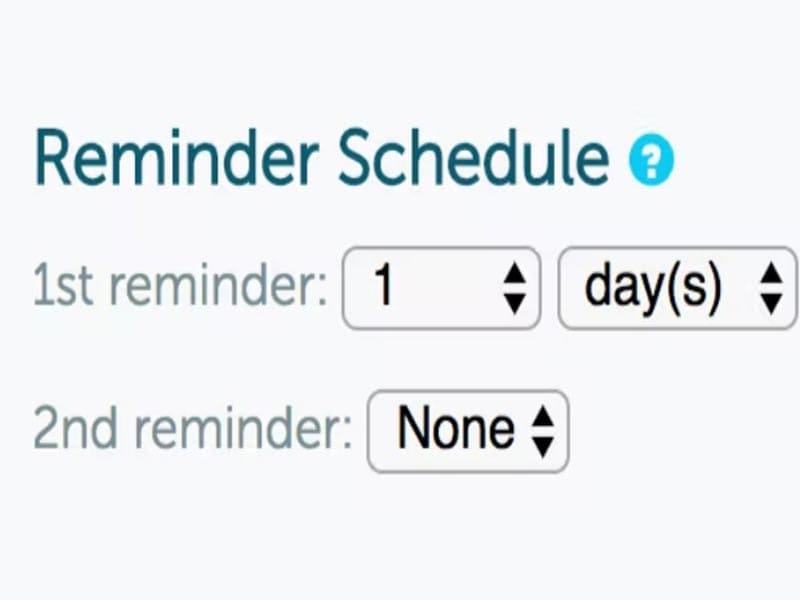
Build custom SMS appointment reminders and email appointment reminders, set your own delivery windows, and send multiple reminders per appointment depending on your plan.


Explore what GoReminders EMR Software offers — from day-to-day workflows to advanced capabilities.
Build custom SMS appointment reminders and email appointment reminders, set your own delivery windows, and send multiple reminders per appointment depending on your plan.
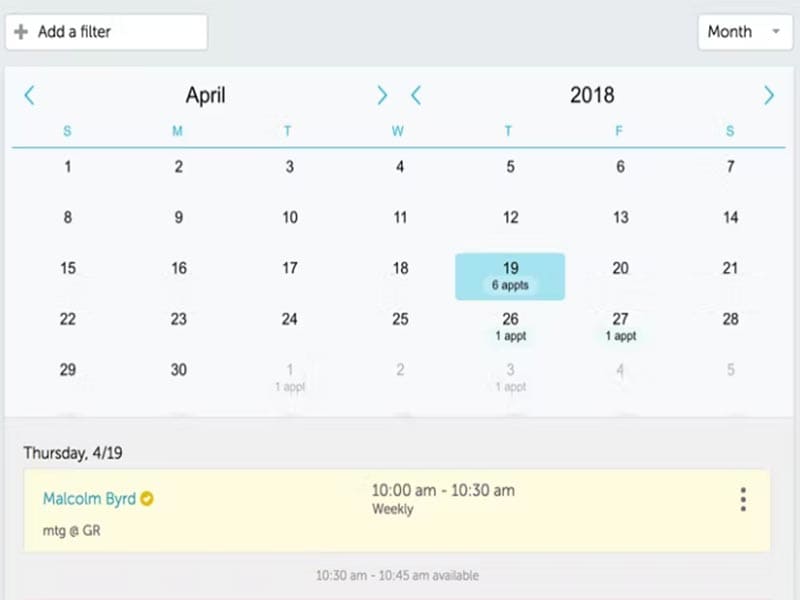
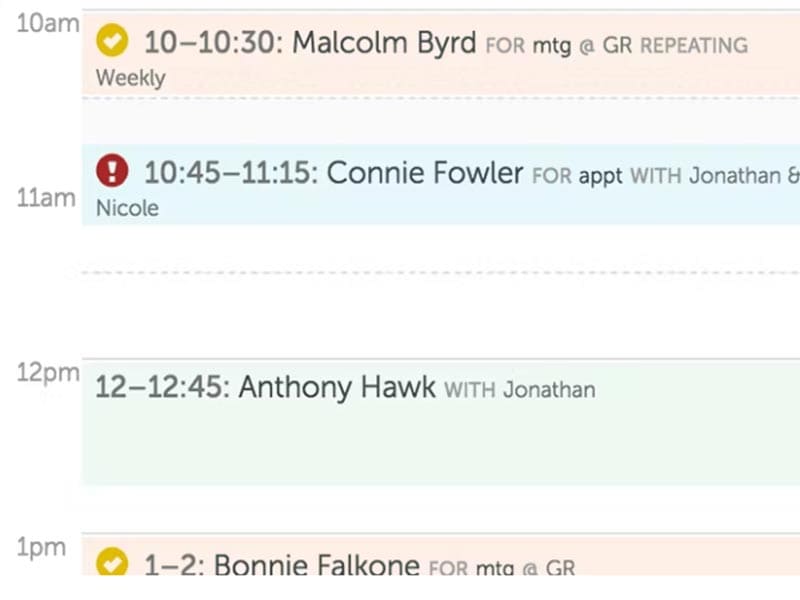
Recurring appointments, group appointments with the option for staff calendars, multiple locations, appointment notes, and custom labels, with client self-scheduling available through a customized booking link.
Track confirmations and handle two-way SMS messaging and email replies, including cancellations and reschedule requests.
GoReminders offers an appointment calendar, customizable reminder templates, and two-way client communication. You schedule an appointment, choose your reminder timing and message, and the platform sends it automatically.
Pricing begins at $8/month (billed annually) for Solo and Team plans, with Pro plans starting from $24/month. Actual pricing depends on the plan level, your interval of payment, and location. However, there are no charges for the 14-day trial.
The primary benefit is that it minimizes the need for manual reminder calls and helps by giving quick confirmations.
Practices comparing broader EMR software options can review the Codatis directory.
GoReminders covers various appointment-based businesses, clinics, therapists, law firms, and academics. It ranges from solo professionals all the way through to larger teams managing calendars and locations
GoReminders provides various integrations such as Google Calendar, Microsoft Outlook, Apple Calendar, iCloud Calendar, Zapier and also provides an Open API for running custom workflows. It also connects with HubSpot, Stripe, Squarespace, Wix, and WordPress. It must be noted that appointments created in GoReminders sync out to your external calendar, but appointments made on other calendar sources are not synced back.
Simply add a client, create your appointment, and select a reminder template to send now or schedule. The appointment scheduling software sends an automated text or email reminder message, records replies, and allows your team to track everything from the web or mobile app. Clients can choose online booking and self-schedule.
The platform has been a dependable part of our daily operations. It handles core tasks smoothly and keeps everything organized without adding complexity.
Limited advanced customization options.
The software offers a good mix of features that support our workflow and improve efficiency. It covers most of our needs, though there are occasional areas where improvements could enhance usability. Still, it delivers solid value for the price.
Occasional lag in updates or syncing.
No, it is appointment booking software that also includes appointment reminders and client communication features. With that being said, it does not provide actual clinical or full practice management solutions.
Yes, it sends automated SMS and email reminders.
Yes, online booking and client self-scheduling are both available and optional.
Yes, including recurring and group appointment scheduling.
Yes, 14 days; no pricing is needed.
Tell us a little about how your practice runs, and a specialist will come back with concrete numbers, a quick read on whether GoReminders EMR Software genuinely fits, and a couple of closely-matched options worth weighing up. Straight answers, no sales pressure.
Takes under a minute — we never share your details.
By providing your phone number to Codatis, you consent to receive SMS communications related to your inquiries, service updates, and direct communication with your assigned representative.
Message and data rates may apply in accordance with your mobile service provider.
Codatis does not send unsolicited promotional messages. For more information, please refer to our Privacy Policy below or visit the link provided.
Codatis respects your privacy. No mobile information will be shared with third parties or affiliates for marketing or promotional purposes.
Text messaging opt-in data, consent, and related information will not be shared with any third parties under any circumstances.