Centralized Patient Data
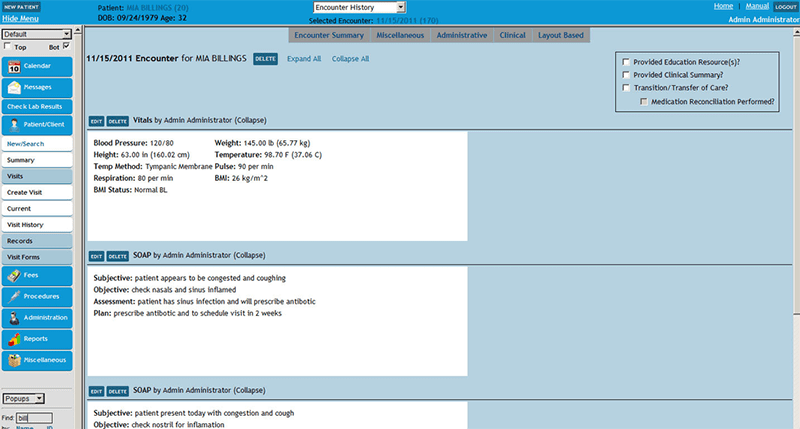
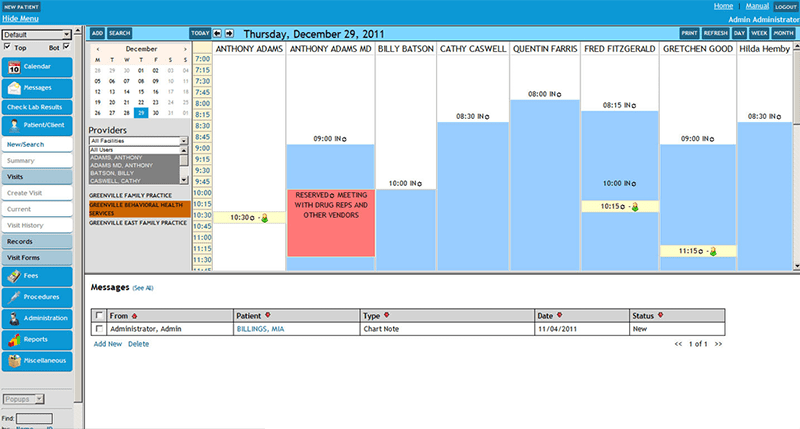
Click, chart, and schedule in one platform, allowing staff to see the patient journey from check-in to discharge.


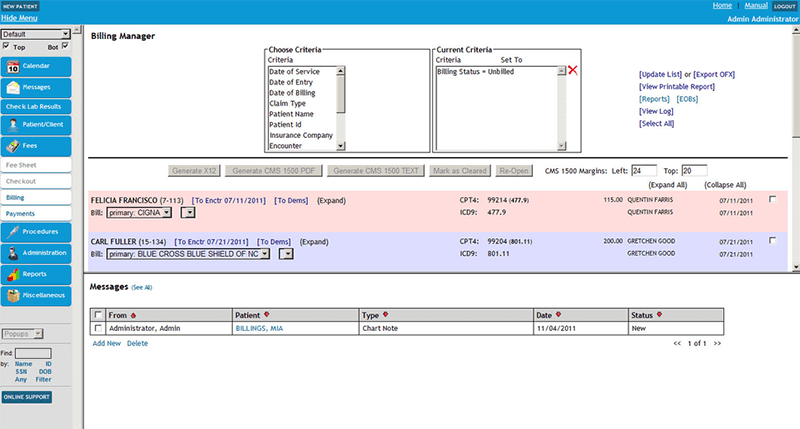
Explore what EncounterWorks EHR Software offers — from day-to-day workflows to advanced capabilities.
Click, chart, and schedule in one platform, allowing staff to see the patient journey from check-in to discharge.
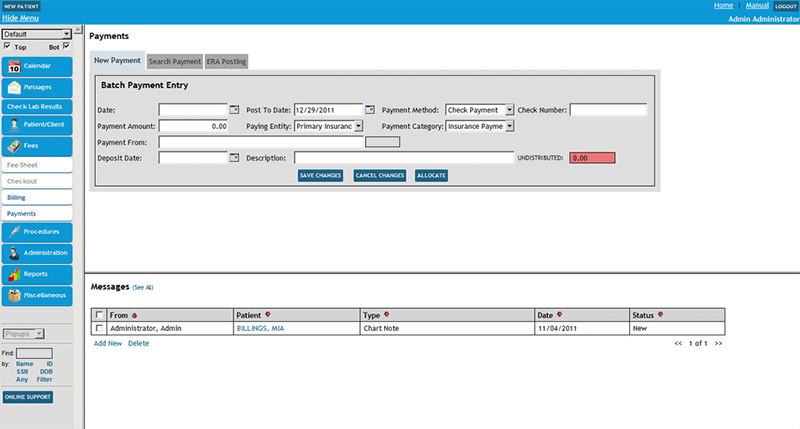
EncounterWorks combines billing with EHR functions, helping clinical and administrative teams work from the same system.
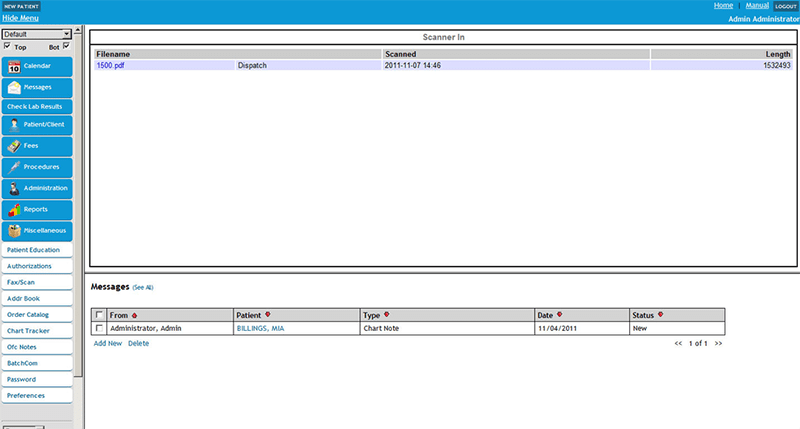
It offers secure messaging, online payments, and medical history access.
EncounterWorks EHR covers patient demographics, clinical notes, and appointments, all from one customizable solution for practices. Instead of requiring every organization to follow the same fixed process, the software can be adjusted around different specialties and documentation needs. It has an extremely customizable structure that caters to practices in need of tailored forms and notes.
EncounterWorks EHR pricing is not presented in flat-rate tiers; the vendor will provide a quote based on the number of users.
Benefits of EncounterWorks EHR
Practices comparing broader EMR software options can review the Codatis directory.
EncounterWorks EHR serves solo practices up through larger, multi-specialty organizations. It’s a common fit for:
EncounterWorks EHR integrates with DrFirst for e-prescribing, including drug-interaction and allergy checks. The platform has also been described as supporting laboratory connections, claims submission, and insurance eligibility checks.
Staff start by entering patient demographics, insurance details, and appointment information. Providers can then log into the patient chart and record some parts of the visit using templates or rapid notes.
That information can then flow into billing, claims, and reporting. Patients can also use the portal to view certain information, send secure messages, and perform online payments or other account transactions.
The platform has been a dependable part of our daily operations. It handles core tasks smoothly and keeps everything organized without adding complexity.
Limited advanced customization options.
The software offers a good mix of features that support our workflow and improve efficiency. It covers most of our needs, though there are occasional areas where improvements could enhance usability. Still, it delivers solid value for the price.
Occasional lag in updates or syncing.
It is a cloud-based EHR and practice management platform that combines documentation, scheduling, billing, and reporting.
Pricing is custom per practice size and features.
Mental health organizations, family medicine, dental, chiropractic, optometry, and community health settings rely on the software.
Tell us a little about how your practice runs, and a specialist will come back with concrete numbers, a quick read on whether EncounterWorks EHR Software genuinely fits, and a couple of closely-matched options worth weighing up. Straight answers, no sales pressure.
Takes under a minute — we never share your details.
By providing your phone number to Codatis, you consent to receive SMS communications related to your inquiries, service updates, and direct communication with your assigned representative.
Message and data rates may apply in accordance with your mobile service provider.
Codatis does not send unsolicited promotional messages. For more information, please refer to our Privacy Policy below or visit the link provided.
Codatis respects your privacy. No mobile information will be shared with third parties or affiliates for marketing or promotional purposes.
Text messaging opt-in data, consent, and related information will not be shared with any third parties under any circumstances.