EnableDoc Software Features

Explore what EnableDoc EMR Software offers — from day-to-day workflows to advanced capabilities.

2 features

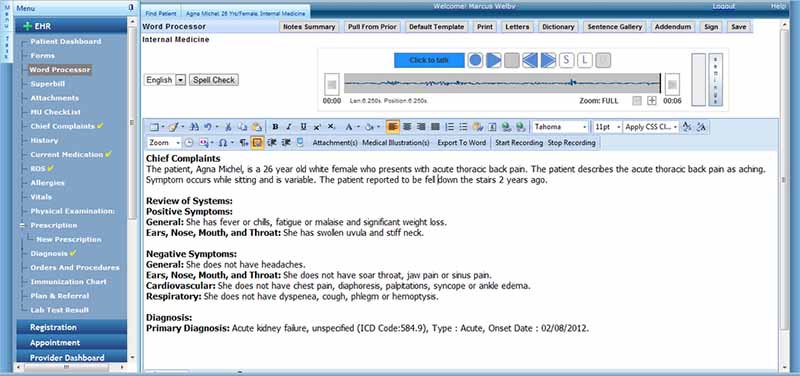
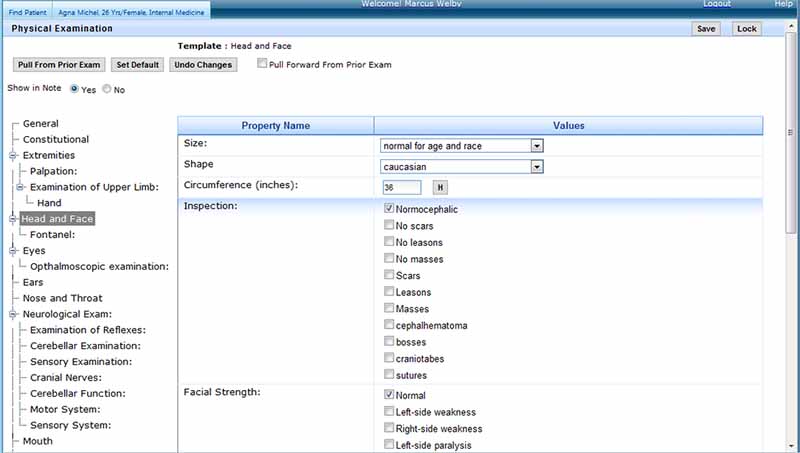
Flexible Clinical Documentation

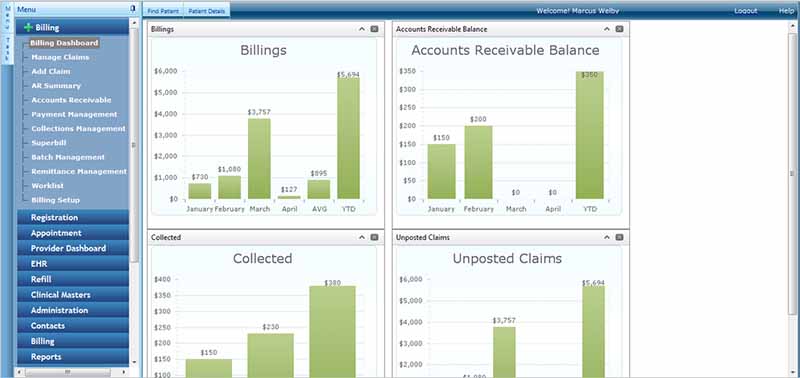
Notes can be created using custom templates, speech recognition, and assistance from AI. Staff can make appointments, check eligibility for receiving treatment, file a claim, and receive payments while also communicating with patients and following up.

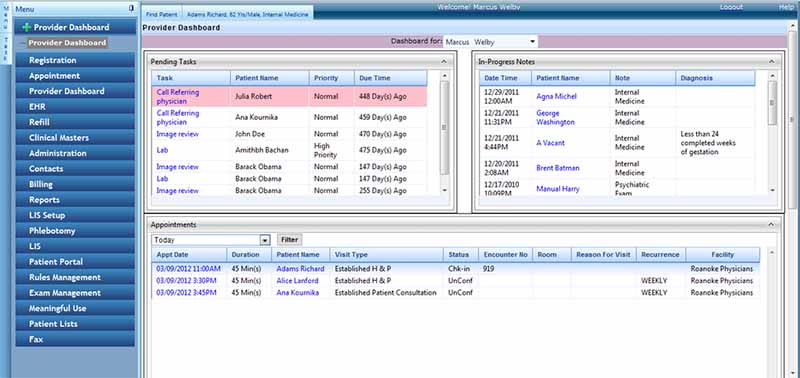
Bill and Connected Care

Claims tools, remittance, eligibility checks, and payment processing for clinical and revenue are connected by e-prescribing, lab connectivity, and referral reporting.

What is EnableDoc?

EnableDoc is a software that integrates clinical and administrative functions. You can create notes using custom templates, speech recognition, and AI-assisted gates. Staff can also book appointments, check eligibility and claims processing functions, take payments, connect with the patients, and do follow-ups.

EnableDoc Pricing and Benefits

The EHR is $200 per provider monthly, and practice management is $100 per provider monthly with EnableDoc. Therapy plans begin at $1 per visit per month, and behavioral health plans will be custom quoted.

Compare your options and choose the right software with confidence through Codatis.

Target Audience

It is used by

  • Primary care
  • psychiatric/psychology
  • Physical therapy
  • Occupational therapy
  • Speech therapy
  • Chiropractic
  • Orthopedics
  • Pediatrics
  • Radiology

It can also be integrated with multispecialty groups that need to document and/or review therapy in flexible ways.

EnableDoc Integrations

It also has e-prescribing, EPCS and PDMP access, Google Calendar integration, and direct messaging (via Kno2); CDA exchange; PACS through HL7; and a certified API.

How Does EnableDoc Work?

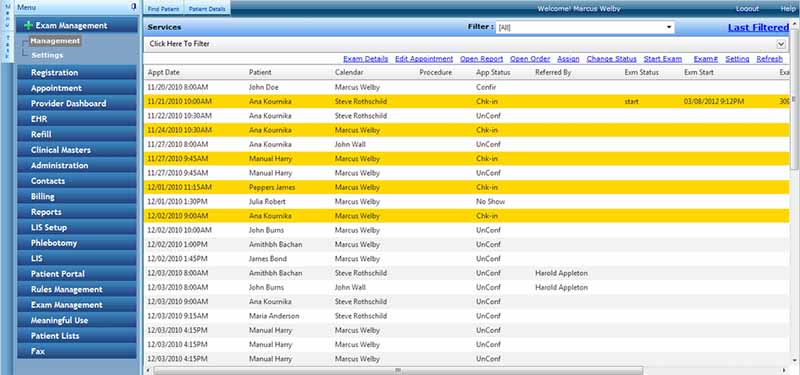
Staff make arrangements for the visit, collect information, and determine eligibility. The provider documents the interaction using templates, dictation, or AI-assisted documentation. The patient portal software allows the clinician to order labs, prescribe medications, refer, and provide information to patients. Visit information is utilized by billing staff to create claims, audit payments, follow up on denials, and collect.

Choose EnableDoc for Customizable Specialty Workflows

Select EnableDoc if your practice requires customizable templates, integrated billing, patient engagement features, and specialty workflows all in one place.


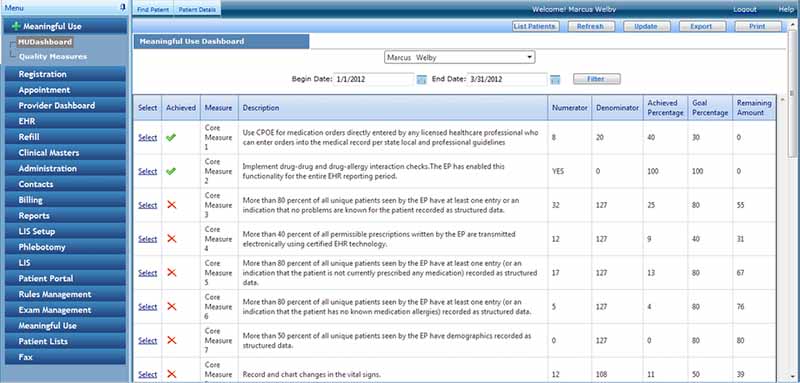
Claims Management Included
Customizable Forms Included
Patient Demographics Included
Billing and Invoicing Included
Lab Integration Included
Patient Portal Included
Mobile App Included
Telemedicine Included
e-Prescriptions Included

Pros

4
  • Customizable templates
  • Transparent starting prices
  • EHR and integrated practice management system.
  • Telehealth and patient portal

Cons

3
  • Stable Internet connection needed
  • Some integrations have additional costs
  • Teams may require advanced training.

EnableDoc EMR Software Reviews

Overall Rating

4

2 Review(s)

Rating Distribution

5

(0)

4

(2)

3

(0)

2

(0)

1

(0)

Share your experience
John S.

Consulting

Ease of use
8
Value for money
8
Customer Support
7
Functionality
8

My software review

Pros

The platform has been a dependable part of our daily operations. It handles core tasks smoothly and keeps everything organized without adding complexity.

Cons

Limited advanced customization options.

Damian K.

Technology

Ease of use
8
Value for money
9
Customer Support
7
Functionality
8

An excellent System

Pros

The software offers a good mix of features that support our workflow and improve efficiency. It covers most of our needs, though there are occasional areas where improvements could enhance usability. Still, it delivers solid value for the price.

Cons

Occasional lag in updates or syncing.

Frequently Asked Questions

Yes. It has cloud-based telehealth that is linked to appointments and reminders.

Yes, Electronic Prescribing (EPCS), medication management, formulary checks, and PDMP access are supported.