Electronic Health Records
An Eldermark login streamlines evaluations and offers smooth revenue flows, unhindered coordination, reduced manual errors, real-time updates, automated alerts, and customized dashboards.

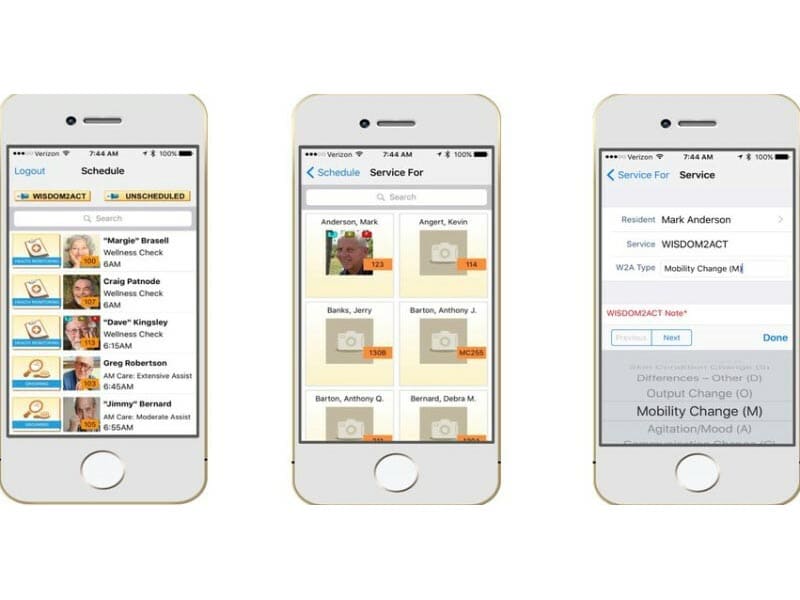
Explore what Eldermark offers — from day-to-day workflows to advanced capabilities.
An Eldermark login streamlines evaluations and offers smooth revenue flows, unhindered coordination, reduced manual errors, real-time updates, automated alerts, and customized dashboards.
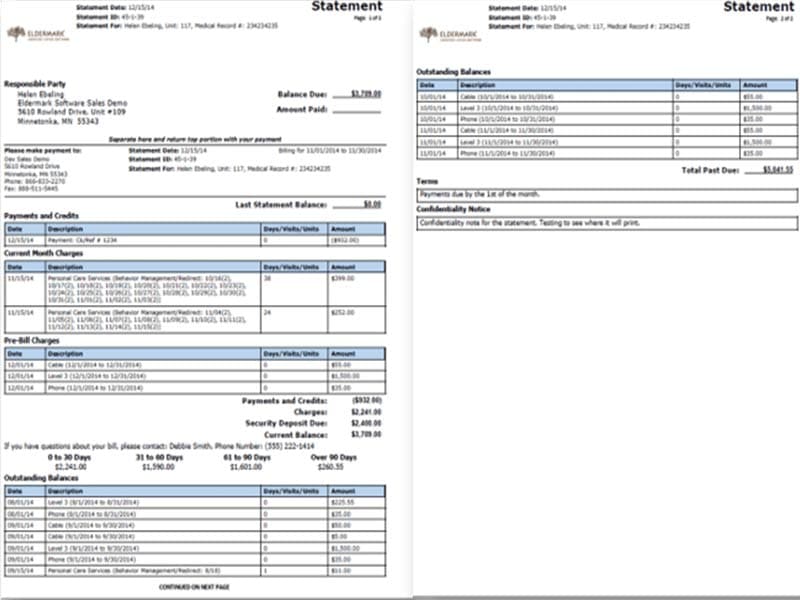
This platform ensures effective payment processing, simplified financial operations, smart online billing, managed claims, and secure resident data.
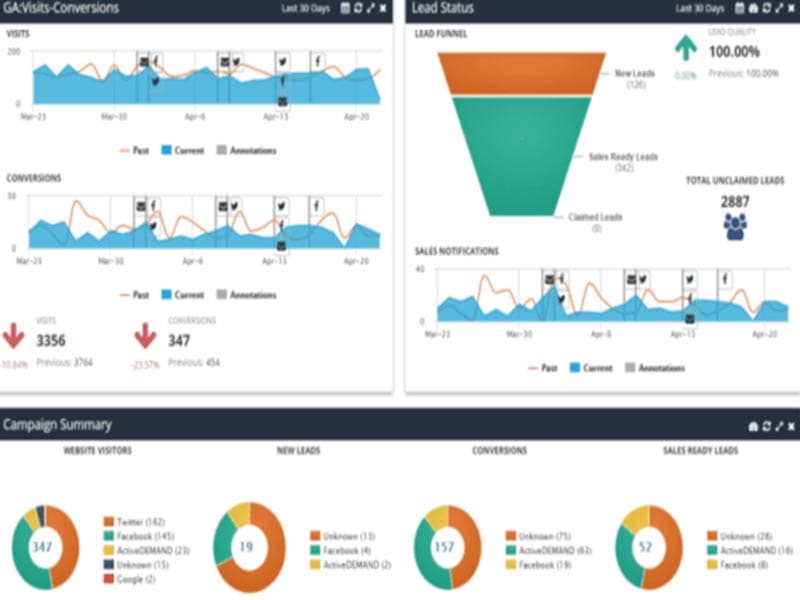
These features improve customer acquisition and retention rates. The sales team can communicate easily, access data from a centralized database, nurture leads, monitor campaigns, and increase their productivity in less time with reduced manual efforts.
Medical personnel can use predictive AI and detect risks through pattern recognition at an early onset for informed and quick actions, leading to top-notch care services.
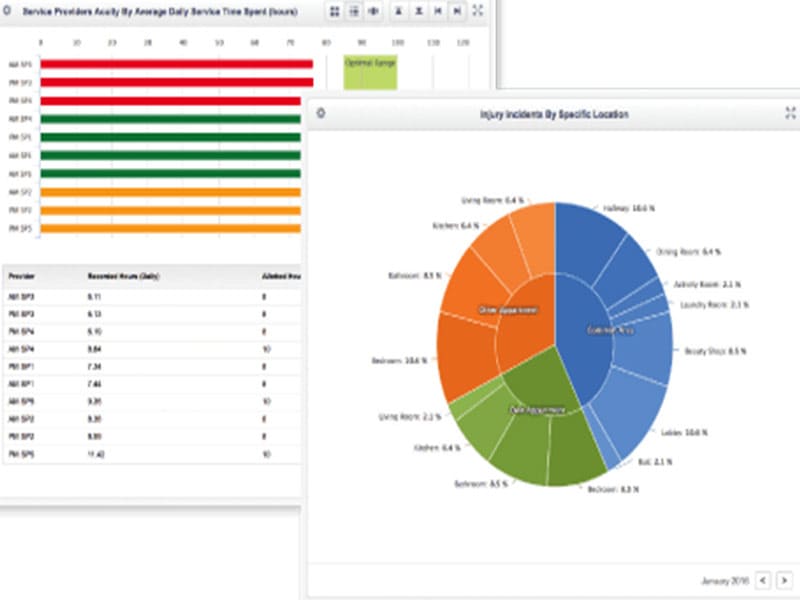
It provides precise reports regarding your objectives, finances, occupancy trends, tasks, staff requirements, potential risks, budget, marketing needs, etc.
Elder Mark is an intuitive, cloud-based software for senior living practices that manages financial performance, clinical operations, marketing, and occupancy through comprehensive reports that allow quick adjustments.
This system fosters consistently updating evaluations, treatment plans, medication data, etc., so nothing can be missed, leading to quicker and better care services.
There is no information available about the third-party integrations on the official website.
Eldermark eMAR is best for the following capabilities:
Eldermark pricing is flexible and according to the requirements of the users. Connect with us for a personalized quote.
Add your credentials for an Eldermark login, then follow the given instructions:
Book a free Eldermark demo for more details.
This platform can be leveraged by the following personnel in the senior living sector:
You can choose this based on these offerings:
Feel free to connect with our software experts to have all your queries addressed before an investment. You can also watch a demo and read unbiased Eldermark reviews.
The platform has been a dependable part of our daily operations. It handles core tasks smoothly and keeps everything organized without adding complexity.
Limited advanced customization options.
The software offers a good mix of features that support our workflow and improve efficiency. It covers most of our needs, though there are occasional areas where improvements could enhance usability. Still, it delivers solid value for the price.
Occasional lag in updates or syncing.
Certainly not, the Eldermark software does not have a free plan available.
Yes, the Eldermark system is cloud-based.
English is the language that Eldermark supports.
Eldermark eMAR allows buyers to get answers through the Eldermark support phone number and email. You can also get details about the Eldermark pricing.
There is an Eldermark mobile app that provides remote access for point-of-care services. Users can access the functionalities of this software platform through a single Eldermark login.
Yes, the Eldermark API is available.
According to Eldermark reviews, this eMAR and EHR software supports iOS and Android handheld devices, with a requirement for an Eldermark login to access the dashboard.
There is no Eldermark free trial option, but you can request a free demo.
Tell us a little about how your practice runs, and a specialist will come back with concrete numbers, a quick read on whether Eldermark genuinely fits, and a couple of closely-matched options worth weighing up. Straight answers, no sales pressure.
Takes under a minute — we never share your details.
By providing your phone number to Codatis, you consent to receive SMS communications related to your inquiries, service updates, and direct communication with your assigned representative.
Message and data rates may apply in accordance with your mobile service provider.
Codatis does not send unsolicited promotional messages. For more information, please refer to our Privacy Policy below or visit the link provided.
Codatis respects your privacy. No mobile information will be shared with third parties or affiliates for marketing or promotional purposes.
Text messaging opt-in data, consent, and related information will not be shared with any third parties under any circumstances.