Document Distribution Control
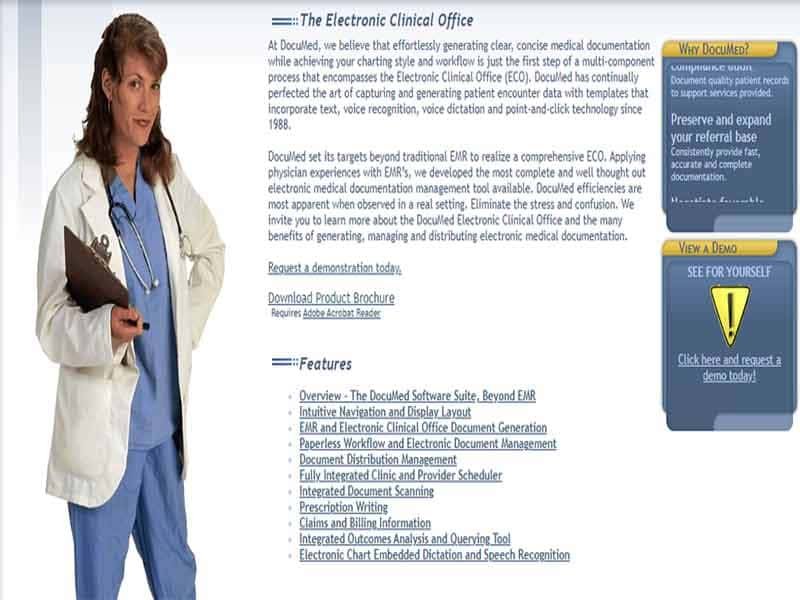
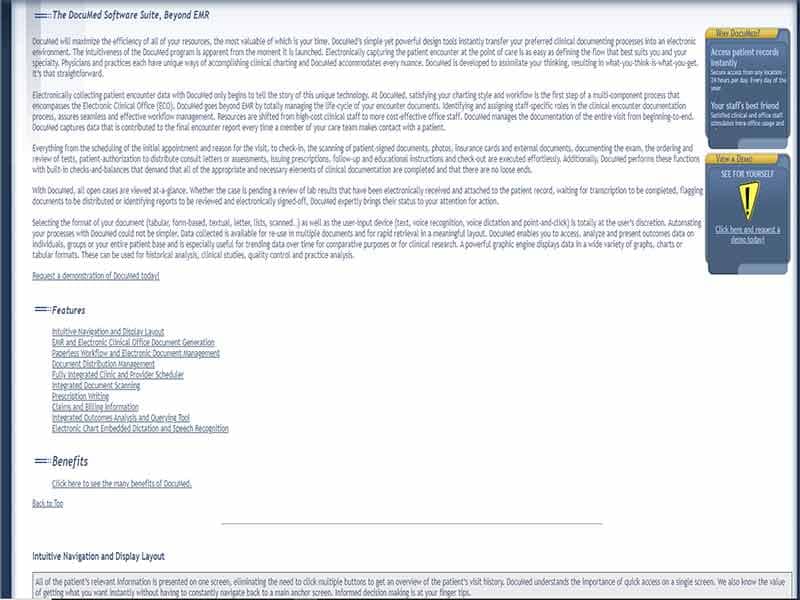
You can securely share patient reports and consult letters with authorized recipients. Access is controlled based on patient permissions.

Explore what DocuMed offers — from day-to-day workflows to advanced capabilities.
You can securely share patient reports and consult letters with authorized recipients. Access is controlled based on patient permissions.
The system helps you create templates and flowsheets for accurate documentation. You can use dictation, voice recognition, or manual input.
It organizes billing data, including ICD and CPT codes, in one place. This helps you review and submit claims more efficiently.
You can generate, renew, and review prescriptions directly within the system. This improves workflow speed and reduces errors.
Speech recognition tools allow faster documentation and reduce manual typing.
Documed EMR is a cloud-based solution designed for structured patient record management and clinical workflows. It falls under software for EHR and helps you digitize patient data and documentation. In simple terms, this system replaces paper charts and helps you manage patient information efficiently.
Documed pricing is not fixed. It depends on your practice size, number of users, and feature requirements.
To get accurate costs, request a DocuMed demo or a custom quote. This approach is common among the best EHR software providers.
DocuMed EMR Software is designed for the following:
Common users include:
This flexibility makes it suitable for a wide range of EHR system use cases.
Documed EMR integrates with third-party tools to improve workflows. Key integrations include:
These integrations support documentation, reporting, and system performance within ehr software development environments.
You can also request a DocuMed demo to explore features in real time.
Choose Documed EMR Software if you need the following:
It works well if your focus is on improving internal documentation rather than complex data exchange across multiple systems.
The platform has been a dependable part of our daily operations. It handles core tasks smoothly and keeps everything organized without adding complexity.
Limited advanced customization options.
The software offers a good mix of features that support our workflow and improve efficiency. It covers most of our needs, though there are occasional areas where improvements could enhance usability. Still, it delivers solid value for the price.
Occasional lag in updates or syncing.
You use it to manage patient records, schedule appointments, document visits, and handle billing within one system.
Pricing depends on your practice size and needs. You need to request a quote for exact costs.
The system has limited mobile support and does not offer a dedicated mobile app.
It works best for clinics, physicians, and specialists who need structured documentation and workflow management.
Tell us a little about how your practice runs, and a specialist will come back with concrete numbers, a quick read on whether DocuMed genuinely fits, and a couple of closely-matched options worth weighing up. Straight answers, no sales pressure.
Takes under a minute — we never share your details.
By providing your phone number to Codatis, you consent to receive SMS communications related to your inquiries, service updates, and direct communication with your assigned representative.
Message and data rates may apply in accordance with your mobile service provider.
Codatis does not send unsolicited promotional messages. For more information, please refer to our Privacy Policy below or visit the link provided.
Codatis respects your privacy. No mobile information will be shared with third parties or affiliates for marketing or promotional purposes.
Text messaging opt-in data, consent, and related information will not be shared with any third parties under any circumstances.