DocLinks Software is an EMR/EHR software platform that helps healthcare teams create, store, update, and manage patient records. It allows physicians to keep clinical documentation organized and supports meaningful use of patient data.
Instead of switching between manual files or disconnected tools, you can manage patient care information through a single cloud-based platform.
DocLinks Pricing
DocLink’s pricing depends on the needs, size, and requirements of each practice. The vendor does not list a fixed public pricing plan for every user. For this reason, healthcare providers need to request a custom quote to understand the total cost.
You can contact the support team or request pricing through the product page. A custom DocLinks pricing plan helps practices choose the right setup based on users, features, add-ons, and implementation needs.
Who uses DocLinks software?
DocLinks Software is suitable for healthcare practices of different sizes. Small clinics can use it to simplify patient record setup, while larger multi-location facilities can use it to manage clinical information across teams.
It serves physicians, administrative staff, clinical teams, and healthcare managers who need secure access to patient data. The platform is especially useful for medical departments that depend on accurate documentation, diagnostic information, and patient communication.
DocLinks Integrations
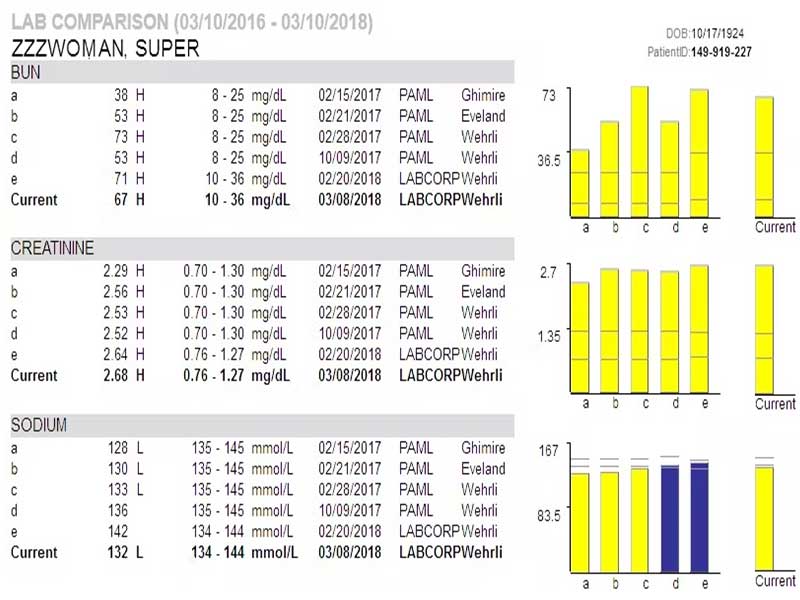
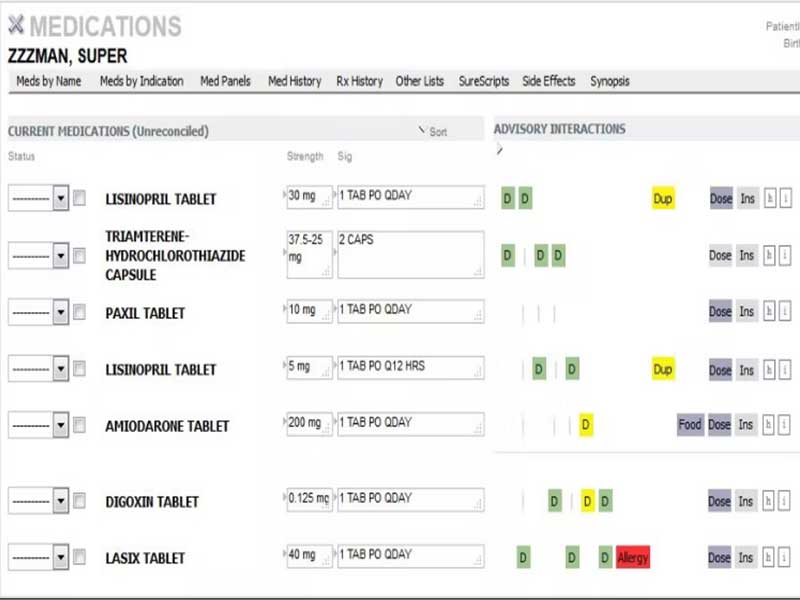
DocLinks integrates with platforms such as lab systems and pharmacies. These integrations help healthcare providers manage test results, prescriptions, and diagnostic information more efficiently. However, the vendor has not publicly disclosed a complete list of specific third-party integrations.
This means practices should confirm integration details before purchase. If your clinic depends on specific pharmacy, lab, billing, or reporting tools, ask the vendor during the DocLinks demo or pricing discussion.
How Does DocLinks Work?
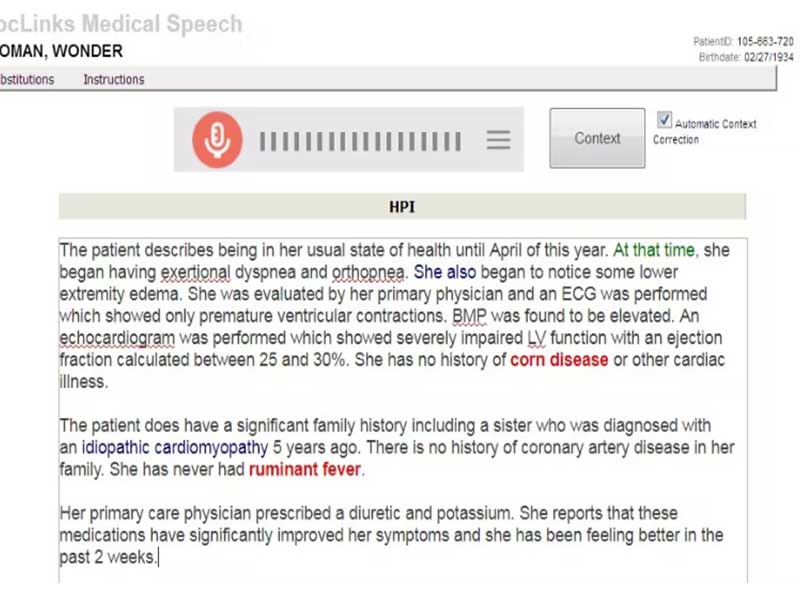
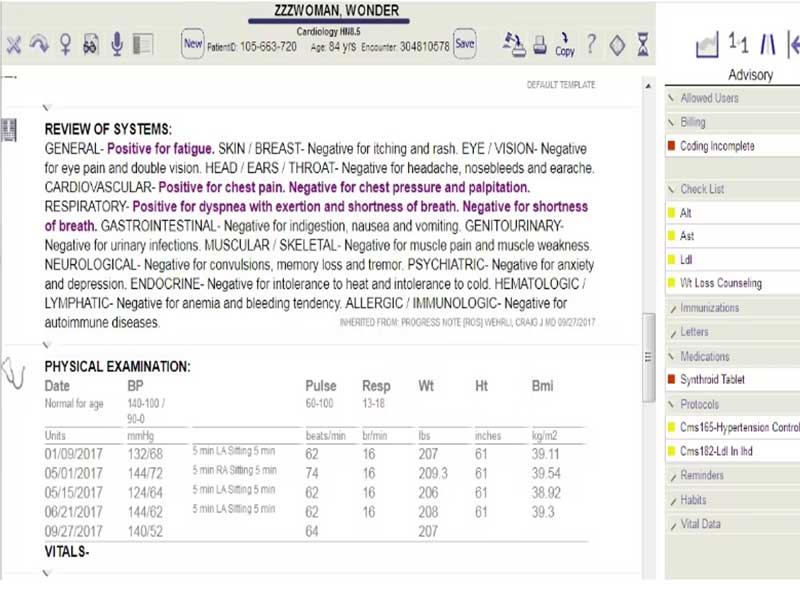
After installation, users log in with their credentials and set up practice details, preferences, and user permissions. Staff can then add patients, create records, upload documents, and record clinical notes.
Physicians can use the integrated radiology and lab support to review diagnostic data inside patient records. This helps to improve workflow because test results, images, and medical notes stay connected to the patient profile.
The portal also supports communication between patients and providers. During a DocLinks demo, you can see how the setup, record management, access control, and diagnostic support features work in real time.
Choose DocLinks Software For Better Clinical Documentation
Choose DocLinks Software if your practice needs cloud-based EHR software with strong document management and simple patient record handling. It is a good option for providers who want an intuitive EHR system that supports daily documentation without a steep learning curve.
It also suits practices that need integrated lab and radiology access. If your team values secure records, flexible access, and organized clinical notes, this EHR/EMR software can support your workflow.