Custom Clinical Documentation
Providers can configure templates and macros around their needs. This supports repeatable charting without forcing every clinician into one format.



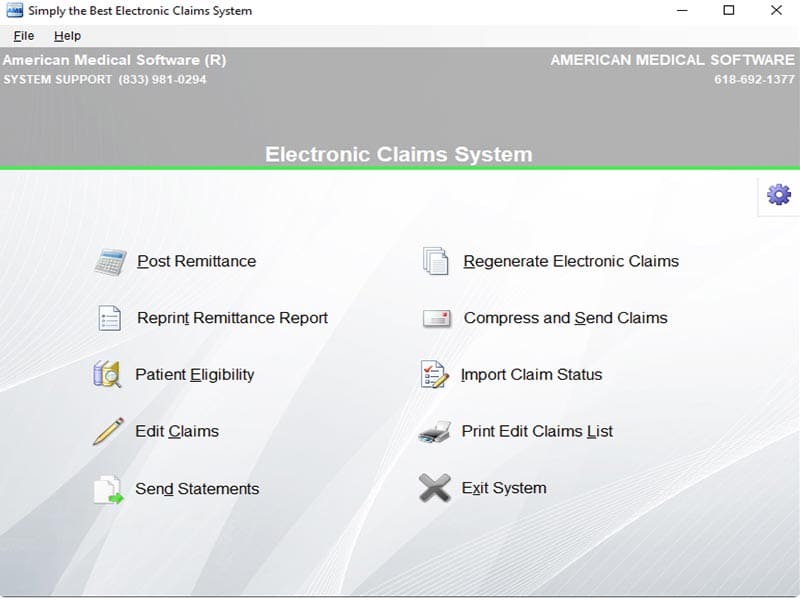
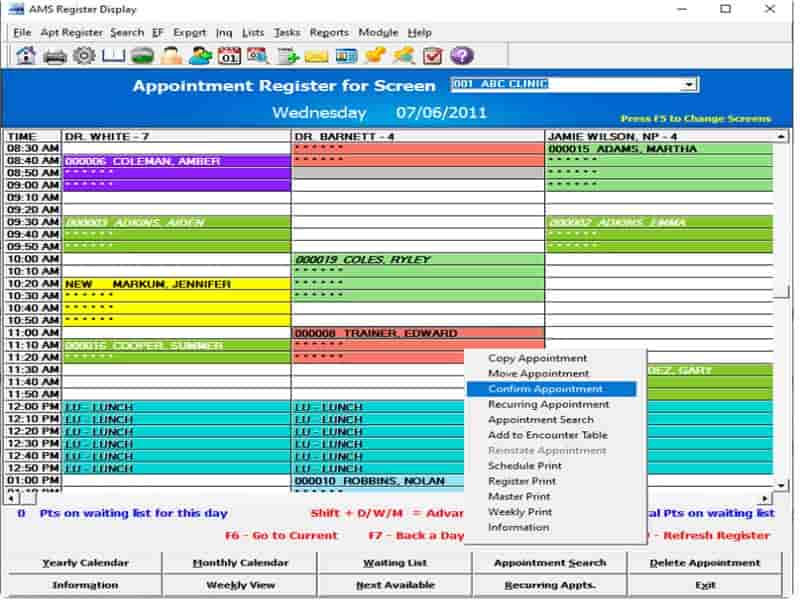
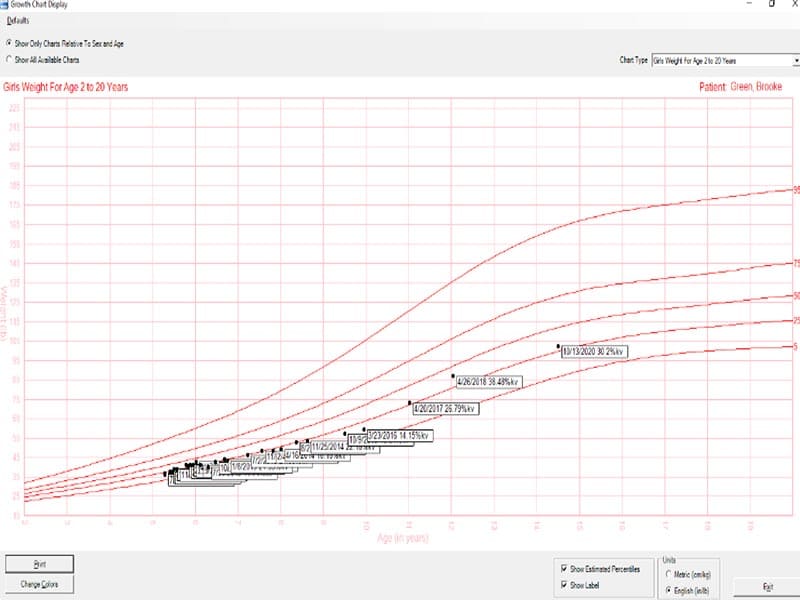
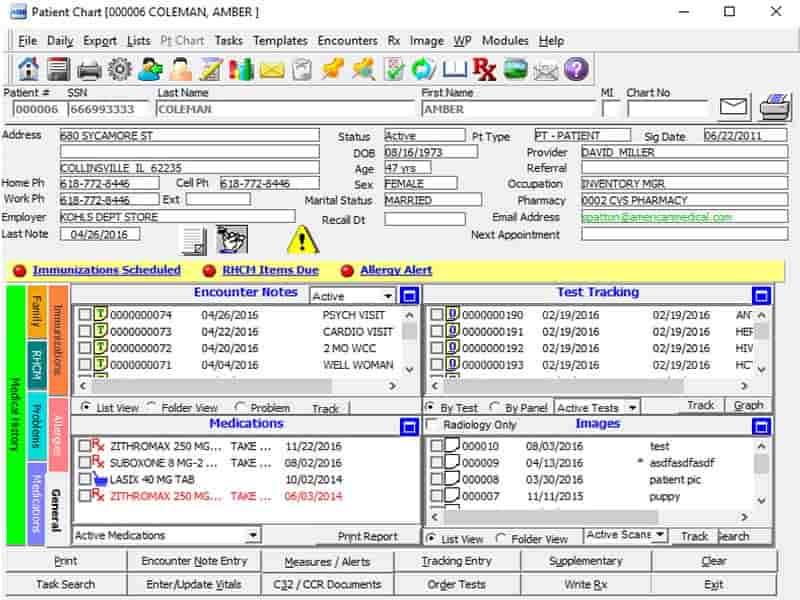
Explore what AMS Ultra Charts EMR Software offers — from day-to-day workflows to advanced capabilities.
Providers can configure templates and macros around their needs. This supports repeatable charting without forcing every clinician into one format.
Electronic patient tracking helps staff follow activity. Vaccine and immunization tools support preventive care records.
AMS Ultra Billing supports insurance billing and electronic claims. Confirm the financial tools included in your package.
AMS Ultra Portal supports secure messaging, demographic integration, and electronic statements.
AMS Ultra Schedules adds appointment management and connects schedules with patient records.
AMS Ultra Charts gives physician practices one place to keep patient charts organized and documentation consistent. Templates and macros are fully configurable too, so documentation actually matches how your practice works.
The platform belongs to a modular suite. Practices can use the charting system alone or add scheduling, billing, electronic claims, secure communication, and patient statements.
AMS Ultra Charts pricing is not published as a fixed plan. Practices need a custom quote based on modules, users, setup, training, support, and data conversion.
The main benefit is centralized patient information. Configurable templates support consistent notes, while electronic tracking reduces manual chart handling. E-prescribing, immunization tools, medication records, and referrals keep common tasks connected to the patient chart.
Want to organize your clinic operations? Get your demo with the Codatis team today!
AMS Ultra Charts can suit the following:
Confirmed connections within the AMS suite include:
The billing module supports insurance billing and electronic claims. The portal covers secure messaging, demographic integration, and electronic statements. The scheduling module handles appointment workflows.
A practice starts by configuring users, patient records, templates, and documentation preferences. Staff can then create or update charts, record medications, track immunizations, prepare referrals, and follow patient activity.
Additional modules connect scheduling, billing, and portal functions with the charting environment. Appointment data supports front-office work, billing tools handle insurance tasks, and portal functions add another communication channel.
Before purchasing, map each workflow and confirm which module supports it.
The platform has been a dependable part of our daily operations. It handles core tasks smoothly and keeps everything organized without adding complexity.
Limited advanced customization options.
The software offers a good mix of features that support our workflow and improve efficiency. It covers most of our needs, though there are occasional areas where improvements could enhance usability. Still, it delivers solid value for the price.
Occasional lag in updates or syncing.
It is primarily an EMR system. Connected billing, scheduling, and portal modules add broader EHR functions.
Practices need a custom quote based on users, modules, setup, training, support, and migration. No fixed pricing is available.
It’s been described as ONC-HIT certified.
Compare clinical functions, customization, integrations, total cost, implementation, support, mobile access, and contract terms.
Tell us a little about how your practice runs, and a specialist will come back with concrete numbers, a quick read on whether AMS Ultra Charts EMR Software genuinely fits, and a couple of closely-matched options worth weighing up. Straight answers, no sales pressure.
Takes under a minute — we never share your details.