Zanda Power Diary is a practice management software designed to help you run your practice your way. It takes care of everyday administrative tasks so you can focus on patient care. With tools to manage scheduling, workflows, and daily operations, it supports solo, group, and new practices alike. This system adapts to your workflow, helping you stay organized, save time, and grow with confidence.
Power Diary Integrations
Third-party apps and tools integrations are supported by this EMR software solution, which includes:
- Mailchimp
- Stripe
- Google Calendar
- Xero
- Tyro
- Physitrack
What Is PowerDiary Best For?
Power Diary EHR is a centralized solution built to help health practices thrive. It improves team communication, fills schedule gaps, and speeds up payments while keeping patient data secure. It streamlines daily tasks and reduces pressure. Power Diary login lets you focus on delivering quality care while it handles the rest.
Who Can Use Power Diary Software?
This platform can be leveraged by all scales of operations of the following healthcare practices:
- Psychology
- Chiropractic
- Physiotherapy
- Counselling
- Nutrition
- Allied Health
- Massage therapy
- Podiatry
- Speech pathology
- Chiropractic
- Naturopathy
- Occupational therapy
How to Use Zanda PowerDiary?
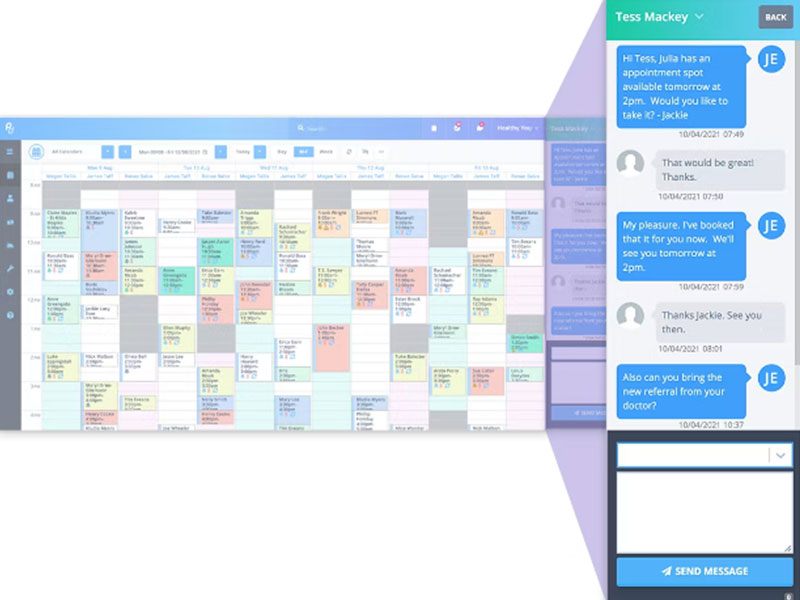
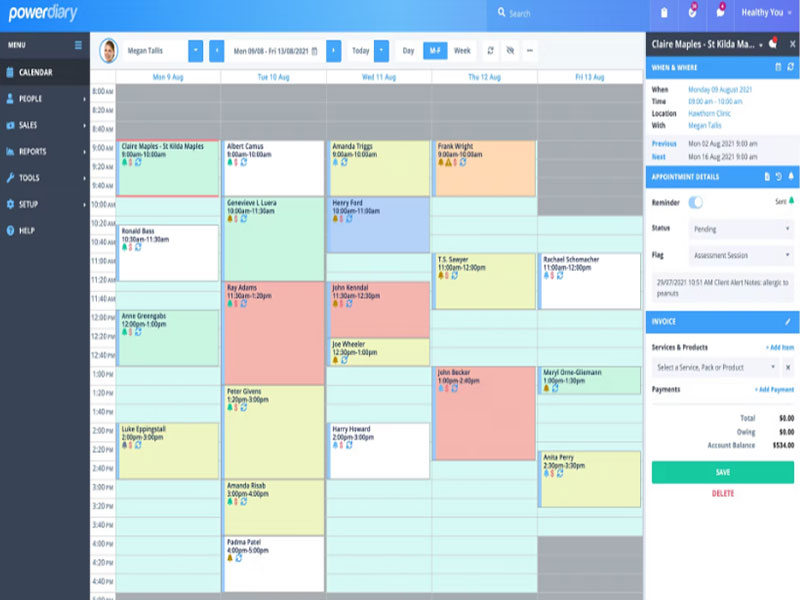
Add your credentials for a unique Power Diary Login to your secure dashboard to view a color-coded calendar that shows all appointments, practitioner availability, and clinic locations. Follow the mentioned steps to use this system to the fullest:
- Navigate to the “Business Info” section to add your logo, tax details, and practice locations for professional-looking invoices.
- Invite your team members by adding new users and setting specific permissions for practitioners or admin staff.
- Create a unique link for the “Client Portal” so patients can book their own appointments and pay deposits 24/7.
- Click an empty slot on the calendar to quickly book a new session, choosing between individual, group, or personal time-off types.
- Open a “Client Profile” to send digital intake forms that automatically save to the patient’s file once they are completed.
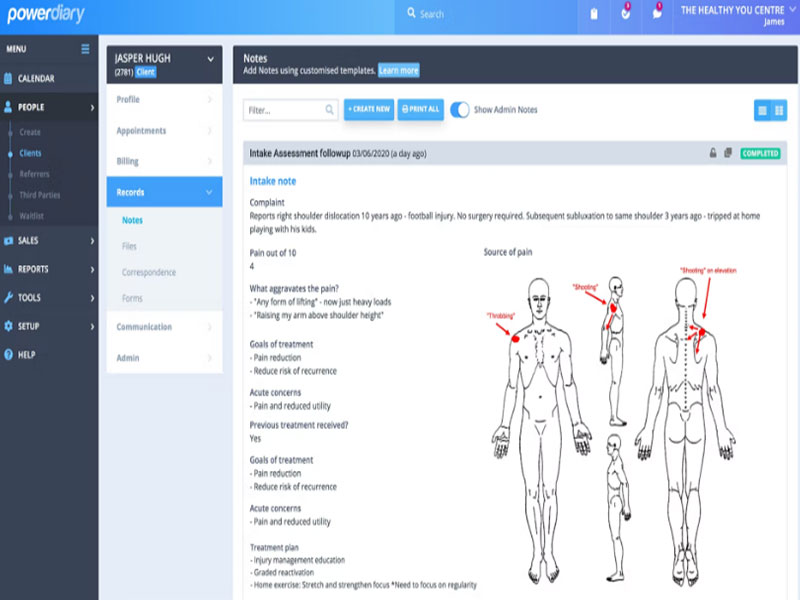
- Select a template from the library of over 180 options to write your clinical notes, including the ability to annotate body charts or add signatures.
- Use the “Communication” tab to set up to three automatic SMS or email reminders to stop no-shows before they happen.
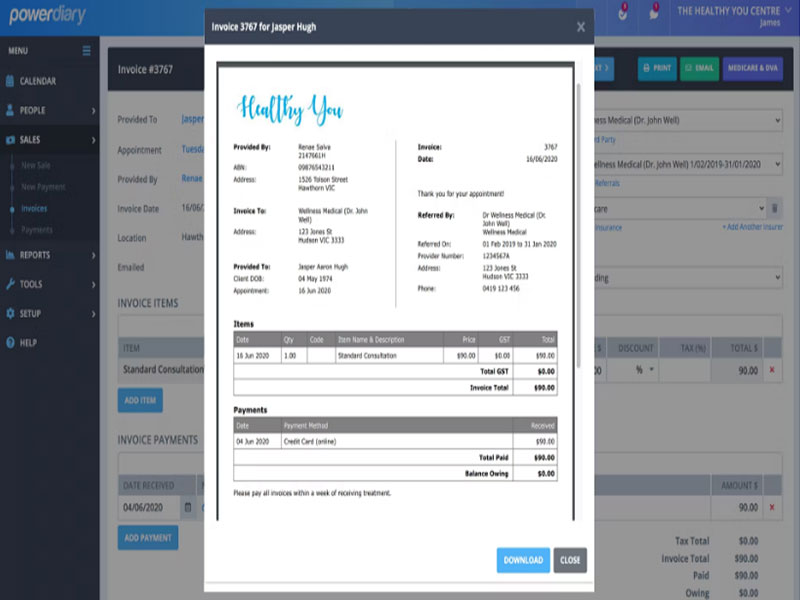
- Tap the “Invoice” button inside an appointment to generate a bill, record a payment, or process an insurance claim instantly.
- Open the “Telehealth” module to start a secure video session directly from the patient’s record with no extra software needed.
Book a free Power Diary demo to know more about the usage, integration capabilities, and features.
How Much Does Power Diary Cost?
Power Diary pricing is given below:
- Starter Plan: $9.50/month (1000 appointments, one practitioner)
- Growth Plan: $24.50/month (Unlimited appointments, one practitioner)
Connect with the sales team for a detailed breakdown of the Power Diary pricing.
Note: The pricing can change over time.
Power Diary Alternatives
The Power Diary alternatives are as follows:
Why Choose Zanda PowerDiary Software?
Zanda software uses a secure cloud infrastructure with encrypted data transmission and storage, helping protect sensitive patient information. It is designed to support compliance with regulations such as HIPAA, GDPR, and the Australian Privacy Act. The platform offers scalable performance, automated backups, and reliable hosting, making it suitable for both small practices and larger multi-location clinics while maintaining strong data protection standards.
You can connect with our professional software team for more clarity on the suitability of this platform with your unique business requirements. You can also watch a free demo and read honest Power Diary reviews.