Clinical Documentation and Prescribing
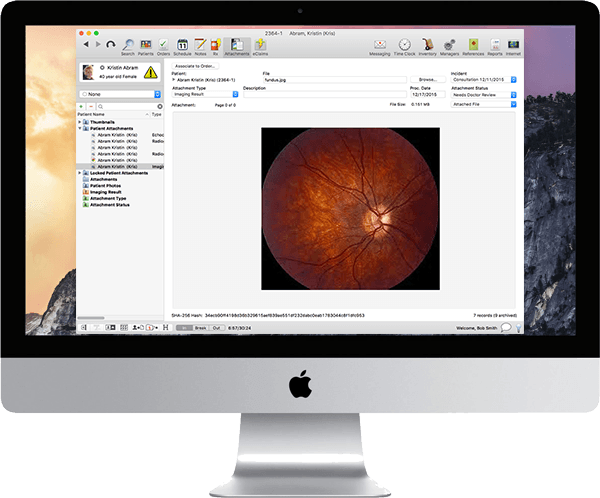
Visits can be charted, encounter information can be reused, records can be reviewed, lab orders can be created, and e-prescriptions are sent by providers.



Explore what MacPractice EHR software offers — from day-to-day workflows to advanced capabilities.
Visits can be charted, encounter information can be reused, records can be reviewed, lab orders can be created, and e-prescriptions are sent by providers.
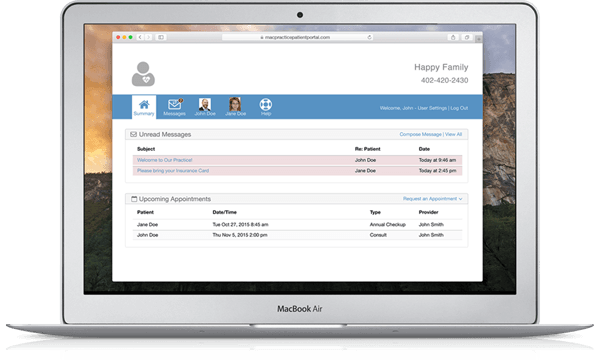
It includes features for appointment scheduling, online booking, registration forms, automated reminders, and patient access to the system.
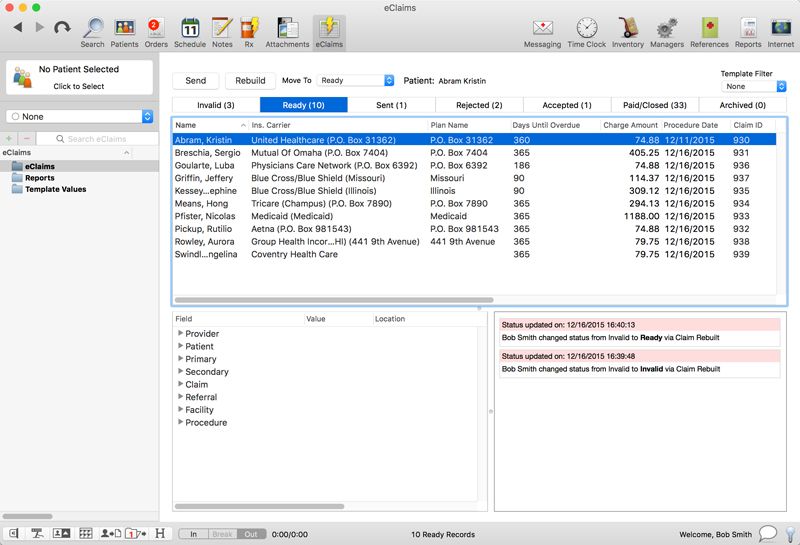
Ledger tools are used to monitor patient balances and electronic claims, patient payments, and accounts receivable. Financial activity, production activity, and patient scheduling activity are covered by built-in reports.
MacPractice EHR is a Mac-based practice management and EHR system for medical, dental, chiropractic, and optometry practices. Encounters are charted, orders are written, prescriptions are electronically generated, clinical information is reviewed, and charges are passed to billing. Patient records, appointments, claims, accounts receivable, and reports can all be managed in the same software environment with ease by staff.
MacPractice pricing is not a per-subscription rate. You must get a custom quote depending on your practice type, package, number of users, implementation needs, and additional services.
The primary advantage of its use is its related workflow management. Your team can share information between scheduling and clinical documentation/billing without having to use multiple systems. Local storage ensures practices have direct control of core patient information, and MacPractice facilitates secure web access.
Compare your options and choose the right software with confidence through Codatis.
MacPractice is designed for
It is suitable for small clinics and multi-provider practices that are looking for EHR software for Mac and has an integrated billing system, scheduling tool, and patient data management. For organizations that rely on the Windows operating system, device and access needs should be verified before purchase.
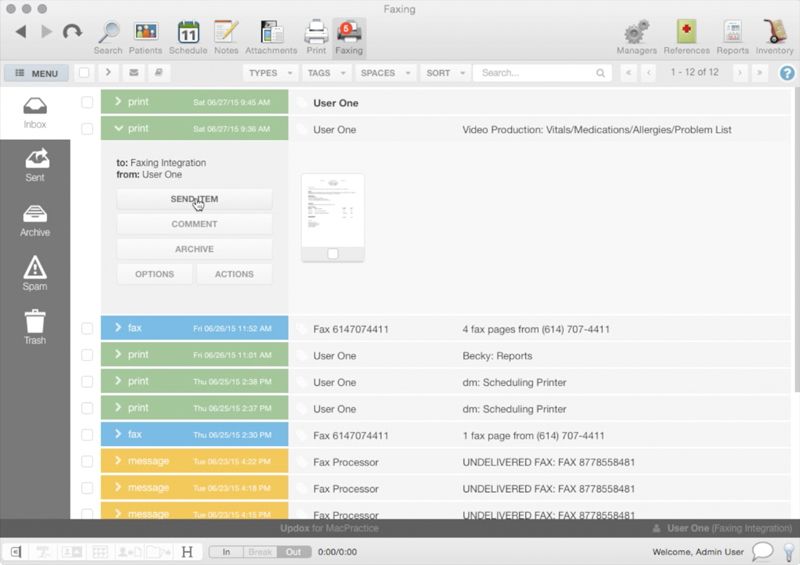
MacPractice integrations include electronic claims, e-prescribing, patient messaging, the ability to fax, payments, imaging, and healthcare data exchange. MacPractice integrations include NewCrop, Updox, DentalXChange, Change Healthcare, Inovalon, Planmeca, Romexis, Grade.us, Jive, and HL7 connections. This depends on your package and specialty.
The system is configured by your practice to create schedules, clinical templates, providers, billing rules, and user permissions. Visits are recorded using a Mac or a supported iPad app. Staff handles patient data, appointments, insurance claims, payments, and reports. The patients can use the portal to book online appointments, register, view all information relating to their medical care, and interact with the practice
If your practice needs Mac-based medical practice software that integrates clinical and administrative tasks, then select MacPractice EHR. It is ideal for teams that prefer having local control over their data, iPad charting, patient portal tools, integrated billing, and specialty-specific workflows.
The software is designed for MacOS.
Yes. MacPractice has a feature for electronic prescribing.
Yes. Patients can view their clinical information, fill out forms, book appointments, and contact the practice.
MacPractice pricing is customized. Ask for prices and fees on packages and services.
Medical, dental, chiropractic, and optometry practices that are Apple-based rely on MacPractice.
Tell us a little about how your practice runs, and a specialist will come back with concrete numbers, a quick read on whether MacPractice EHR software genuinely fits, and a couple of closely-matched options worth weighing up. Straight answers, no sales pressure.
Takes under a minute — we never share your details.