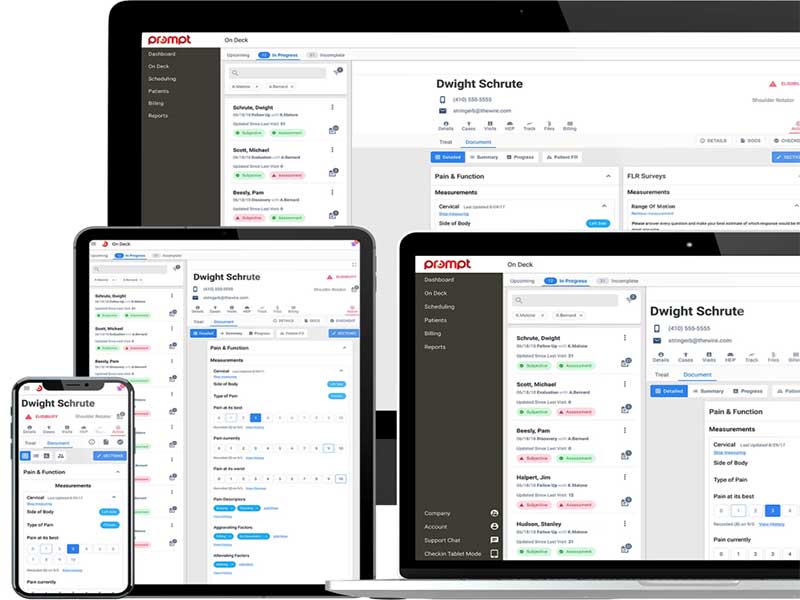
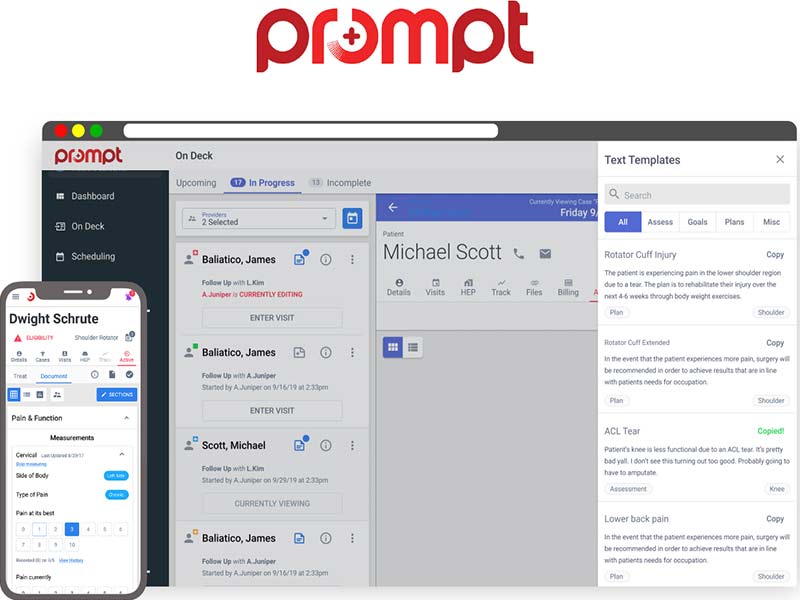
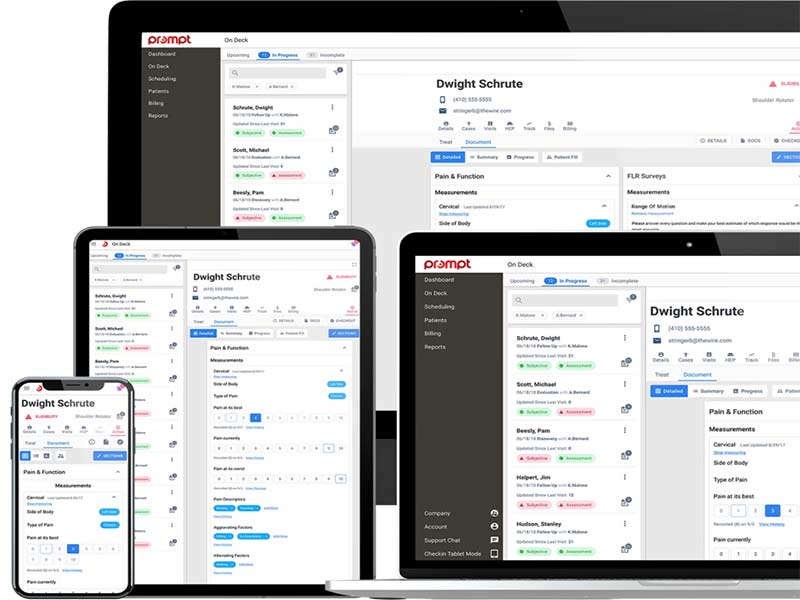
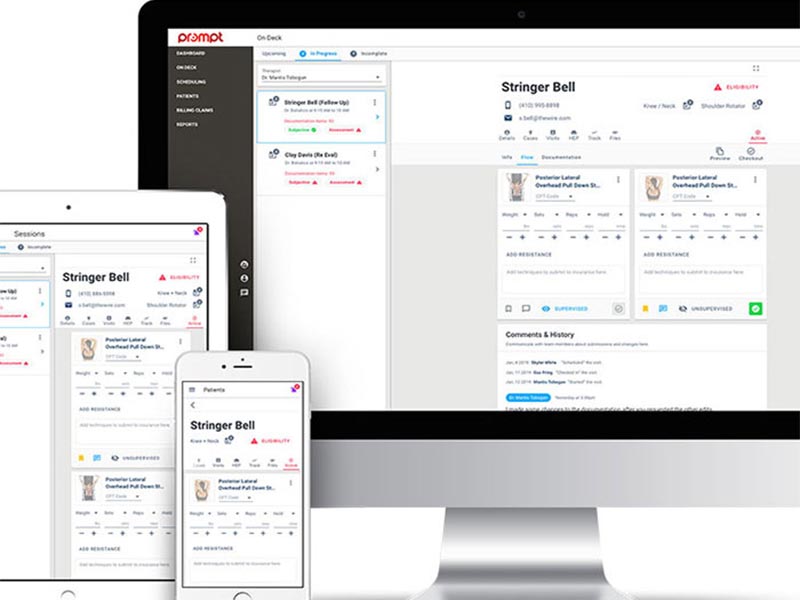
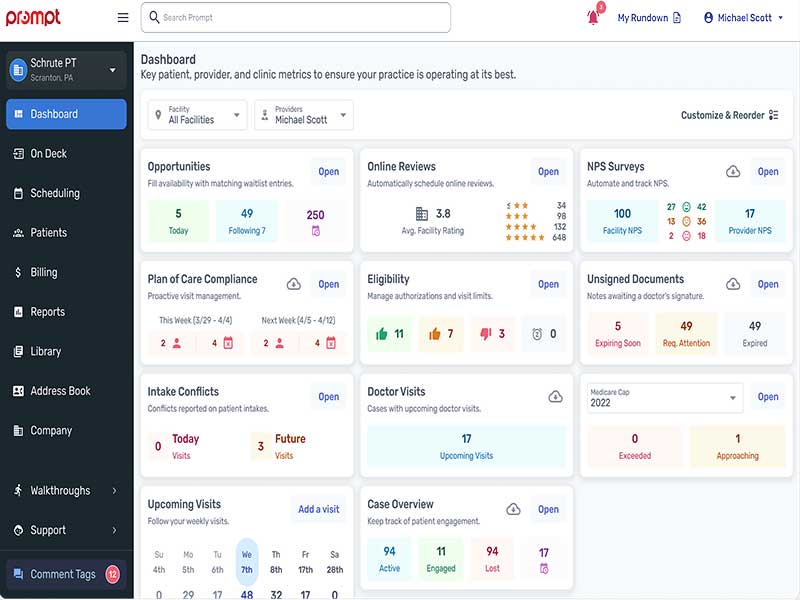
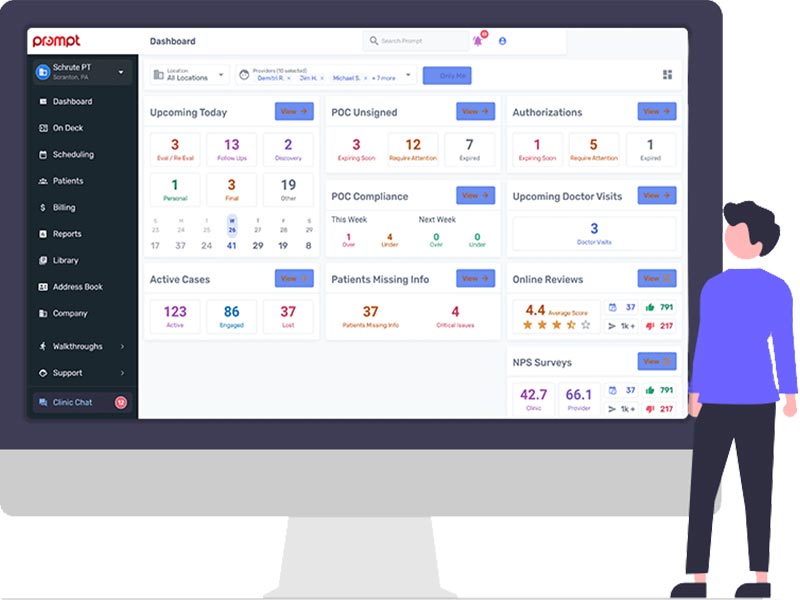
PromptEMR is a modern healthcare platform designed to connect clinical care, operations, and billing. It uses smart automation to reduce manual work and improve how practices run day to day. Prompt Health brings scheduling, documentation, and financial tracking together, helping clinics save time and grow revenue. It supports providers across multiple specialties by improving coordination.
EMR Prompt Integrations
Third-party apps and tools integrations are supported by this EMR software solution, which includes:
- BetterPT
- BetterHealthcare
- Jopari
- Birdeye
- Office Ally
- Weave
- Comprehend PT
What is Prompt EHR Best For?
Prompt Therapy solutions are best for clinics that want stronger control over patient flow and financial outcomes without adding extra workload. It helps teams stay on track with automated reminders, improves documentation accuracy during visits, and reduces claim issues after a Prompt EMR log in. Clinics that switch to it routinely report completing 92% of notes during work hours, 20 to 25 more visits per provider each month, and up to a 39% lift in overall revenue.
Who Is Patient Prompt For?
It can be leveraged by:
By Specialty
- Physical therapists
- Occupational therapists
- Speech-language pathologists
- Chiropractors
- Pediatric therapy providers
By Role
- Clinicians
- Front office staff
- Billers
- Practice managers
By Practice Size
- Solo provider practices
- Startup clinics
- Multi-clinic groups
- Enterprise organizations
- University clinical programs
How Much Does Prompt EMR Cost?
Prompt EMR pricing is not published on a fixed pricing page, and the final cost varies based on the number of providers, selected modules, and practice size. Based on data from verified third-party review platforms, here is what to expect:
- Base Plan: $100 to $500 per provider per month
- Custom Enterprise Pricing: available on request for larger organizations
Reminders, digital intake, and home exercise programs are included in plans and not billed as add-ons. A free demo is available through the official website.
How To Use Prompt.EMR?
Add your credentials for a Prompt EMR login, then follow these steps:
- Set up your practice profile
- Add provider and staff details to it
- Enter patient records or import existing data
- Use it to schedule appointments from the dashboard
- Document visits directly within it during sessions
- Generate and send invoices through it
- Track payments and claims inside it
- Review reports and insights to improve workflow
Book a free Prompt EMR demo for more details.
Prompt Vs WebPT: Which One Is Better?
The Prompt EMR Vs WebPT choice comes down to priorities; Prompt wins on automation and speed, WebPT on market presence and familiarity.
Why Choose Go.Prompt.EMR?
PromtEMR acts as an all-in-one digital home for physical therapy practices, which can eliminate the need for multiple subscriptions and manual data entry. It serves as an organized partner that automates tedious office tasks and ensures your clinical notes are finished faster, allowing your team to focus on patient recovery while the software handles the complexities of running a modern rehab clinic.
Security and reliability are at the core of the platform, which is fully HIPAA-compliant and hosted on a highly secure, cloud-based infrastructure. Your practice benefits from a scalable system that supports everything from solo clinics to massive multi-state organizations with a Prompt EMR sign in. With bank-level encryption, ONC, and SOC 2 Type II certification, it provides a stable and certified environment that keeps your patient data protected, backed up, and accessible whenever you need it most.
Connect with our software experts for in-depth information regarding the suitability of this platform with your practice requirements and user preferences. You can also watch a free demo and read unbiased Prompt physical therapy software reviews.