
Overview
Owl Practice is an intuitive platform especially made for mental health experts to manage their clinical processes, financial operations, and administrative workflows from a centralized hub. This system supports optimal patient care by taking care of the rest. Some users have reported restricted personalizations, but this tool remains a reliable, expandable, and secure solution that can do it all.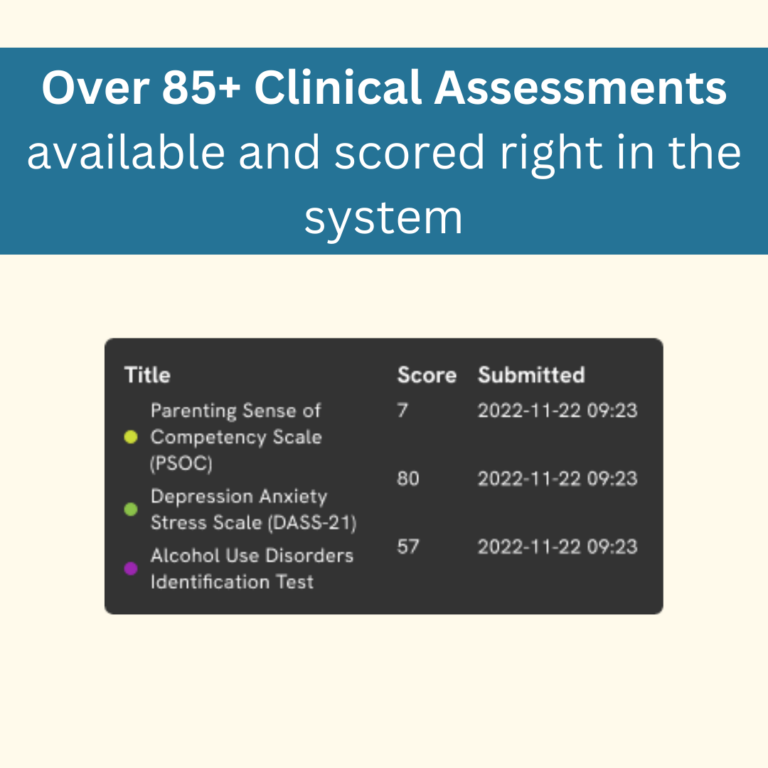

Owl Practice Software Specifications
What Is Owl Practice?
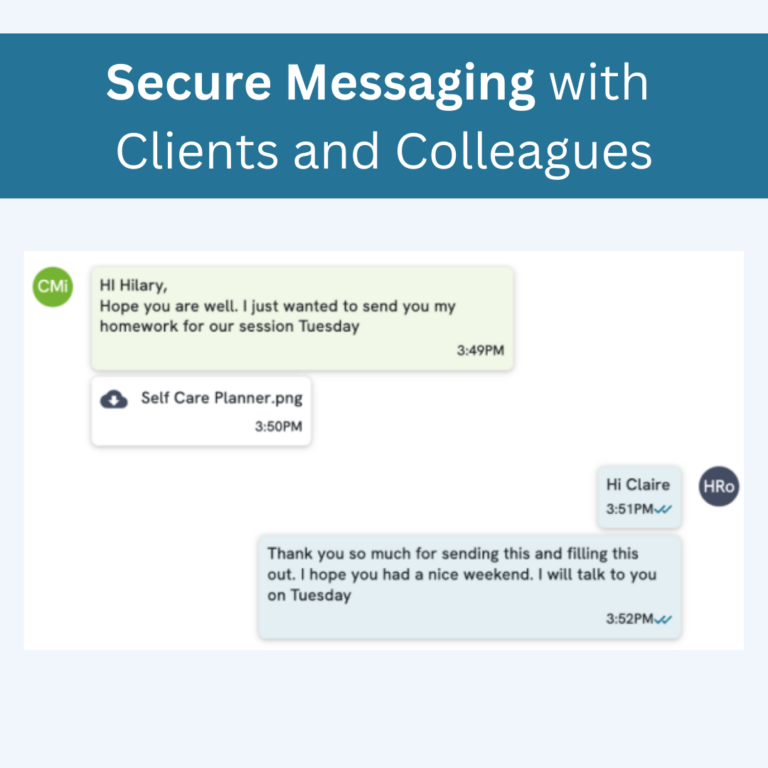
OwlPractice is a unified mental health practice platform that automates intensive administrative operations through simplified EHRs. This platform is designed to meet the highest clinical standards by providing intelligent tools like an AI-based note-taker, Integrated payments, online portals, secure messaging, appointment scheduling, etc.
Owl Practice Integrations
Third-party apps and tools integrations are supported by this EMR software solution, which includes:
- Stripe
- Google Calendar
- App Calendar
Watch a free Owl Practice demo for more details.
What Is Owl Practice Suite Best For?
Owl Practice login is best for:
- Role-based permissions
- Documentation sharing
- Progress monitoring
- Financial insights
- Video therapy solutions
How Much Does Owl Practice Cost?
Owl Practice pricing plans are:
- Growth: $60 per 20 sessions per month
- Advanced: $80 per month
- Professional: $100 per month
- Free trial: 14-day
Connect with us for a tailored quote according to your budget, practice requirements, and user preferences.
Who Is OwlPractice For?
This system can be leveraged by:
- Therapists
- Start-ups
- Group Practices
- Social workers
- Educational institutions
- Non-profit groups
Why Choose Owl EHR?
You can choose Owl Meeting software based on these offerings:
- PIPEDA and PHI-compliant video therapy
- Regulatory compliance
- Bank-level encryption
- Supervisor workflows
- AI-based smart notes
- Seamless migration and onboarding
Feel free to connect with our software support team if you have any doubts regarding the suitability of this platform. You can also watch a free demo and read unbiased Owl Practice reviews.
Owl Practice Features
An Owl Practice login allows confidential video consultation sessions with no requirements for patients to visit their therapists on the premises. These video therapy features are multi-device compatible and intuitive, enhancing patient experience.
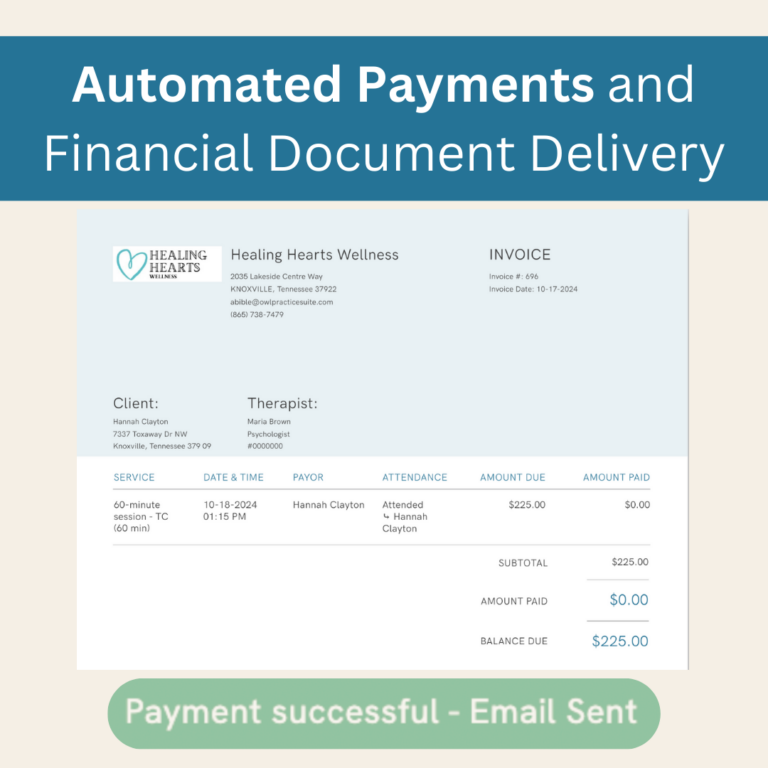
These features sync with the therapy sessions through integrated payment processing, automated invoicing, receipts, collections, claims filing, and an autopay facility.
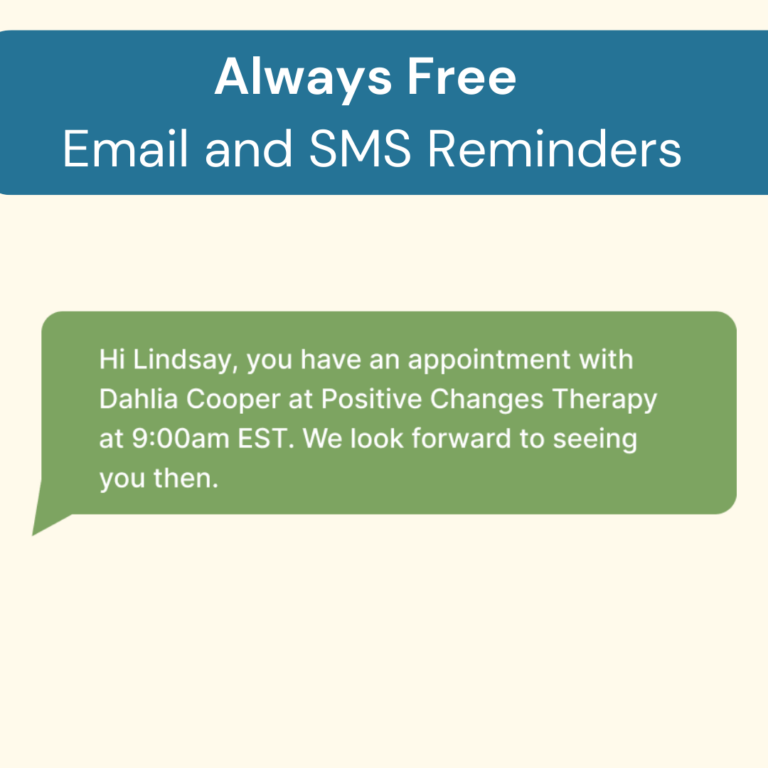
An OwlPractice login equips you with synced calendars, automated alerts through emails and SMS, multi-location booking, and real-time editing.
Practitioners can perform documentation with the help of built-in templates and the AI-based Smart Notes AI Notetaker.
These portals enhance patient experience through self-scheduling, digital signatures, intake form filling, data accessibility, and data exchange with feasibility and security.
See The Software In Action Watch Free Demo!
Top Recommended Software






Owl Practice Reviews
My software review
Pros
The platform has been a dependable part of our daily operations. It handles core tasks smoothly and keeps everything organized without adding complexity.
Cons
Limited advanced customization options.
An excellent System
Pros
The software offers a good mix of features that support our workflow and improve efficiency. It covers most of our needs, though there are occasional areas where improvements could enhance usability. Still, it delivers solid value for the price.
Cons
Occasional lag in updates or syncing.
Frequently Asked Questions (FAQs)
Certainly not, the Owl Practice software does not have a free plan available.
Yes, Owl Practice Suite is cloud-based.
English and French are the languages that OwlPractice supports.
Owl Practice allows buyers to get answers through the online form, chat assistance, help center, knowledge base, Live QnA, onboarding sessions, and email. You can also get details about the Owl Practice pricing.
There is no Owl Practice mobile app that provides remote access. Users can access the functionalities of this software platform through a single Owl Practice login.
The Owl Practice Suite API is unavailable.
According to Owl Practice reviews, this software supports iOS and Android handheld devices, with a requirement for an Owl Practice login to access the dashboard through a web browser.
Yes, there is an Owl EHR free trial option for 14 days with no credit card requirement, and you can also request a free demo.