Comprehensive Patient Messaging
Effortlessly communicate with patients through secure text or email reminders, enhancing patient engagement and reducing no-shows.


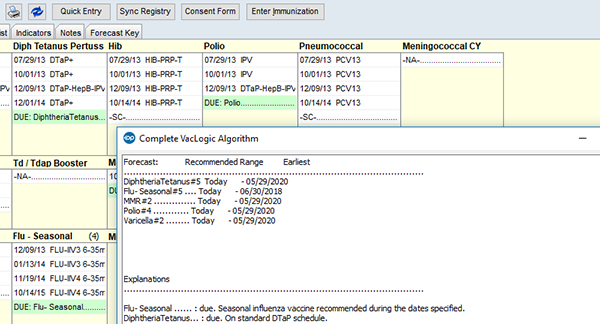
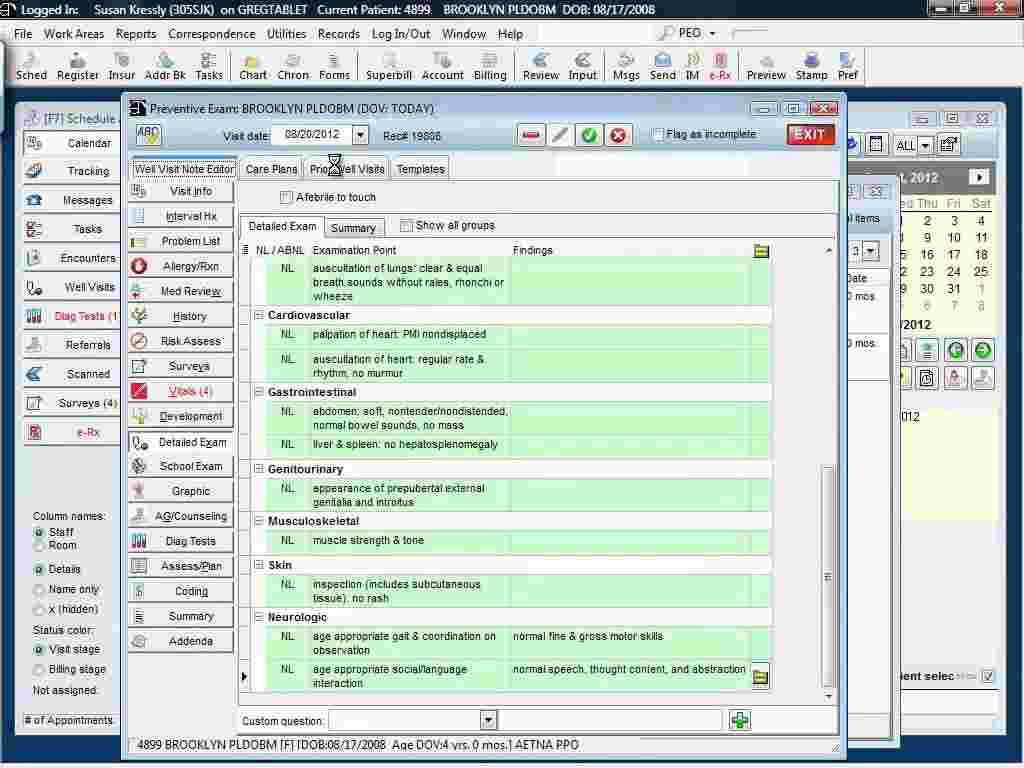
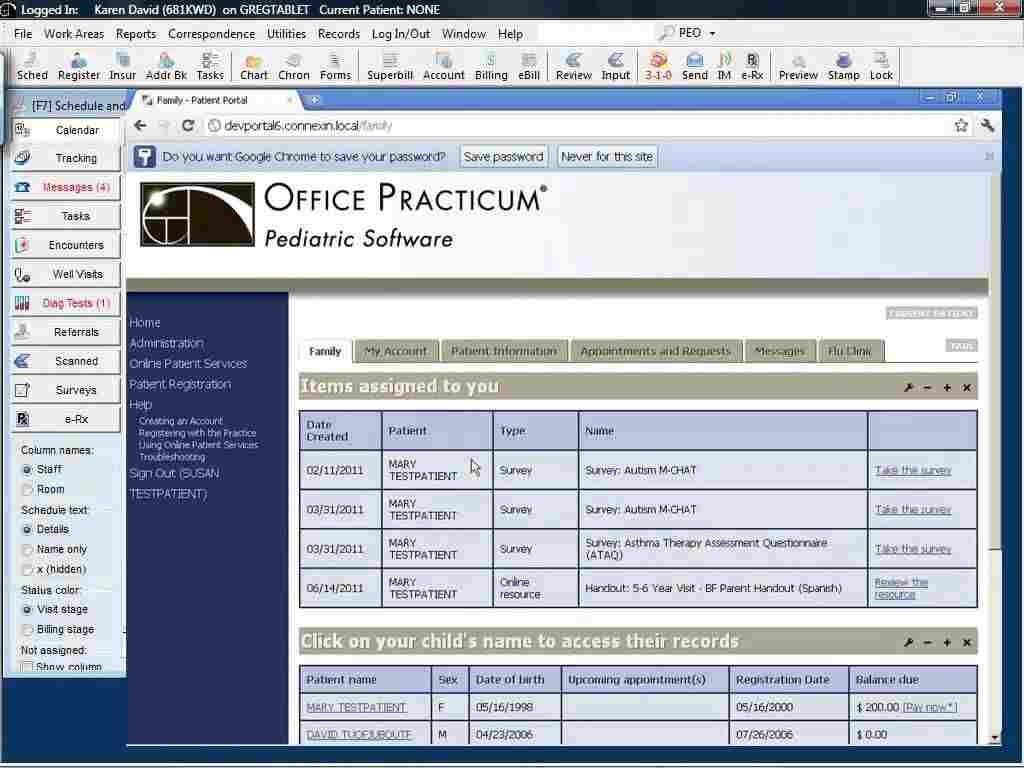
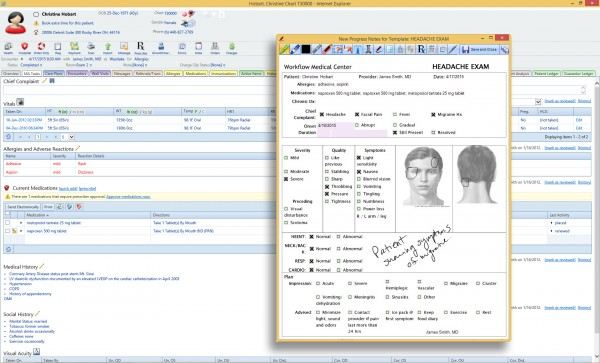
Explore what Office Practicum offers — from day-to-day workflows to advanced capabilities.
Effortlessly communicate with patients through secure text or email reminders, enhancing patient engagement and reducing no-shows.
Patients can view their medical records, schedule appointments, and access educational content directly from the secure online portal.
This feature automatically scans claims before submission, ensuring accurate and error-free billing to reduce denials and speed up payment.
Streamline patient payments with integrated payment solutions that allow easy billing and faster reimbursements.
A powerful AI assistant that simplifies patient care tasks, reducing documentation errors and boosting practice efficiency.
Access customizable, real-time reports on financial health, patient care, and operational metrics, enabling data-driven decisions.
OfficePracticum is a pediatric-specific EHR and practice management system that integrates essential workflows like billing, patient scheduling, and clinical documentation. Its comprehensive features ensure your practice operates smoothly by automating time-consuming tasks. You can improve patient satisfaction, boost practice effectiveness, and ensure seamless claims submission.
Indeed, the apps this tool integrates with include various billing, telehealth, and pediatric-specific clinical solutions to support the full lifecycle of your practice.
Custom Office Practicum pricing based on practice size and requirements. The cost has not yet been disclosed on the official website. For more information, click on the ‘Get Pricing’ option.
Office Practicum EHR is best for pediatric practices needing a complete solution to streamline both clinical, financial, and administrative workflows. It helps practices manage patient records, automate billing and collections, and track financial health in real-time. Its user-friendly design simplifies day-to-day operations, helping pediatricians deliver better care with fewer operational challenges.
This system is leveraged by:
Add your credentials for an Office Practicum login to your secure cloud dashboard to see the daily patient schedule and pending tasks at a glance. Follow the given instructions to use this system effectively:
Schedule a free Office Practicum demo for more details.
Practicum Office serves as a dedicated clinical partner built by pediatricians specifically for the unique needs of independent pediatric and behavioral health practices. You can manage specialized childhood care workflows, like developmental tracking and vaccine inventory, without the friction of adult-focused systems. It acts as an all-in-one workspace that harmonizes your clinical charting with revenue management, allowing your team to focus on nurturing young patients while it simplifies your complex daily operations.
Security and industry standards are deeply embedded in the system, which is Drummond Certified and fully ONC compliant. Your practice benefits from advanced data protections across six core clinical areas, ensuring sensitive health information remains confidential and accessible. The scalable, cloud-based infrastructure adapts as your patient list grows, providing a stable and certified environment that keeps your office on track with evolving healthcare regulations and data privacy requirements.
Connect with our software assistance team to have all your doubts cleared. You can watch a free demo and read unbiased Office Practicum reviews for more perspectives.
The platform has been a dependable part of our daily operations. It handles core tasks smoothly and keeps everything organized without adding complexity.
Limited advanced customization options.
The software offers a good mix of features that support our workflow and improve efficiency. It covers most of our needs, though there are occasional areas where improvements could enhance usability. Still, it delivers solid value for the price.
Occasional lag in updates or syncing.
Certainly not, the Office Practicum software does not have a free plan available.
Yes, OfficePracticum is cloud-based.
English is the language that Office Practicum EHR supports.
Office Practicum support allows buyers to get answers through phone support, chat assistance, fax, online contact form, 24/7 live representative, and email. You can also get details about Office Practicum pricing.
There is no standalone Office Practicum mobile app; however, users can access the functionalities of this software platform through a secure, mobile-responsive web portal using a single Office Practicum login.
Yes, the Office Practicum API is available to support clinical and administrative data exchanges.
According to Office Practicum reviews, this pediatric EHR software supports iOS and Android handheld devices via web browsers, with a requirement for an Office Practicum login to access the dashboard.
While a standard free trial is not listed, you can request a personalized demo to explore the platform’s features.
Tell us a little about how your practice runs, and a specialist will come back with concrete numbers, a quick read on whether Office Practicum genuinely fits, and a couple of closely-matched options worth weighing up. Straight answers, no sales pressure.
Takes under a minute — we never share your details.
By providing your phone number to Codatis, you consent to receive SMS communications related to your inquiries, service updates, and direct communication with your assigned representative.
Message and data rates may apply in accordance with your mobile service provider.
Codatis does not send unsolicited promotional messages. For more information, please refer to our Privacy Policy below or visit the link provided.
Codatis respects your privacy. No mobile information will be shared with third parties or affiliates for marketing or promotional purposes.
Text messaging opt-in data, consent, and related information will not be shared with any third parties under any circumstances.